
Pikvee FAQs
Generate AI images for portraits, product visuals, social posts, and creative edits using Nano Banana Pro and GPT Image 2 models.

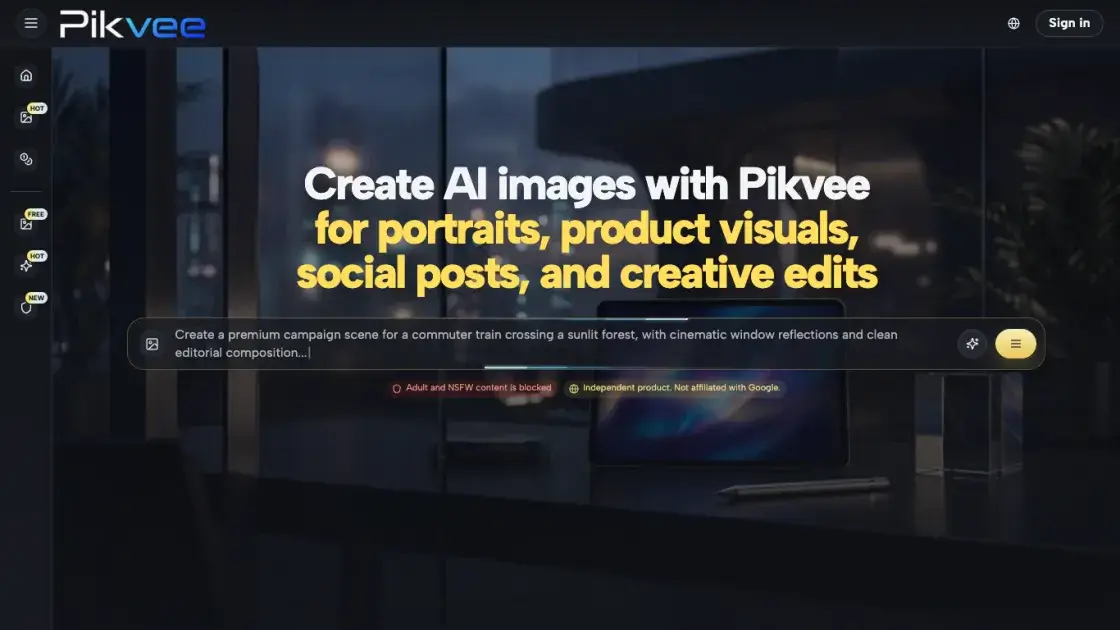
FAQs of Pikvee
What kind of work is Pikvee best suited for?
Pikvee fits teams that need polished image output for campaigns, product storytelling, editorial concepts, or fast visual exploration. It works well for marketing, social content, ecommerce, and agency workflows.
Can it handle both new image creation and guided edits?
Yes. Users can generate images from text prompts or start with a reference photo for more control over composition and subject identity, then refine the output through iterations.
Why would a team use this instead of a single-model tool?
Pikvee provides access to multiple AI models including Nano Banana Pro and GPT Image 2, so teams are not limited to one visual style. This flexibility supports different creative briefs within the same platform.
Is the output intended for business-facing work?
The platform is designed to produce output suitable for landing pages, ads, product imagery, decks, and campaign concepts. Images are available in watermark-free download format.
What pricing plans are available?
Pikvee offers a free tier with 10 credits, plus Starter, Pro, and Max plans with increasing credit allocations. Yearly billing provides the lowest per-month cost, and one-time payment options are also available.
How fast is the image generation?
Generation speed is a key focus of the platform. Users can move from initial request to review-ready options quickly, which supports active campaign cycles and fast iteration.
Are there content restrictions?
Yes. Adult and NSFW content is blocked on the platform.
How to use Pikvee
- Sign up for a free account at pikvee.com to get started with 10 credits and access to all available models.
- Write a detailed visual description in the prompt box, specifying the subject, style, lighting, and composition you need.
- Optionally upload a reference photo if you want more control over composition or subject identity.
- Generate your first batch of images and review the draft options returned by the platform.
- Refine the direction by adjusting your prompt, style settings, or model selection across subsequent iterations.
- Download the approved images in watermark-free format for use in campaigns, decks, or product listings.
