
Photoshop Nano Banana
Photoshop Nano Banana is an AI photo editing plugin for Photoshop.
| Added on: | Sep 11, 2025 |
| Monthly Visits: | -- |
| Social & Email: | -- |

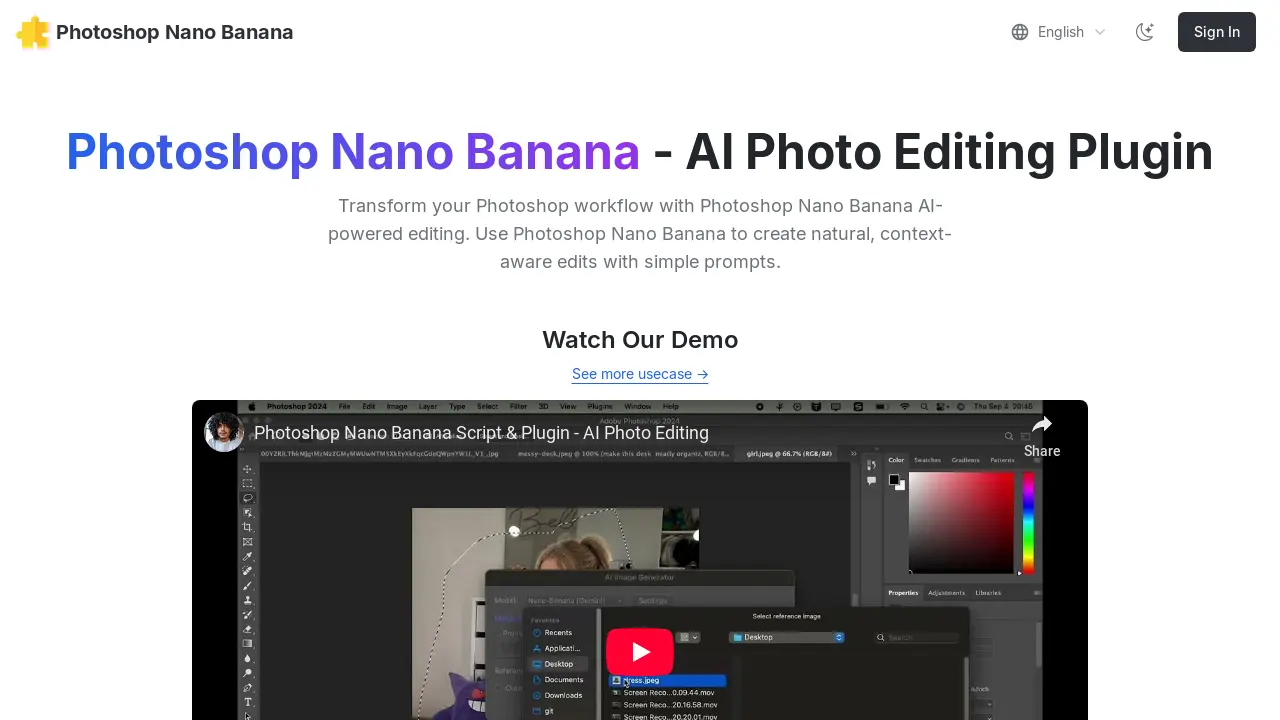
What is Photoshop Nano Banana
Photoshop Nano Banana is an AI-powered plugin designed to enhance Adobe Photoshop workflows with intuitive, context-aware image editing. This tool enables users to generate natural edits through simple text prompts. Key functionalities include transforming selected areas, generating content that seamlessly integrates with existing lighting and shadows, and performing tasks like background removal or logo placement. The plugin integrates with Replicate for AI model access and is compatible with Windows 10/11 and macOS. It aims to streamline the editing process, allowing for efficient AI-driven image manipulation within Photoshop.
How does Photoshop Nano Banana work
Photoshop Nano Banana operates as an AI photo editing plugin for Adobe Photoshop, integrating advanced AI capabilities into the existing workflow. Users install a .jsxbin script into their Photoshop scripts folder, which then accesses the Replicate AI platform via a user-configured API token. The plugin enables context-aware edits and image generation based on simple text prompts, applying these changes to user-selected areas within Photoshop documents. It supports various AI models, including Flux Context, GPT-4o, and Qwen Image Edit, creating new layers with the generated results, thereby transforming traditional Photoshop editing into an AI-powered process.
Benefits of Photoshop Nano Banana
The Photoshop Nano Banana AI Photo Editing Plugin enhances your Photoshop workflow by enabling natural, context-aware edits through simple prompts. This Photoshop plugin utilizes AI-powered image generation, allowing users to select an area, input a prompt, and generate results that seamlessly match lighting, shadows, and materials. It supports various AI models and offers functionalities such as image overlay, background removal, and logo placement, transforming sketches into realistic images. Its integration streamlines the editing process for efficient and creative output.
Pros and Cons of Photoshop Nano Banana
Pros
- AI-powered photo editing plugin.
- Context-aware edits using prompts.
- Supports Flux Context, GPT-4o, Qwen.
- Affordable limited-time offer.
- Provides a free trial option.
Cons
- Requires Replicate API and credit.
- Manual installation into Photoshop scripts.
- Windows security issues may cause failures.
- Requires GitHub account for Replicate.
- Console windows appear during execution.
Core Features of Photoshop Nano Banana
AI-Powered Photo Editing
Transforms Photoshop workflows by enabling natural, context-aware edits using simple text prompts for image generation and modification, enhancing creative possibilities.
Context-Aware Image Generation
Generates new image elements that seamlessly match the existing lighting, shadows, and materials of the original image, ensuring realistic integration.
Selective Area Editing
Facilitates editing specific parts of an image by allowing users to make selections with standard Photoshop tools, then applying AI edits to only those areas.
Script-Based Plugin Integration
Installs as a Photoshop script, providing direct access within Photoshop's menu structure for a streamlined workflow and easy access to AI editing features.
Use Cases of Photoshop Nano Banana
- Graphic Designers: Streamline image manipulation by generating context-aware edits using AI photo editing within Photoshop.
- Digital Artists: Transform sketches into realistic images efficiently with the AI-powered Photoshop Nano Banana plugin.
- E-commerce Businesses: Quickly place logos onto product images, like t-shirts, enhancing product presentation with AI editing.
- Photographers: Enhance post-processing by using simple prompts to apply natural, AI-driven adjustments to selected areas.
FAQs of Photoshop Nano Banana
What is Photoshop Nano Banana?
Photoshop Nano Banana is an AI-powered plugin designed to enhance the Photoshop workflow by enabling natural, context-aware image edits through simple text prompts. This AI photo editing plugin integrates seamlessly into Photoshop, transforming your editing capabilities with artificial intelligence.
How does Photoshop Nano Banana work?
Photoshop Nano Banana leverages AI to perform edits. Users make a selection in Photoshop, enter a descriptive prompt, and the plugin generates a new layer with the AI-powered edit, matching existing lighting, shadows, and materials for a natural result. This AI photo editing plugin streamlines image manipulation.
What are the system requirements for Photoshop Nano Banana?
Photoshop Nano Banana is compatible with Windows 10 and 11, and macOS. Users need an Adobe Photoshop installation. During operation on Windows, console windows may appear, which is normal and safe behavior for the Photoshop plugin.
How do I install Photoshop Nano Banana?
To install Photoshop Nano Banana, first download the .jsxbin plugin file. Then, copy this file into your Photoshop Scripts folder (e.g., C:\Program Files\Adobe\Adobe Photoshop [version]\Presets\Scripts\ on Windows or /Applications/Adobe Photoshop [version]/Presets/Scripts/ on macOS). After copying, restart Photoshop for the script to appear under File → Scripts.
Does Photoshop Nano Banana require an external account or service?
Yes, Photoshop Nano Banana integrates with Replicate, an external service, to power its AI capabilities. Users need to create a Replicate account, add credit (minimum $10 recommended), and generate an API token, which is then entered into the Photoshop Nano Banana plugin settings for functionality.
What is the cost associated with using Photoshop Nano Banana?
The Photoshop Nano Banana plugin has a purchase price, currently $8 during a limited-time offer, returning to $19.9 afterward. Additionally, there are per-image generation costs through the Replicate service, estimated at approximately $0.039 per image for Photoshop Nano Banana, plus costs for other models if used.
What are some common use cases for Photoshop Nano Banana?
Photoshop Nano Banana can be used for various AI-powered image manipulations, including overlaying images, removing backgrounds, and placing logos on objects like T-shirts. Its ability to create natural edits based on text prompts makes it versatile for many editing scenarios within Photoshop.
What should I do if I encounter API request failures on Windows?
If you experience API request failures on Windows with Photoshop Nano Banana, it is often related to Windows security settings. Users should check their firewall settings or attempt to run Photoshop with administrative privileges. If issues persist, contacting support for assistance or a refund is recommended.
How to use Photoshop Nano Banana
Photoshop Nano Banana is an AI photo editing plugin designed to integrate advanced AI capabilities into Photoshop, enabling context-aware edits through natural language prompts. This tool aims to streamline image manipulation, offering features like background removal, object placement, and scene transformation.
- Access Replicate and sign in via GitHub to create your account, which is essential for the AI processing.
- Navigate to your Replicate account settings and add at least $10 in credit for plugin usage.
- Disable auto-reload in Replicate billing settings to manage credit usage and prevent unwanted charges.
- Generate a new API token within Replicate's API tokens section and copy it for later use in Photoshop.
- Download the Photoshop Nano Banana
.jsxbinplugin file from the provided link. - Copy the downloaded file into your Adobe Photoshop Scripts folder, located in
Presets/Scriptswithin your Photoshop installation directory. - Restart Adobe Photoshop to ensure the Nano Banana plugin appears correctly under the
File > Scriptsmenu. - Open any document in Photoshop, then launch the plugin by navigating to
File > Scripts > Nano-Banana-Image-Edit_v1_0. - During the initial launch, paste your copied Replicate API token into the plugin's settings panel.
- Utilize any Photoshop selection tool to define the specific area of your image intended for AI editing.
- Re-open the Photoshop Nano Banana plugin via
File > Scripts > Nano-Banana-Image-Edit_v1_0. - Input a concise and descriptive prompt detailing the desired AI-powered edit or generation.
- Select "Photoshop Nano Banana" as your preferred model within the plugin interface.
- Click the "Generate" button; the AI-edited result will appear as a new layer within your Photoshop document.
