
Photoshop Nano Banana Introduction
This AI-powered plugin transforms Photoshop workflows, enabling natural, context-aware image edits through simple prompts for users.

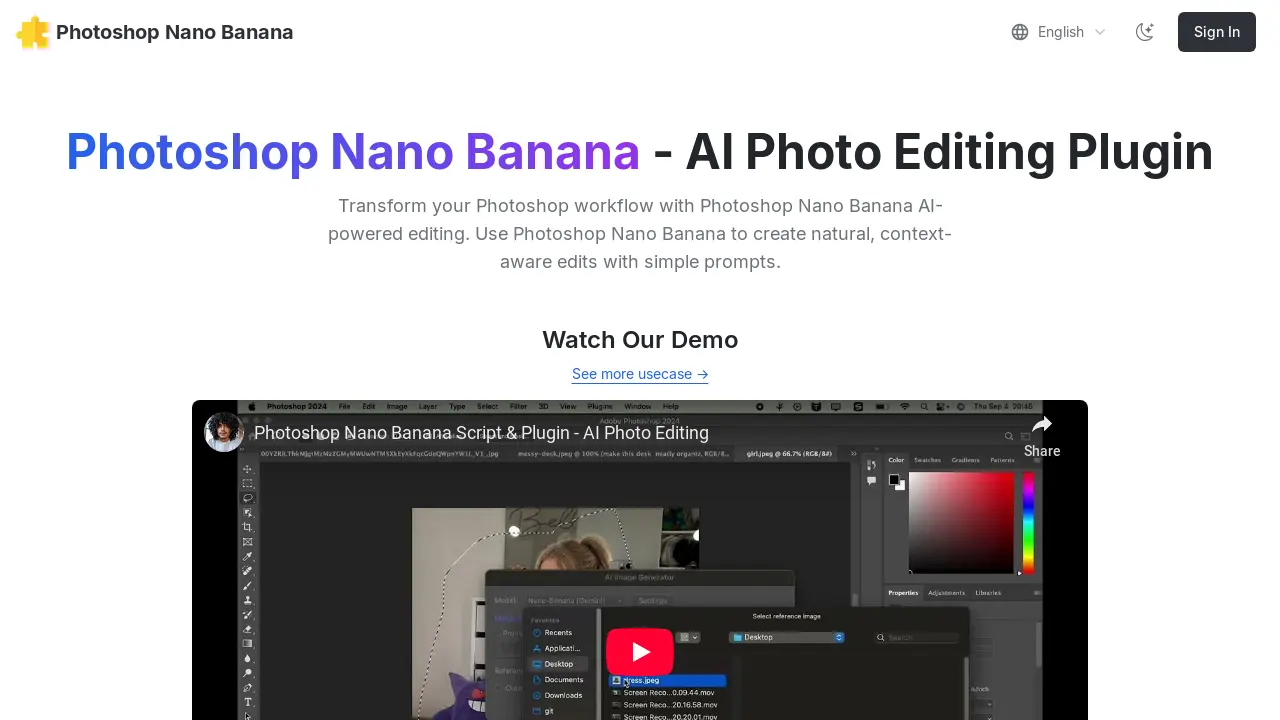
What is Photoshop Nano Banana
Photoshop Nano Banana is an AI-powered plugin designed to enhance Adobe Photoshop workflows with intuitive, context-aware image editing. This tool enables users to generate natural edits through simple text prompts. Key functionalities include transforming selected areas, generating content that seamlessly integrates with existing lighting and shadows, and performing tasks like background removal or logo placement. The plugin integrates with Replicate for AI model access and is compatible with Windows 10/11 and macOS. It aims to streamline the editing process, allowing for efficient AI-driven image manipulation within Photoshop.
How does Photoshop Nano Banana work
Photoshop Nano Banana operates as an AI photo editing plugin for Adobe Photoshop, integrating advanced AI capabilities into the existing workflow. Users install a .jsxbin script into their Photoshop scripts folder, which then accesses the Replicate AI platform via a user-configured API token. The plugin enables context-aware edits and image generation based on simple text prompts, applying these changes to user-selected areas within Photoshop documents. It supports various AI models, including Flux Context, GPT-4o, and Qwen Image Edit, creating new layers with the generated results, thereby transforming traditional Photoshop editing into an AI-powered process.
Benefits of Photoshop Nano Banana
The Photoshop Nano Banana AI Photo Editing Plugin enhances your Photoshop workflow by enabling natural, context-aware edits through simple prompts. This Photoshop plugin utilizes AI-powered image generation, allowing users to select an area, input a prompt, and generate results that seamlessly match lighting, shadows, and materials. It supports various AI models and offers functionalities such as image overlay, background removal, and logo placement, transforming sketches into realistic images. Its integration streamlines the editing process for efficient and creative output.
Pros and Cons of Photoshop Nano Banana
Pros
- AI-powered photo editing plugin.
- Context-aware edits using prompts.
- Supports Flux Context, GPT-4o, Qwen.
- Affordable limited-time offer.
- Provides a free trial option.
Cons
- Requires Replicate API and credit.
- Manual installation into Photoshop scripts.
- Windows security issues may cause failures.
- Requires GitHub account for Replicate.
- Console windows appear during execution.
