
PDFuck Introduction
PDFuck provides free online PDF tools for users to organize, convert, edit, and secure documents with maximum privacy via local browser processing.

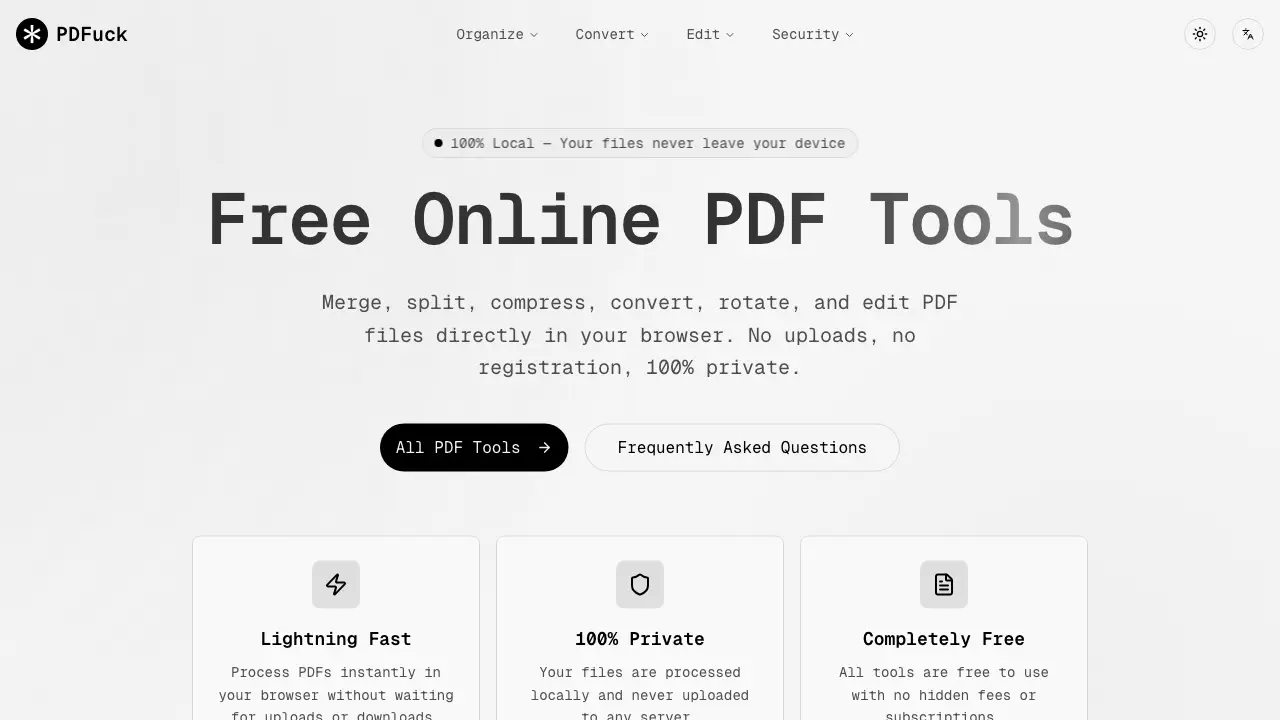
What is PDFuck
PDFuck is a comprehensive, browser-based suite of PDF tools designed for immediate file processing without server uploads. The platform offers over 40 free utilities organized into core functions: Organize (merge, split, rotate), Convert (to/from images, Word, Excel, PPTX), Edit (compress, watermark, crop), and Security (sign, encrypt, redact). A key benefit is 100% local processing; all operations occur within the user's browser, ensuring file privacy and eliminating wait times for uploads or downloads. This makes it a practical solution for students, professionals, and general users needing quick, secure PDF modifications without software installation, registration, or cost. The toolset supports common tasks like document conversion, page rearrangement, and file compression while maintaining original quality.
How does PDFuck work
PDFuck operates as a browser-based PDF management suite, utilizing JavaScript to process documents locally within the user's browser. This architecture ensures files never leave the device, guaranteeing privacy. The service provides over 40 distinct tools organized into four functional categories: Organize (e.g., merge, split, rotate), Convert (e.g., PDF to Word, images to PDF), Edit (e.g., compress, add watermarks), and Security (e.g., sign, protect, redact). Users select a tool, upload files via drag-and-drop or browser dialog, and receive the processed result instantly for download. All operations are free, require no registration, and are designed to preserve original document quality where applicable.
Benefits of PDFuck
PDFuck provides free, browser-based tools for managing PDF files with a focus on privacy and accessibility. All processing occurs locally in your browser, ensuring files never leave your device. The platform offers over 40 tools across key categories: organize (merge, split, rotate), convert (to/from images, Word, Excel, PPTX), edit (compress, watermark, crop), and security (sign, protect, redact). There are no uploads, registrations, or fees, and operations like merging and rotating are lossless. This makes it a practical, cost-effective solution for students needing quick, secure PDF manipulation without installing software.
Pros and Cons of PDFuck
Pros
- Files processed locally for enhanced privacy.
- Completely free with no hidden fees.
- Offers an extensive set of 40+ PDF tools.
- No registration or user account required.
- Preserves original PDF quality for basic operations.
Cons
- File size limit of 100MB restricts large documents.
- Performance depends on browser and device memory.
- Unprofessional name may deter business users.
- Lacks advanced features of desktop software.
- Requires a modern, up-to-date web browser.
