
PPT to JPG
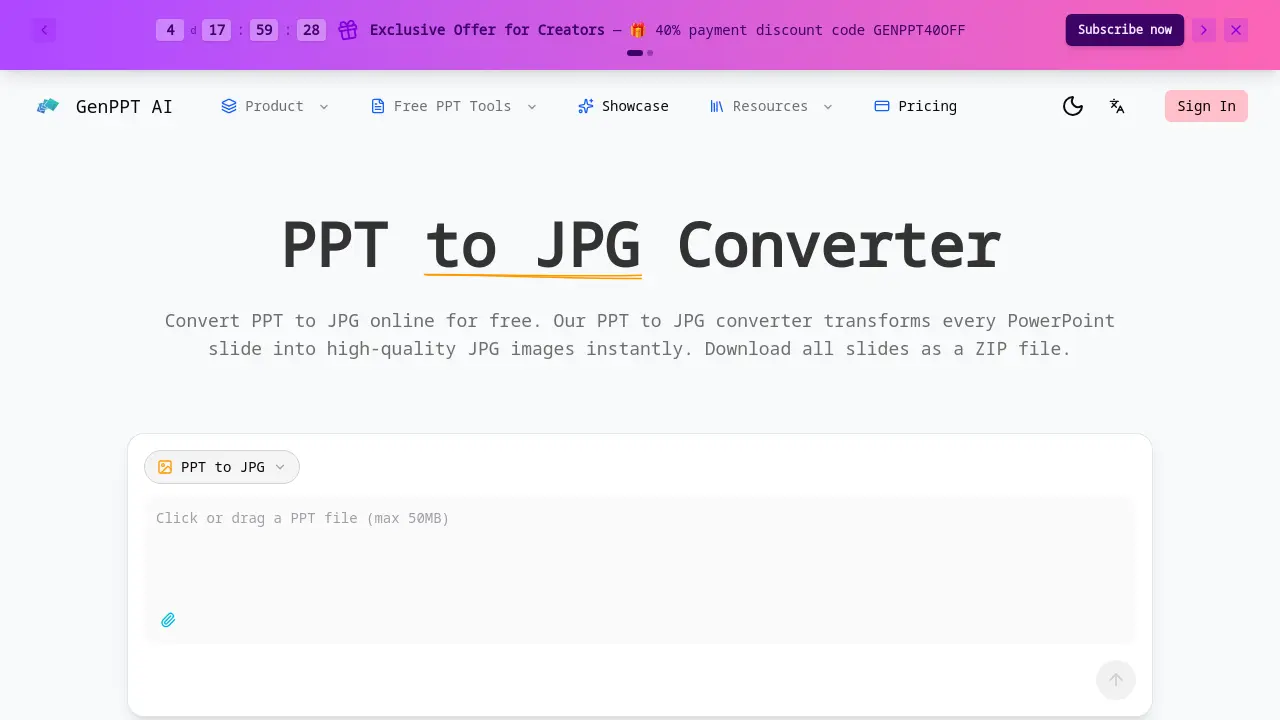
Convert PPT to JPG online for free with GenPPT's converter.

What is PPT to JPG
PPT to JPG Converter is an online tool designed for the high-fidelity transformation of PowerPoint presentations into individual JPG image files. The service processes PPT and PPTX files, rendering each slide at a crisp 1920-pixel width to ensure visual elements like charts and text are preserved with pixel-perfect accuracy. A key feature is the ability to convert all slides simultaneously and download them as a single, sequentially named ZIP archive for streamlined organization. The tool operates on a freemium model, offering instant web-based conversion without software installation. For technical integrations, a developer-friendly REST API is available, accepting PPTX files and returning base64-encoded JPG images per slide, enabling automated batch workflows. The primary value proposition is a fast, free, and secure method to extract presentation visuals for use in emails, web content, and design projects, eliminating dependence on desktop PowerPoint software.
How does PPT to JPG work
The GenPPT AI PPT to JPG converter operates as a cloud-based service that processes uploaded PowerPoint files (PPT or PPTX) by rendering each slide into a separate JPG image. The system employs rendering engines to capture slide content—including text, charts, and graphics—at a fixed width of 1920 pixels for high-resolution output. Conversion is performed server-side, with all resulting images packaged into a sequentially named ZIP file for bulk download. A RESTful API provides developers programmatic access, returning base64-encoded JPGs per slide. The tool functions entirely online, requiring no local software installation, and imposes a 50MB file size limit for free web conversions while offering API-based automation for larger or integrated workflows.
Benefits of PPT to JPG
GenPPT AI's PPT to JPG converter provides a free, online solution for transforming PowerPoint slides into high-resolution JPG images. Each slide renders at 1920px width for pixel-perfect accuracy, supporting files up to 50MB with instant processing. Users can download all slides as a sequentially named ZIP file for easy organization. The developer-friendly REST API enables bulk conversion, returning base64-encoded images for integration. Suitable for students, professionals, and developers, it requires no software installation and no registration for initial use, offering a convenient and efficient method for PPT to JPG conversion.
Pros and Cons of PPT to JPG
Pros
- High-resolution 1920px JPG output preserves visuals.
- Fast conversion processes slides instantly online.
- Free initial use without user registration required.
- Developer API enables automated PPT to JPG workflows.
- ZIP download organizes all slides sequentially.
Cons
- Online-only tool requires stable internet access.
- File upload limited to 50MB per presentation.
- User registration mandatory for repeated conversions.
- Output restricted to JPG format only.
Core Features of PPT to JPG
High-Resolution PPT to JPG Conversion
Converts PowerPoint slides to JPG images with a 1920-pixel width, preserving visual elements like charts and text for high-quality output suitable for print and digital media.
Fast & Free Online Conversion
Processes PPT and PPTX files up to 50MB in seconds without requiring user registration for initial conversions, offering immediate access to slide image generation.
Developer API for PPT to JPG
Provides a REST API for application integration, returning base64-encoded JPG images per slide to enable automated, bulk conversion workflows within third-party systems.
ZIP Download of All Slide Images
Packages all converted JPG files into a single downloadable ZIP archive, with sequentially numbered filenames for organized, convenient retrieval of entire presentation slides.
Use Cases of PPT to JPG
- Business Professionals: Convert PPT to JPG for email previews and social media content sharing without PowerPoint software.
- Students & Educators: Use PPTX to JPG conversion to create visual notes and embed slides in educational web pages.
- Developers: Integrate the PPT to JPG API for automated bulk conversion in thumbnail generation systems.
- Designers: Leverage high-resolution JPG outputs from PPT conversion for portfolio websites and design mood boards.
FAQs of PPT to JPG
How do I convert PPT to JPG?
To convert a PPT file, upload your presentation (PPT or PPTX format) to the GenPPT AI web converter. The tool processes each slide individually, rendering it as a high-quality JPG image at 1920 pixels width. Once conversion finishes, all JPG files are compiled into a single ZIP archive for immediate download. The entire process occurs online without requiring any software installation.
Is PPT to JPG conversion free?
Yes, basic PPT to JPG conversion is free for initial use with presentations up to 50MB in size. Users can convert files without registration or payment. For larger files, higher volume usage, or API access, GenPPT AI offers subscription plans that include credits and additional features. The free tier provides instant conversion for standard needs.
What resolution are the JPG images from PPT to JPG conversion?
The converter produces JPG images with a fixed width of 1920 pixels, ensuring high-resolution output suitable for both digital and print media. This resolution maintains the clarity of text, charts, and images from original slides. The standardized width balances visual quality with reasonable file sizes for easy sharing and storage.
Can I download all slides as a ZIP after converting PPT to JPG?
Yes, upon completion, all converted JPG images are packaged into a single ZIP file for download. Each slide is named sequentially (e.g., slide-01.jpg, slide-02.jpg) to reflect its order in the original presentation. This allows users to retrieve every slide image efficiently without individual downloads.
What file formats does the PPT to JPG converter support?
The converter accepts both PPT and PPTX file formats, which are the standard extensions for Microsoft PowerPoint presentations. Users can upload either format, and the tool converts every slide to a separate JPG image. Other presentation formats typically require saving as PPT or PPTX before conversion.
Is my data secure when I convert PPT to JPG?
GenPPT AI uses encrypted connections for file transfers. Uploaded files are processed on secure servers and automatically deleted after a short retention period. Detailed data handling practices are specified in the Privacy Policy. No personal information is required for the free online conversion service.
Can I use the PPT to JPG API for batch conversion?
Yes, the developer API supports batch conversion of entire PPTX presentations. Each API call processes one file and returns base64-encoded JPG images for all slides. This enables automation of large-scale conversion workflows, with each call consuming one credit from the user's subscription plan.
How long does PPT to JPG conversion take?
Conversion typically completes within seconds, regardless of slide count, due to optimized processing. The online tool handles presentations up to 50MB quickly, with results available immediately after upload. Processing time may vary slightly based on file size and server load, but the system is designed for speed.
Why convert PPT to JPG instead of keeping PowerPoint format?
Converting to JPG creates static image files that are universally viewable on any device without PowerPoint software. JPGs are ideal for embedding in websites, sharing on social media, or including in documents where original presentation software is unavailable. They provide a simple, portable snapshot of slide content.
Do I need to install software to convert PPT to JPG?
No, the PPT to JPG converter is a fully web-based tool. It operates directly in your browser without any downloads or installations. Users simply access the GenPPT AI website, upload their file, and receive converted images online, making it accessible from any device with internet connectivity.
What is the maximum file size for free PPT to JPG conversions?
The free online converter supports files up to 50 megabytes. Presentations exceeding this limit may require a subscription plan or the developer API, which accommodates larger files subject to plan-specific quotas. The 50MB threshold ensures reliable processing for most standard presentations while managing server resources.
How are slides named in the downloaded ZIP file?
Each JPG image in the ZIP archive follows a sequential naming pattern: slide-01.jpg, slide-02.jpg, etc. This naming convention corresponds directly to the original slide sequence in your PowerPoint file. It facilitates easy organization and reference after extraction, maintaining the intended order without manual sorting.
What are the costs for the PPT to JPG developer API?
The API uses a credit-based system where each conversion of one presentation costs one credit. Credits are included in GenPPT AI subscription plans, which are detailed on the pricing page. There are no additional per-megabyte or per-slide fees, allowing predictable budgeting for automated workflows.
Does the converter preserve animations and transitions?
No, converting a PPT to JPG generates static image snapshots of each slide. Animations, transitions, and multimedia elements such as audio or video are not included in the JPG output. The conversion captures only the visual layout as displayed on each slide, without interactive or dynamic components.
Are there slide count limits for a single conversion?
The online tool does not enforce a specific slide limit but is constrained by the 50MB file size cap. The number of slides that fit within 50MB depends on content complexity. For presentations with many slides or rich media, the developer API is recommended, as it supports bulk processing without slide count restrictions under active subscription plans.
How to use PPT to JPG
- Begin by navigating to the GenPPT.ai PPT to JPG converter webpage, an online tool that requires no software installation for PPT or PPTX files.
- Select a PowerPoint file from your device; the tool accepts presentations up to 50MB and does not require registration for initial use.
- The conversion process starts automatically, rendering each slide into a high-resolution 1920px JPG image while preserving original visual fidelity.
- After processing, download a single ZIP archive containing all converted slides, with each JPG file sequentially named for easy identification.
- Extract the ZIP file to access individual JPG images, which can be directly used for email attachments, web embedding, or social media sharing.
- Developers can utilize the RESTful API to automate PPT to JPG conversion, sending PPTX files and receiving base64-encoded JPG images per slide.
PPT to JPG Website Traffic Analysis
Latest traffic information
- Monthly Visits91
- Bounce Rate37.19%
- Pages Per Visit1.07
- Visit Duration00:00:00
- Global Rank3.4M
- Country/Region Ranking--
Top Regions
| Region | Percentage |
|---|---|
| Spain | 100% |
PPT to JPG Alternatives
ScanPDF AI is a free online PDF scanner that turns photos and scans into clean PDFs, OCR searchable text, and receipt-to-Excel data in your browser.

AI-powered PDF to Markdown converter with OCR for scanned pages. Get clean, structured Markdown from any PDF in seconds online.
Tenderbolt uses AI to automate RFP and tender responses. It analyzes documents, completes security questionnaires, and generates tailored proposals.
PixPin is a cross‑platform app for capturing screenshots, recordings and extracting text via OCR, with pinning and annotation features for developers, designers and support teams.
MiroFish is an AI simulation chat platform that converts text, PDF, MD or TXT inputs into graph building, scenario simulation, and structured reports, offering continuous chat‑driven prediction for analysts and decision‑makers.
DeepSeek OCR employs a 3B parameter AI vision model to convert PDFs, scans, and images to Markdown with 97% accuracy, supporting 100+ languages and preserving layouts for professionals.
GenPPT's free online PPTX to DOCX converter for professionals and students preserves PowerPoint formatting and provides an API for automation.
PDFuck provides free online PDF tools for users to organize, convert, edit, and secure documents with maximum privacy via local browser processing.
AI PDF to PPT by GenPPT uses smart AI to convert PDFs into editable PowerPoint slides with professional layouts, ideal for businesses and students.
Belin Doc is a free AI translator that preserves layout for PDF, DOCX, EPUB files, offering registration‑free, translations for writers and professionals.
Bank Statement Converter helps users quickly convert PDF bank statements to Excel or CSV, supporting thousands of banks worldwide for accurate financial data extraction.
Mistral OCR extracts text, images, tables, and equations from documents. It uses AI to provide structured, high-speed document processing.