
PDFuck FAQs
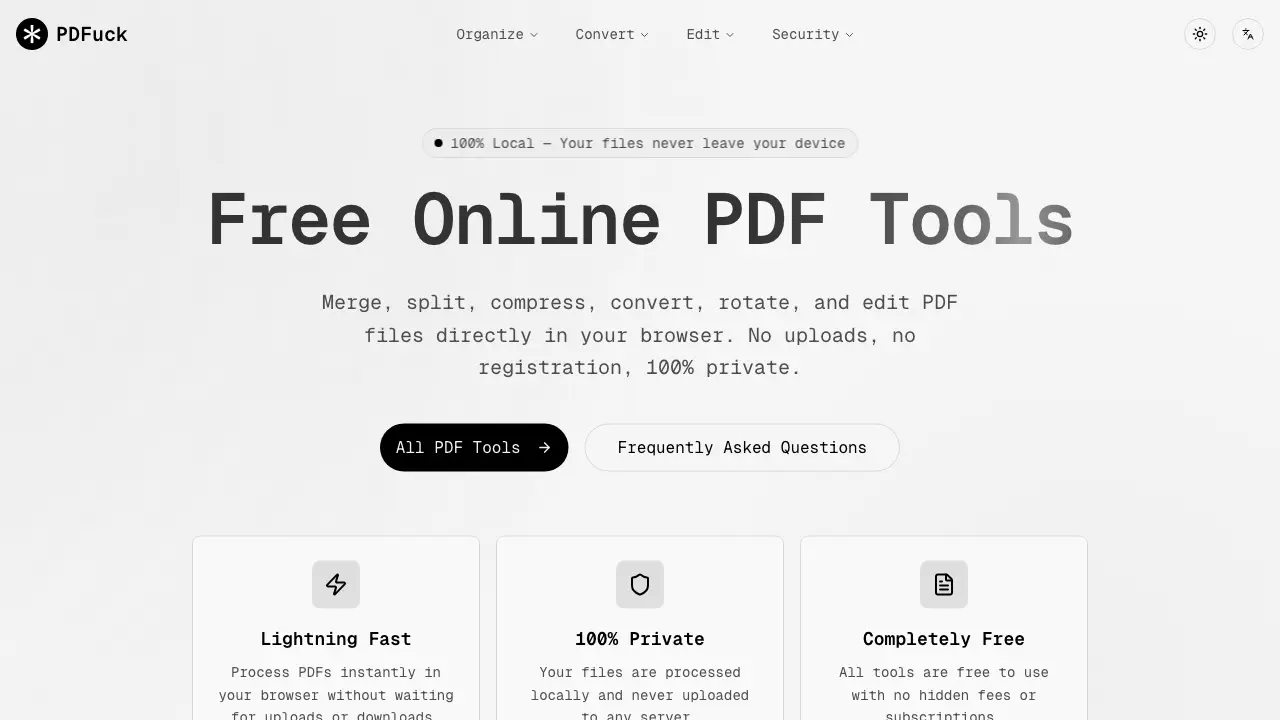
PDFuck provides free online PDF tools for users to organize, convert, edit, and secure documents with maximum privacy via local browser processing.

FAQs of PDFuck
Are my files uploaded to a server?
PDFuck processes all files locally within your browser using JavaScript, meaning no data is transmitted to external servers. Your documents never leave your device, ensuring maximum privacy and security for sensitive information.
Is there a file size limit?
PDFuck supports files up to 100MB in size, but the exact limit can vary based on your browser's available memory and device performance. Larger files may require more resources to process effectively without errors.
Are the tools really free?
Yes, all 40+ PDF tools on PDFuck are completely free with no hidden fees, subscriptions, or registration requirements. Users can access unlimited use without watermarks or feature restrictions on any supported browser.
Will the quality of my PDFs be affected?
PDFuck's lossless operations such as merging, splitting, and rotating preserve the original quality of your PDF documents. Compression tools may reduce file size while maintaining acceptable visual fidelity for most use cases.
What browsers are supported?
PDFuck is compatible with all modern browsers including Chrome, Firefox, Safari, and Edge. Using an updated browser version ensures optimal performance and access to all features without compatibility issues.
What PDF conversion formats does PDFuck support?
PDFuck supports bidirectional conversions between PDF and multiple formats. From PDF, you can convert to PNG, JPG, WebP images, TXT text, and office files like DOCX, XLSX, PPTX. Reverse conversions include PNG, JPG, WebP, BMP, GIF, SVG to PDF. All conversions are browser-based and private.
How accurate is the OCR feature for scanned documents?
The PDF OCR tool uses in-browser technology to recognize text in scanned PDFs, making them searchable and selectable. Accuracy depends on scan clarity but generally works well for clear documents. Since processing is local, no documents are uploaded, protecting your privacy.
Can I customize watermarks and page numbers when editing PDFs?
Yes, the Add Watermark tool allows custom text with adjustable opacity and positioning. The Add Page Numbers tool offers various formats (Roman, Arabic), placement options, and starting numbers. Both features operate locally without compromising document quality.
Are there any limits on the number of pages when merging or splitting PDFs?
PDFuck does not impose a specific page count limit, but the 100MB file size restriction applies. Very high page counts may be limited by your device's memory and browser capabilities during processing. Ensure sufficient system resources for large documents.
Is PDFuck compatible with mobile devices and tablets?
PDFuck functions on any device with a modern browser, including smartphones and tablets. All tools are responsive and work offline after initial load, provided the browser supports necessary JavaScript APIs for local file processing.
How to use PDFuck
PDFuck is a suite of free, browser-based PDF tools for organizing, converting, editing, and securing documents. All processing occurs locally on the user's device, ensuring file privacy and eliminating server uploads.
- Users start by selecting the specific PDF tool needed, such as merge, convert, or security functions, from the categorized homepage menu.
- Files are added via drag-and-drop or the file browser option. The application processes documents entirely within the browser environment.
- The tool automatically analyzes and transforms the uploaded file based on the selected operation, with processing time dependent on file size.
- Upon completion, a download button appears, allowing the user to save the processed result directly to their device.
- For merge or split tools, the output is a single combined PDF or separated page files respectively; conversion tools output formats like images or Word documents.
- Edit and security tools apply visible changes such as watermarks, page numbers, or password protection, which should be verified in the downloaded file.
- Users should confirm that the final document meets their requirements, especially for sensitive operations like redaction or signature addition.
- The service supports files up to 100MB and functions on modern browsers, preserving original quality for most operations like merging and rotating.
