
PDFuck Core Features
PDFuck provides free online PDF tools for users to organize, convert, edit, and secure documents with maximum privacy via local browser processing.

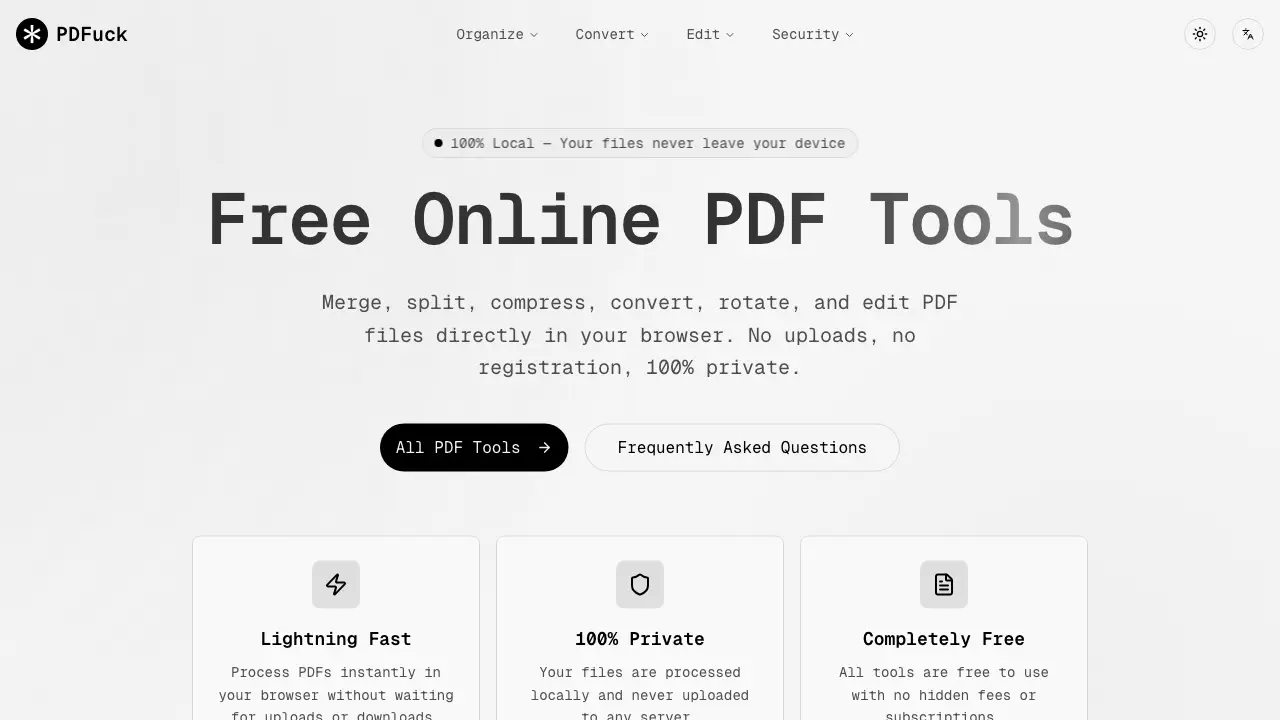
Core Features of PDFuck
Organize
Combines multiple PDFs, splits, rotates, reorders, extracts, deletes, reverses, or duplicates pages within PDFs. Allows users to restructure and manage PDF content efficiently.
Convert
Transforms PDFs to various image and document formats (PNG, JPG, Word, Excel, etc.) and vice versa. Enables versatile file format compatibility and content extraction.
Edit
Modifies PDFs through compression, adding watermarks or page numbers, editing metadata, cropping, flattening, adding headers/footers, and resizing pages. Enhances document presentation and utility.
Security
Applies electronic signatures, removes or adds passwords, compares documents, redacts sensitive data, performs OCR, sanitizes metadata, and verifies integrity. Protects and validates PDF documents.
Use Cases of PDFuck
- Students: Merge multiple PDF handouts into a single document for organized study materials.
- Professionals: Convert PDF tables to Excel spreadsheets for data analysis and reporting.
- Researchers: Use OCR to extract text from scanned PDFs, making content searchable.
- Office workers: Add password protection to confidential PDFs before email distribution.
- Freelancers: Compress large PDF portfolios to meet email attachment size limits.
