
PatentFig generates patent-compliant drawings using AI.

What is PatentFig
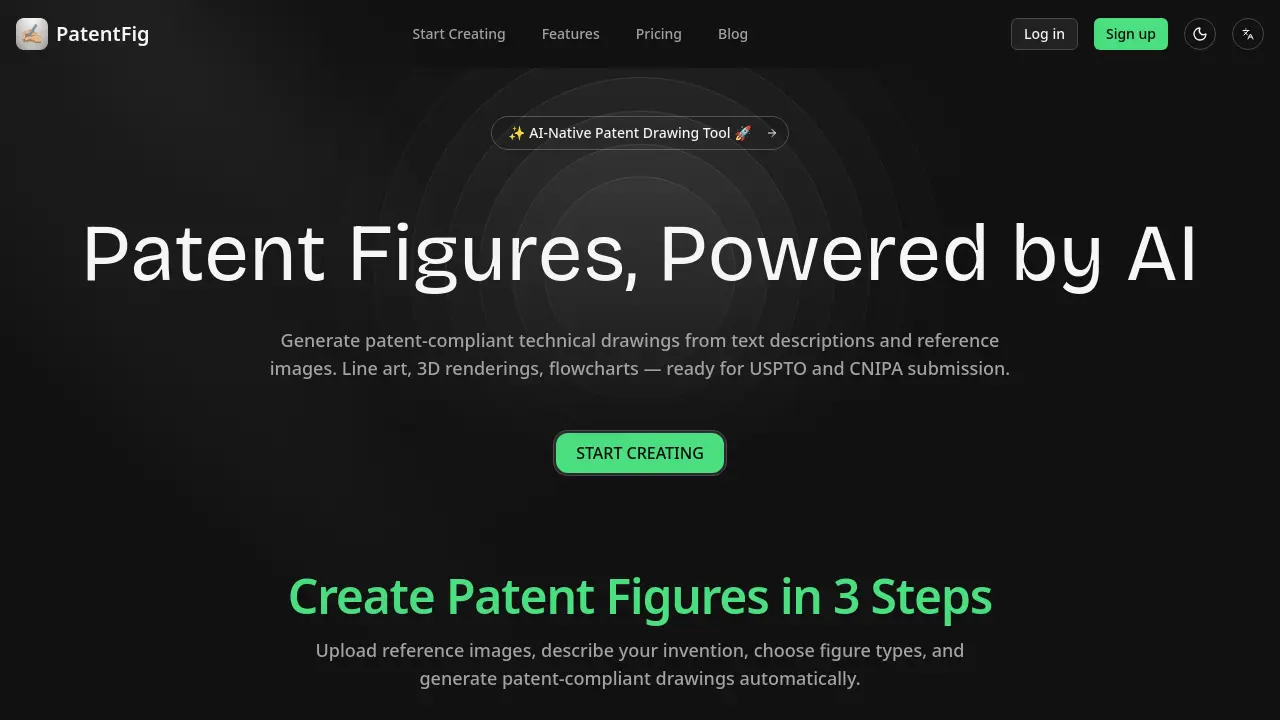
PatentFig is an AI-native tool designed to generate patent-compliant technical drawings from text descriptions or reference images. It produces various figure types required for patent applications, including line art, 3D renderings, and flowcharts, formatted for submission to offices like the USPTO and CNIPA. Users can input a description or upload a sketch, select desired view angles, and receive ready-to-use files exported in PDF, PNG, SVG, or TIFF. Key functionalities include natural language editing for figure modifications, automatic version control with sub-versions, and the ability to switch formatting rules between multiple patent offices. The platform aims to reduce preparation time and minimize errors for individual inventors and patent professionals through automated, specification-accurate illustration generation.
How does PatentFig work
PatentFig operates as an AI-driven platform for generating patent-compliant technical drawings. Users provide input via text descriptions or uploaded reference images such as sketches or CAD screenshots. The system’s core AI processes this multi-modal input to automatically produce specified figure types, including labeled line art, 3D renderings, and flowcharts, adhering to formatting standards for offices like the USPTO and CNIPA. Key operational features include natural language editing commands, granular version control, and batch export in required file formats. The workflow is structured around a credit-based system, enabling iterative refinement and project management within a single interface for efficient patent figure preparation.
Benefits of PatentFig
PatentFig is an AI-native tool that automates the generation of patent-compliant technical drawings from text descriptions or reference images. It supports major patent offices, including the USPTO and CNIPA, producing required formats like line art, 3D renderings, and flowcharts. Key features such as chat-based editing, robust version control, and batch professional exports (PDF, SVG, TIFF) streamline the drafting process. By converting inputs into office-specific figures and offering project management for multiple applications, it helps patent professionals and inventors reduce preparation time and minimize compliance errors efficiently.
Pros and Cons of PatentFig
Pros
- Automates patent-compliant drawing generation.
- Accepts text, sketches, and CAD inputs.
- Includes version control with revert options.
- Exports files meeting USPTO/CNIPA specifications.
- Switches between multiple patent office formats.
Cons
- Free plan's 20 credits limit thorough testing.
- Higher pricing tiers may be cost-prohibitive.
- Team collaboration features are enterprise-only.
- Credit system restricts heavy usage workflows.
- AI accuracy depends heavily on input quality.
Core Features of PatentFig
AI-Powered Patent Figure Generation
Automatically generates patent-compliant technical drawings from text descriptions or reference images, ensuring adherence to USPTO and CNIPA submission standards.
Multi-Type Illustration Support
Creates various patent figure types including clean line art, 3D renderings, and flowchart/block diagrams from a single source input.
Chat-Based Figure Modification
Allows users to edit generated figures using natural language commands, enabling quick adjustments like changing line thickness or adding views without manual tools.
Integrated Version Control
Automatically tracks all generated figures and edits as sequential versions (V1, V1.1), allowing users to compare changes and revert to previous states easily.
Professional Export Formats
Exports final figures in patent office-specified formats (PDF, PNG, SVG, TIFF) with batch processing capabilities for complete figure sets.
Project-Based Organization
Organizes all generated figures and versions within dedicated projects for specific patent applications, centralizing workflow and compliance tracking.
Multi-Office Compliance Switching
Dynamically switches formatting rules between major patent offices (USPTO, CNIPA, EPO, JPO) to ensure output meets specific jurisdictional requirements.
Use Cases of PatentFig
- Patent attorneys: Generate USPTO-compliant line art from sketches or photos, reducing figure preparation time significantly.
- Individual inventors: Create 3D renderings and flowchart diagrams for patent applications without needing design software expertise.
- Patent law firms: Manage multiple patent applications with version control and batch export for consistent, high-volume production.
- Engineering teams: Convert CAD screenshots or product photos into patent-ready technical drawings with automatic reference numerals.
- Academic researchers: Produce flowchart diagrams for method patents by describing processes in text, accelerating drafting workflows.
FAQs of PatentFig
What types of patent figures can PatentFig generate?
PatentFig generates multiple figure types required for patent applications, including clean line art with reference numerals and leader lines, perspective and orthographic 3D renderings, and schematic flowcharts or block diagrams. The AI is designed to produce outputs that meet the formal drawing standards for patent submissions.
Which patent offices are supported?
PatentFig supports formatting rules for major patent offices including the United States Patent and Trademark Office (USPTO), China National Intellectual Property Administration (CNIPA), European Patent Office (EPO), and Japan Patent Office (JPO). Users can switch between these office-specific rule sets to generate compliant outputs from a single source figure set.
How does the credit system work?
The platform operates on a credit-based system where each figure generation or major edit consumes a portion of your monthly credit allowance. Credits are allocated per subscription tier (e.g., 20 for Free, 500 for Basic), and they are used for initial figure creation, regeneration attempts, and certain modifications. Unused credits do not typically roll over to the next month.
Can I edit the generated figures?
Yes, figures can be edited using the Chat-to-Modify feature. Users can apply natural language commands to adjust elements like line thickness, add views such as cross-sections, or modify labels. Each edit creates a new sub-version (e.g., V1.1, V1.2) within the version control system, allowing for review and reversion.
Is my data secure?
PatentFig implements security measures including encryption for data in transit and at rest. The service is designed with intellectual property protection in mind, and its privacy policy details data handling practices. For specific compliance certifications or enterprise security details, direct consultation with the provider is recommended.
What file formats can be exported for patent submission?
The platform supports professional export in PDF, PNG, SVG, and TIFF formats at exact patent office specifications. Batch export functionality allows users to download all views of a complete figure set simultaneously, ensuring consistency and saving time during application preparation.
How accurate are the AI-generated figures for official patent filing?
The AI is trained to produce patent-compliant drawings that adhere to office rules for line quality, labeling, and formatting. While the tool significantly streamlines creation, final responsibility for compliance with the specific requirements of the relevant patent office rests with the applicant or their attorney.
Can multiple users collaborate on a single patent project?
The project management feature allows organization of figures by patent application. While the core collaboration mechanics like shared editing aren't explicitly detailed, the version control and project tracking features support coordinated work by logging all figure sets and versions within a single project dashboard.
Does PatentFig use my uploaded reference images to train its public AI models?
The specific data usage policy for AI training is not detailed in the provided context. Users should consult the Privacy Policy and Terms of Service for definitive information on whether submitted data is used for model improvement. Typically, enterprise or paid plans may offer different data governance terms.
Is there a free trial to test the full workflow?
The Free plan offers a 20-credit monthly quota, providing access to the core anchor and multi-view workflow for line art, rendering, and flowchart generation. This allows first-time users to evaluate the complete generation and export process, though the low quota is best suited for initial assessment rather than ongoing production.
How to use PatentFig
PatentFig is an AI-native platform that automates the creation of patent-compliant technical drawings. It generates line art, 3D renderings, and flowcharts from text or reference images, supporting USPTO, CNIPA, and other office specifications for patent applications.
- Access the PatentFig web platform at patentfig.ai and complete login or registration to authenticate and begin a new project.
- Input your invention details by either writing a comprehensive text description or uploading existing reference images like sketches, photos, or CAD screenshots.
- Specify the required figure types (e.g., line art, 3D rendering, flowchart) and select the necessary view angles such as front, side, or perspective for generation.
- Initiate the AI generation process; the system processes inputs and automatically produces draft patent figures adhering to standard formatting conventions.
- Review each generated figure for accuracy, ensuring proper reference numerals, leader lines, and compliance with relevant patent office guidelines.
- Utilize the chat-to-modify interface to request adjustments using natural language commands, such as altering element thickness or adding cross-section views.
- Manage iterations through the built-in version control system, which tags each generation (V1, V2) and sub-edits (V1.1) for comparison or reversion.
- Choose the appropriate export format—PDF, PNG, SVG, or TIFF—and confirm settings meet the precise dimensional and resolution requirements of the target patent office.
- For international filings, switch between CNIPA, USPTO, EPO, and JPO formatting rules to produce multiple office-compliant outputs from identical source figures.
- Download the finalized patent figures and integrate them into your application documentation, verifying all labeling and references align with the specification.
After generating and exporting figures, validate that all components conform to patent office standards. Use the version history to track changes and ensure consistency across figure sets for a robust application submission.
PatentFig Website Traffic Analysis
Latest traffic information
- Monthly Visits13.21K
- Bounce Rate38.36%
- Pages Per Visit1.65
- Visit Duration00:00:26
- Global Rank1.85M
- Country/Region Ranking1.67M
Top Keywords
| Keyword | Traffic | Volume | Cost Per Click |
|---|---|---|---|
| uspto-compliant vector patent drawing software | 190 | 450 | -- |
| 특허출원 명세서에 삽입할 도면 이미지를 작성해주는 ai 툴? | 110 | -- | -- |
| patent drawing generator | 90 | 90 | -- |
| 특허 블록 다이어그램 sw | 80 | 80 | -- |
| patent drawings (uspto/epo) dataset | 60 | 60 | -- |
Top Regions
| Region | Percentage |
|---|---|
| United States | 47.4% |
| India | 25.73% |
| Canada | 11.79% |
| Pakistan | 5.91% |
| Japan | 4.87% |
PatentFig Alternatives
AI co-director that turns an idea or script into shot-by-shot storyboard panels for indie filmmakers, with real film shot references and PDF board export.
Kinovi is a REST API that runs published video, image, and audio AI models from one endpoint. Send a model ID to createTask, poll recordInfo, and pay per use from one shared credit balance.
Coralflavor offers uncensored AI chats without safety filters, plus burn-mode retention, web search, image generation, and an OpenAI-compatible API for U.S. adults.
SpriteGen is an AI sprite creator that turns character descriptions into transparent pixel-art sprite sheets, ready to drop into your game engine.
Meta Image: browser AI studio powered by Muse Image. Edit photos with prompts, remove backgrounds, restore old photos, generate new images.
Create and edit images with Image 2.5 by GPT. Sunburst for precision, Flare for speed, up to 4K, 6 quality modes, and transparent PNG/WebP output.
Generate and edit AI images with Nano Banana Pro. Blend up to 14 images, render crisp text, and create 4K visuals online with studio controls.
SeiSei AI is a free, no-sign-up AI image generator turning text prompts into AI illustrations and realistic photos with no watermark, 5 free images daily.
Gamma AI is an AI presentation generator that turns text, PDF, and Word into slides with structured outlines, in-browser editing, and editable PPTX export.

Makiverse is a free online AI manga and comic generator that turns text prompts into complete manga, comics, and GIFs with consistent characters and styles.
Generate AI images for portraits, product visuals, social posts, and creative edits using Nano Banana Pro and GPT Image 2 models.
PixMira AI is a free AI photo editor and image generator. Use text prompts for precise edits, style changes, and high-quality results in seconds.