
Omni Flash – Free AI Generator for 4K Cinematic Video

What is Omni Flash
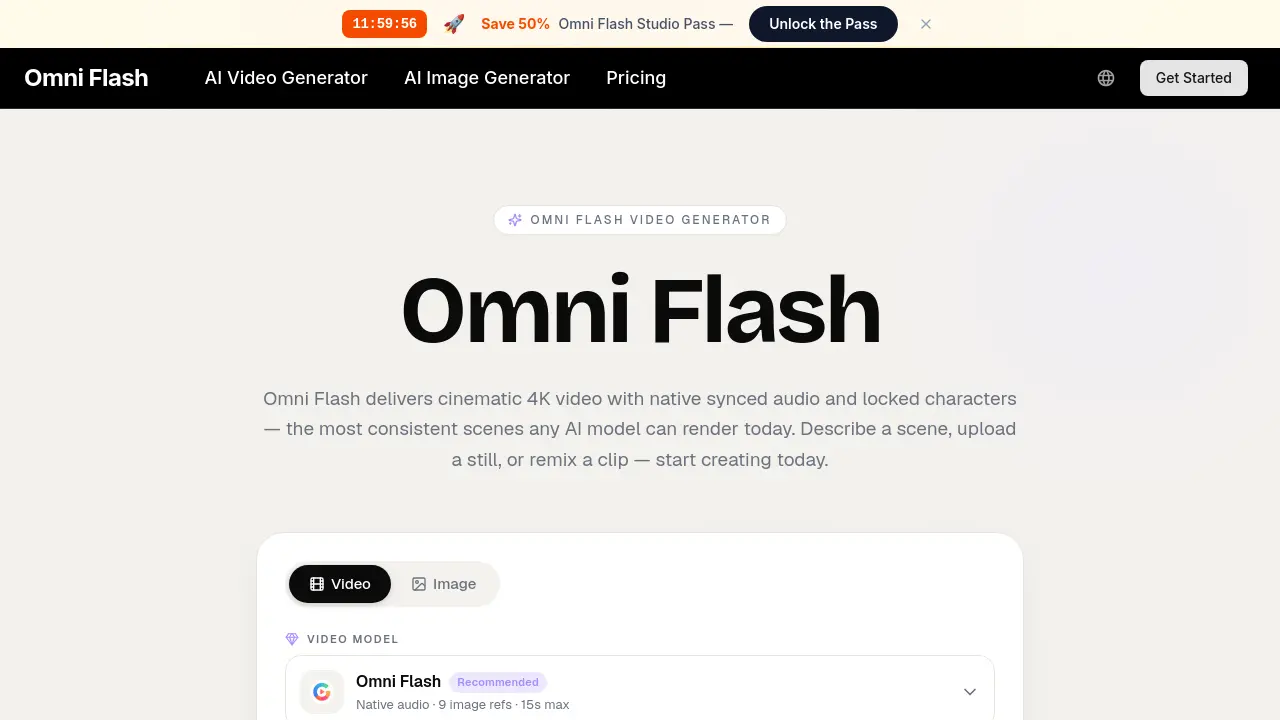
Omni Flash is an AI‑driven multimodal video generator that creates cinematic 4K clips with native‑synced audio and locked character consistency. Users can start from a textual description, an uploaded image, or an existing video fragment, and the single engine simultaneously plans framing, lighting, motion, dialogue and score. The platform delivers preview renders in under a minute, supports conversational edits (“extend the close‑up two beats longer”), and preserves style presets across generations. Commercial‑use licenses, watermark‑free masters and provenance metadata make the output studio‑safe. Pricing tiers provide scalable credit bundles, private generation, and concurrent rendering options, allowing indie creators, marketing teams, educators and production studios to prototype, localize and publish high‑quality video content without separate editing pipelines.
How does Omni Flash work
Omni Flash operates as a unified multimodal engine that ingests text, images, or audio in a single pass and outputs a synchronized 4K video with native‑matched sound and locked‑character consistency. The user supplies a scene description, reference stills, or a draft script; the model then plans framing, motion, lighting, dialogue and musical score, rendering a cinematic preview within seconds. Conditional “conversational” edits allow users to adjust timing, composition or style without re‑rendering the entire clip. All outputs carry a commercial‑use license, watermark‑free masters and provenance metadata, enabling rapid, end‑to‑end video creation.
Benefits of Omni Flash
Omni Flash is a unified multimodal AI video generator that creates cinematic 4K clips with native‑synced audio and locked character consistency. Users can start from text, an image, or a script, and the engine handles framing, lighting, motion and scoring in a single render, delivering a preview in under a minute. The platform supports style memory, conversational editing, and commercial‑use licensing without watermarks. With fast iteration, multiple concurrent generations and credit‑based pricing, Omni Flash streamlines production for indie filmmakers, marketers, educators and content creators, turning a single prompt into a broadcast‑ready scene.
Pros and Cons of Omni Flash
Pros
- Generates cinematic 4K video with native synced audio.
- Locks character consistency across multiple shots.
- Single multimodal engine combines text, image, and audio input.
- Conversational editing enables rapid iteration in under a minute.
- Commercial-use license and watermark‑free outputs.
Cons
- Maximum clip length limited to 15 seconds.
- Highest resolution caps at 1080p despite 4K branding.
- Credits cost may become expensive for heavy users.
- No built‑in timeline or advanced post‑production tools.
- Support limited to email and standard ticketing.
Core Features of Omni Flash
Unified Multimodal Engine
Processes text, images, and audio in a single pass, generating synchronized video without separate rendering steps, streamlining the creation workflow for creators.
Cinematic Frame Composer
Applies film‑grammar concepts such as focal length, depth of field, and motivated lighting, allowing users to direct shots with professional‑grade visual language.
Native Synced Audio & Lip‑Sync
Generates matching soundtracks and automatically lip‑syncs dialogue to characters, delivering broadcast‑ready audio‑visual coherence in a single render.
Locked Character Consistency
Maintains identical facial features, wardrobe, and branding assets across multiple shots, ensuring continuity for characters throughout a project.
Conversational Editing
Enables prompt‑based revisions via chat, allowing users to tweak timing, framing, or composition without re‑rendering the entire scene.
Style Memory & Presets
Stores visual palettes, grain, and motion signatures as reusable presets, guaranteeing consistent aesthetic across successive video generations.
Fast Iteration Loop
Produces preview clips in under a minute, supporting rapid experimentation and multiple direction testing before finalizing the output.
Studio‑Safe Commercial Outputs
Delivers watermark‑free masters with commercial‑use licensing, provenance metadata, and private generation to meet professional production standards.
Use Cases of Omni Flash
- Indie filmmakers: Pre‑visualize entire scenes in 4K, reducing on‑set shoot days and production costs.
- Marketing teams: Generate localized hero videos with native audio and locked branding assets in minutes.
- Educators: Create frame‑accurate explainer clips that sync narration line‑by‑line for interactive coursework.
- E‑commerce merchants: Transform product photos into scrollable, sound‑on video ads without external production crews.
- Creative agencies: Prototype multiple campaign concepts via conversational editing, accelerating client approvals.
FAQs of Omni Flash
What is Omni Flash?
Omni Flash is an AI‑powered video generator that creates cinematic 4K clips with native synced audio, lip‑sync, and locked character consistency. Users can describe a scene, upload reference images, or remix existing footage, and the multimodal engine produces a ready‑to‑publish video in seconds.
How does Omni Flash handle audio?
The platform generates native audio tracks that are automatically synchronized to the visual content, including dialogue, sound effects, and background music. This integrated audio‑video workflow eliminates the need for separate scoring or dubbing steps, delivering a seamless, broadcast‑ready output.
Can Omni Flash keep a character looking the same across shots?
Yes. Omni Flash’s “locked character consistency” feature preserves facial features, wardrobe, and branding assets throughout multiple generations, ensuring that a character or product remains visually identical across all frames and scenes.
How long can an Omni Flash clip be?
Each clip can be up to 15 seconds in duration, which is ideal for short‑form marketing, social media, and educational explainer videos while still providing enough narrative space for a complete cinematic take.
What resolution does Omni Flash output?
The engine renders videos at up to 4K resolution (3840 × 2160) with high‑quality color grading and detail preservation. Lower resolutions such as 1080p are also available for faster preview renders.
Can I use Omni Flash output commercially?
All Omni Flash renders are delivered with a commercial‑use license, watermark‑free masters, and provenance metadata, allowing creators to publish videos for advertising, brand campaigns, or any revenue‑generating purpose without additional clearance.
Do I need editing skills to use Omni Flash?
No prior editing experience is required. Omni Flash provides a conversational interface where users can refine shots by simple text commands (“hold the close‑up two beats longer”), and the system updates only the requested elements while preserving the rest of the scene.
How does Omni Flash compare to single‑purpose video tools?
Unlike tools that handle only text‑to‑video, image‑to‑video, or audio overlay, Omni Flash combines all stages—storyboarding, framing, motion, audio, and rendering—into a single multimodal engine. This reduces the toolchain complexity, speeds up iteration, and maintains continuity across assets.
How do I get support for Omni Flash?
Support is available via email at support@omniflash.ai. The team offers documentation, FAQs, and direct assistance during business hours, and premium users receive priority help and dedicated technical support.
What credit plans are available for Omni Flash?
Omni Flash offers three subscription tiers—Lite, Pro, and Ultra—each providing a monthly credit allowance, commercial license, private generation, and varying levels of concurrent renders and priority speed. Users can purchase credits at discounted rates and cancel at any time.
How fast is the preview generation in Omni Flash?
Preview renders typically return in under a minute, allowing creators to test dozens of creative directions before committing to a final 4K export, which speeds up the overall production workflow.
How to use Omni Flash
Define the product’s purpose: Omni Flash is a multimodal AI video generator that creates cinematic 4K clips with native synced audio, locked character consistency, and conversational editing.
Prepare the input: Enter a textual scene description, upload a reference image, or paste a draft script; the platform accepts any brief that matches the creator’s vision.
Generate the preview: Click “Generate” and let Omni Flash plan framing, motion, dialogue, and audio in a single pass, returning a cinematic preview within roughly one minute.
Refine through conversation: Use the chat interface to adjust specific elements—e.g., extend a close‑up or change lighting—while the model rewrites only the requested portion.
Export the final clip: Once satisfied, download the 4K master with commercial‑use license, watermark‑free, and provenance metadata for immediate integration into editing workflows.
Interpret and apply results: Review the locked character consistency, audio‑lip‑sync quality, and stylistic presets; use these metrics to streamline production pipelines, reduce costs, and accelerate content delivery.
Omni Flash Website Traffic Analysis
Latest traffic information
- Monthly Visits106.19K
- Bounce Rate38.4%
- Pages Per Visit2.11
- Visit Duration00:00:23
- Global Rank365.28K
- Country/Region Ranking64.75K
Top Keywords
| Keyword | Traffic | Volume | Cost Per Click |
|---|---|---|---|
| omni flash | 16.35K | 55.67K | $0.56 |
| omni flash ai | 1.38K | 2.79K | $0.22 |
| omini flash | 450 | 1.34K | $0.31 |
| omniflash ai | 330 | 560 | -- |
| gemini omni flash 1.1 | 200 | 4.78K | -- |
Top Regions
| Region | Percentage |
|---|---|
| India | 16.69% |
| Indonesia | 7.85% |
| United States | 7.5% |
| Brazil | 5.03% |
| United Kingdom | 5.02% |
Omni Flash Alternatives

Seedance 3.0 preview page: planned multi-shot continuity, scene editing and audio-visual sync for AI video, while the on-page generator runs Seedance 2.5.
Black Forest Labs' multimodal model with a web generator for text-to-video, image-to-video and image editing with native audio, for creators and marketers.
Wan API is an independent platform for Wan and Seedance video models. Compare specs and rates, generate clips in the Playground, or call them through one API.
Seedance 3.0 turns text, images, video clips, and audio into videos with sound, and edits one part of a clip without regenerating the rest.
AI video and image studio with text-to-video, image-to-video and keyframe control across Seedance, Kling, Wan and Vidu — all on one credit balance.
SeaMove AI is an AI video and image generation platform offering Seedance 2.0 and Seedance 2.5 models for text-to-video, image-to-video, and reference-based creation. Features multi-shot continuity, director-level control, and audio-visual sync for creators and studios.
Turns two separate portraits into a 15-second vertical rap duet video on an orange stage with a shared microphone and the original soundtrack. Free 480P preview available.
Mareel is an all-in-one AI video and image generation workspace giving creators, marketers, and ecommerce teams 40+ leading models and one shared credit balance.
An AI cartoon video generator that turns a script or prompt into an animated video with the same character in every scene, AI voiceover and soundtrack, and commercial rights included.
Gemini Omni is an online AI video generator and editor that turns a text prompt or reference image into a video, then refines each shot through conversational edits while keeping characters and the scene consistent.
Kling 4.0 turns text, images, and up to 15 Omni Reference assets into cinematic AI video, with 30-second multi-shot scenes, 10 keyframes, and 4K HDR.
Gemini Omni is a chat-based multimodal AI video generator and editor. It combines text, images, video, and audio to create cinematic clips with native audio.