
GPT Image 2 FAQs
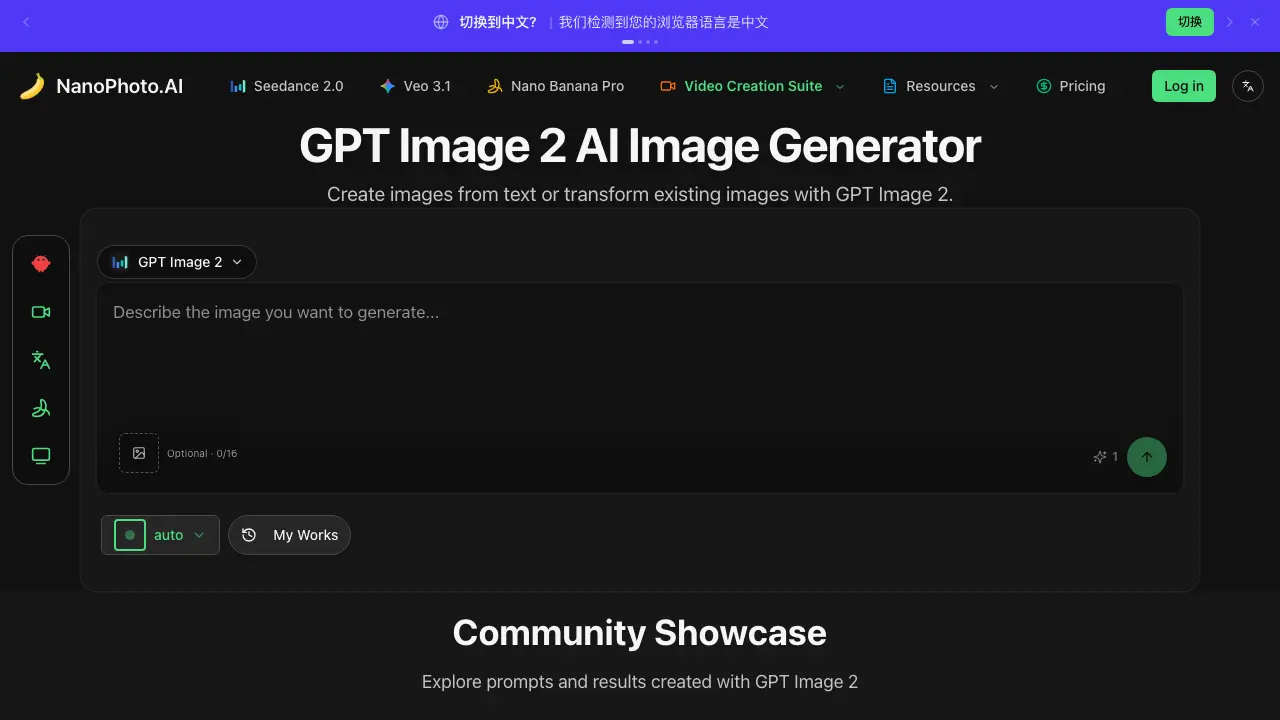
Nano Photo AI’s GPT Image 2 is an AI image generator for creators and designers, offering text‑to‑image and image‑to‑image creation with flexible aspect ratios to quickly produce and edit visuals.

FAQs of GPT Image 2
What is GPT Image 2 in Nano Photo AI?
GPT Image 2 is an AI‑driven image generator offered by Nano Photo AI that creates new pictures from textual prompts or modifies uploaded reference images. It leverages a GPT‑style model to interpret descriptive input and produce high‑resolution results suitable for design, marketing, and creative projects.
How does Nano Photo AI handle reference images for GPT Image 2?
Users can upload one or more reference images alongside their text prompt. The system analyses visual features such as style, color palette, and composition, then blends these attributes with the textual description to generate a coherent output that respects the original visual cues.
Is there a usage limit for the free tier of GPT Image 2?
Nano Photo AI provides a limited quota of 16 generation slots per session for unregistered or free users. Once the allotment is exhausted, users must either wait for the quota to reset or upgrade to a paid plan for continuous, unrestricted access.
What subscription options are available for Nano Photo AI’s image generation tools?
Nano Photo AI offers an annual membership that includes unlimited GPT Image 2 generations, priority processing, and additional benefits such as double points and seasonal discounts. The current promotion provides 30 % off for the first 99 subscribers who use the discount code WECHAT.
How can I get technical support or report a problem with GPT Image 2?
Support for Nano Photo AI is available through multiple channels: the community Discord server, the official email address (support@nanophoto.ai), and the documentation portal under the “Help” section. Users are encouraged to provide detailed error logs and screenshots to expedite troubleshooting.
How to use GPT Image 2
Nano Photo AI’s GPT Image 2 serves as an AI image generator, enabling users to create new visuals from textual prompts or modify existing pictures via text‑based instructions.
After logging in, navigate to the “GPT Image 2” section, paste a descriptive prompt into the input field, optionally attach a reference image, then click Generate.
The system processes the request, displaying up to sixteen thumbnail results; hover or click each thumbnail to view a larger preview and assess visual fidelity.
Compare generated outputs against the original prompt, noting alignment of colors, composition, and style; select the most appropriate image for download or further editing.
Export the chosen image using the download button, then integrate it into design projects, marketing assets, or social media, leveraging AI‑enhanced visuals to meet creative objectives.
