
Nano Banana FAQs
Nano Banana, powered by Google's Gemini AI, enables text-based image editing with consistent character preservation and natural scene integration for creative professionals and everyday users.

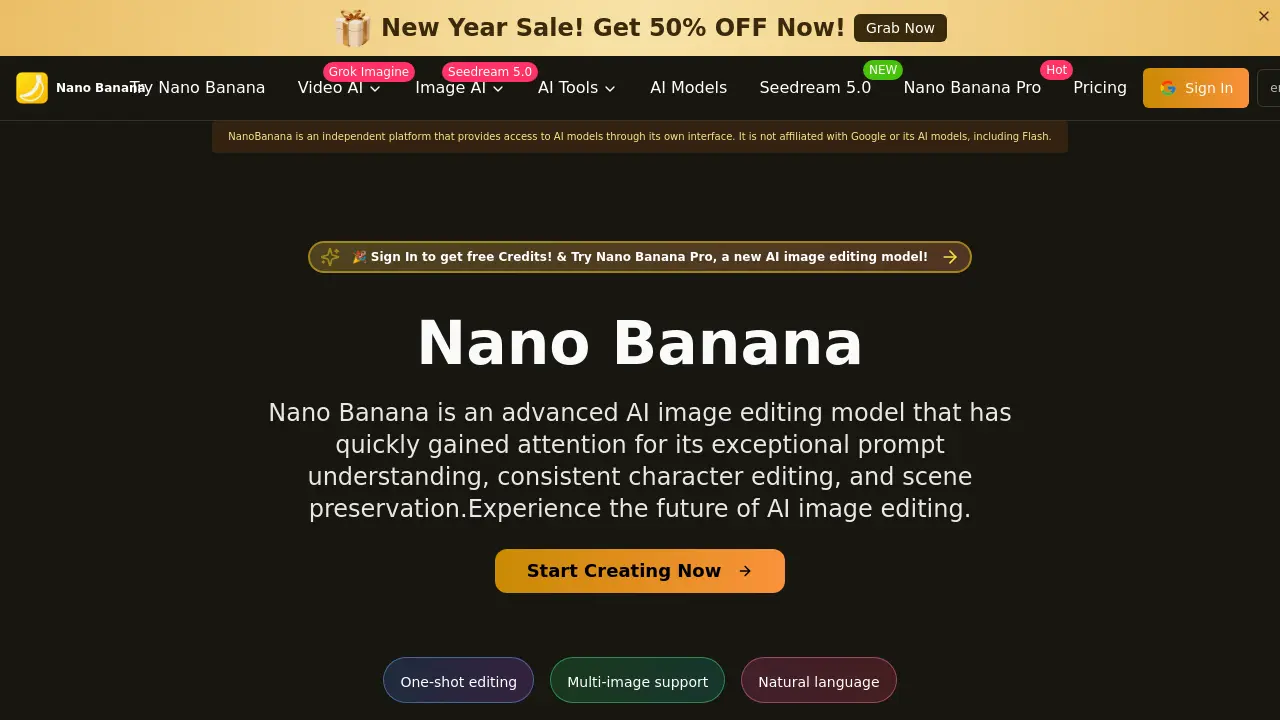
FAQs of Nano Banana
What is Nano Banana?
Nano Banana is an AI-powered image editing platform that utilizes natural language prompts to transform photos. It is built on technology related to Google's Gemini 2.5 Flash but operates as an independent service. The tool focuses on delivering precise edits, consistent characters, and seamless scene integration for various creative applications.
How does Nano Banana differ from other AI image editors?
Nano Banana distinguishes itself through superior character consistency and scene preservation during edits. Its prompt understanding reduces the need for repeated iterations, and it supports multi-image workflows. These capabilities allow for more reliable and efficient editing compared to many standard AI image tools.
Can Nano Banana be used for professional projects?
Yes, Nano Banana is suitable for professional projects due to its high-resolution output and consistent results. It serves industries like marketing, digital art, and game design by producing production-ready visuals. The model's reliability in maintaining character details and scene integrity supports brand-consistent content creation.
What kind of edits does Nano Banana support?
Nano Banana supports a wide range of text-based edits, including style transfers, object addition or removal, and environmental changes. Users can modify lighting, perspective, and artistic style through descriptive prompts. The AI handles both minor refinements and complete scene reimaginings while preserving core image elements.
Is Nano Banana suitable for beginners?
Nano Banana is designed to be accessible for beginners through its intuitive natural language interface. Users without technical editing skills can achieve desired results by simply describing changes. The model's accuracy reduces the learning curve typically associated with advanced image editing software.
How fast is Nano Banana's image processing?
Nano Banana processes image edits quickly, often delivering results in seconds. The exact time may vary based on image complexity and server load, but the system is optimized for rapid generation. This speed supports efficient workflows for both individual and batch editing tasks.
Does Nano Banana maintain image quality?
Yes, Nano Banana maintains high image quality by rendering edits in high resolution with sharp details. It preserves the original image's structure, lighting, and perspective during transformations. The output is designed to be production-ready, minimizing artifacts or quality loss common in some AI editing tools.
Can Nano Banana handle multiple characters in one image?
Nano Banana reliably edits multiple characters within a single image while maintaining their individual consistency. It adjusts proportions, interactions, and expressions accurately across edits. This feature is particularly useful for narrative storytelling, group portraits, and complex scene modifications.
Need help or support?
Support for Nano Banana is available via email at support@nanobanana.io. The platform also provides documentation, a prompt guide, and policy pages for refunds, terms, and privacy. Users can sign in to access free credits and test features before purchasing.
What pricing options does Nano Banana offer?
Nano Banana offers various pricing plans detailed on its dedicated pricing page. The platform frequently runs promotional offers, such as the current New Year Sale with 50% off. Users can begin with free credits upon registration to evaluate the service before selecting a paid tier.
Is Nano Banana officially affiliated with Google?
No, Nano Banana is an independent platform that provides access to AI models through its own interface. While it leverages technology similar to Google's Gemini 2.5 Flash, it is not affiliated with Google or its specific AI models. This independence allows Nano Banana to control its feature development and user experience.
Which AI models are available on Nano Banana?
Nano Banana hosts several AI models, including Seedream 4.0, 4.5, and 5.0, as well as Nano Banana Pro and Z Image. For video editing, models like Veo 3.1, Sora 2, and Wan series are accessible. A full list with descriptions is available in the models section of the website.
How does the multi-image editing feature work?
The multi-image support allows users to upload and process several images in one session. Nano Banana applies consistent edits and styling across all selected files, ensuring visual coherence. This batch functionality streamlines workflows for creating themed content series or uniform marketing materials.
What are the output image specifications?
Output images are generated in high resolution with production-ready clarity and detail. The AI maintains original scene context while applying edits, resulting in natural-looking transformations. Files are typically delivered in standard formats like JPEG or PNG, with specific technical details confirmable in platform resources.
How to use Nano Banana
Nano Banana is an AI image editing model that uses natural language prompts to deliver precise transformations, consistent character editing, and superior scene preservation. It produces high-resolution outputs suitable for professional creative work.
- Users begin by accessing the Nano Banana platform at the provided URL and signing into their account to claim free trial credits for testing.
- They upload the source image to the editor interface, selecting a file from their device for AI-driven modification.
- In the prompt field, users enter a detailed description of desired changes, leveraging natural language for accurate AI interpretation.
- After submitting the prompt, users initiate the generation process, sending the image and instructions to Nano Banana's processing engine.
- The AI renders the edited image quickly, applying transformations while maintaining the original scene's structure and character consistency.
- Users review the output, assessing prompt alignment, character integrity, scene preservation, and overall visual quality.
- Finally, they download the high-resolution result; if unsatisfied, users refine the prompt and repeat the workflow.
