
Nano Banana Editor FAQs
This professional AI image editing platform offers background transformation, style transfer, lighting enhancement, and color optimization, capable of editing multiple images simultaneously.

FAQs of Nano Banana Editor
What are the 6 core AI features of Nano Banana Editor?
Nano Banana Editor specializes in 6 powerful AI capabilities: Smart Scene Transformation (background replacement like grassland to mountain road), Artistic Style Transfer (photo to oil painting, anime style), Professional Lighting Enhancement (soft glow, dramatic lighting), Color Optimization (vibrant colors, vintage tones), AI Age Transformation (7 to 60 years progression), and Multi-Image AI Editing (analyzing 5 images to create new ones). Each feature is designed to deliver professional results while maintaining visual consistency for various image editing tasks.
How accurate are Nano Banana Editor's AI transformations?
Nano Banana Editor's AI delivers exceptional accuracy across all transformations. Its advanced algorithms understand lighting physics, color theory, and composition to create realistic results. Whether users are transforming backgrounds, applying artistic styles, or adjusting lighting, Nano Banana Editor maintains image quality and consistency, as demonstrated by real examples on its showcase page.
Can Nano Banana Editor really change backgrounds like grassland to mountain road?
Yes, Nano Banana Editor excels at background replacement and scene transformation. Its AI intelligently separates subjects from backgrounds and creates seamless new environments. The grassland-to-mountain road transformation is merely one example; Nano Banana Editor can convert office settings to beaches, urban scenes to nature, and many other creative scenes, offering a versatile nano banana edit image tool.
How does Nano Banana Editor's multi-image editing work?
Nano Banana Editor's multi-image capability allows users to upload up to 5 photos and utilize text prompts to create entirely new images. The AI analyzes elements from all sources and intelligently combines them according to the user's creative vision. This collaborative AI approach enables Nano Banana Editor to understand relationships between images and synthesize them in ways not achievable with single-image editing, offering advanced nano banana editing capabilities.
How does Nano Banana Editor's credit system work?
Nano Banana Editor operates on a straightforward credit system where both Image Editor and Text-to-Image functions consume 4 credits per generation or edit. Users can purchase credit packages through subscription plans: Starter (200 credits/month), Pro (700 credits/month), or Ultimate (2000 credits/month). This transparent system allows for effective usage planning and budget management while accessing Nano Banana Editor's powerful features.
What payment methods does Nano Banana Editor accept?
Nano Banana Editor accepts all major credit cards, debit cards, and digital payment methods through its secure Stripe integration. All transactions are processed with enterprise-grade security, ensuring user financial data protection. Users can manage their subscription, view credit usage, and download invoices directly from their account dashboard.
How does Nano Banana Editor ensure consistent results across multiple edits?
Nano Banana Editor's advanced AI architecture understands context and preserves essential elements throughout the editing process, making it a reliable nano banana ai photo editor. When users upload multiple reference images, Nano Banana Editor learns from all inputs to maintain character identity, scene composition, and artistic style while applying requested modifications, ensuring consistent and high-quality output for their nano banana ai image editor needs.
Is my data and image content secure with Nano Banana Editor?
Yes, Nano Banana Editor prioritizes user privacy and data security. All uploaded images and generated content are processed securely, with the implementation of industry-standard encryption and protection measures. User creative work remains confidential and is not utilized for training purposes without explicit consent, assuring privacy for nano banana ai editor users.
Does Nano Banana Editor offer a free trial or free version?
While the context mentions "Try Nano Banana Editor Free," specific details about a permanent free tier or trial duration are not provided. Users are encouraged to visit the Nano Banana Editor website to explore any current free options or promotional offers for using this nano banana editor free.
What kind of results can I expect from Nano Banana Editor?
Nano Banana Editor leverages professional AI technology to transform ordinary images into stunning works, offering features like background replacement, lighting adjustment, style transfer, color adjustment, and age transformation. Users can expect amazing before-and-after results, as showcased with examples like "vast grassland background" transformations. The platform aims for a 99% accuracy rate and 8x faster processing, providing high-quality output for any nano banana edit prompt.
How to use Nano Banana Editor
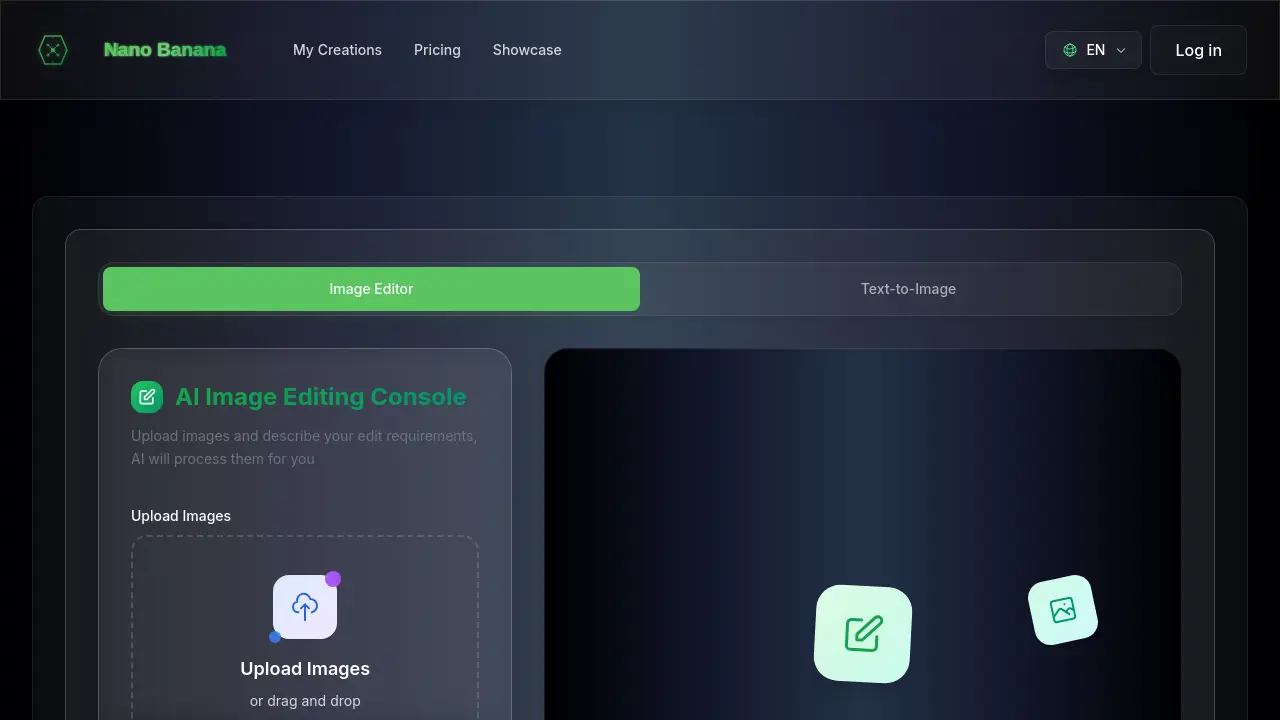
Nano Banana Editor is an AI-powered image editing console designed to transform visual content. It enables users to upload images and describe desired edits, which the AI then processes. This tool offers diverse functionalities like background replacement, style transfer, lighting enhancement, color optimization, age transformation, and multi-image editing for creative synthesis.
- Navigate to the Nano Banana Editor website to begin your AI image editing process.
- Upload your desired images; the system supports up to 5 PNG, JPG, or WebP files simultaneously.
- Input your specific edit requirements in the "Edit Prompt" text area, clearly describing the desired AI transformation.
- Initiate the AI processing, allowing the tool to apply the requested edits to your uploaded images.
- Review the transformed images, utilizing features like background replacement or style transfer.
- Interpret the results to refine your visual content, leveraging capabilities such as lighting adjustments or color optimization.
- Utilize the enhanced images for various creative projects, benefiting from the AI age transformation or multi-image synthesis.
