
Mivid FAQs
Convert scripts, blog posts, and prompts into professional AI videos with avatars, voiceovers, and subtitles for YouTube, TikTok, and Instagram.

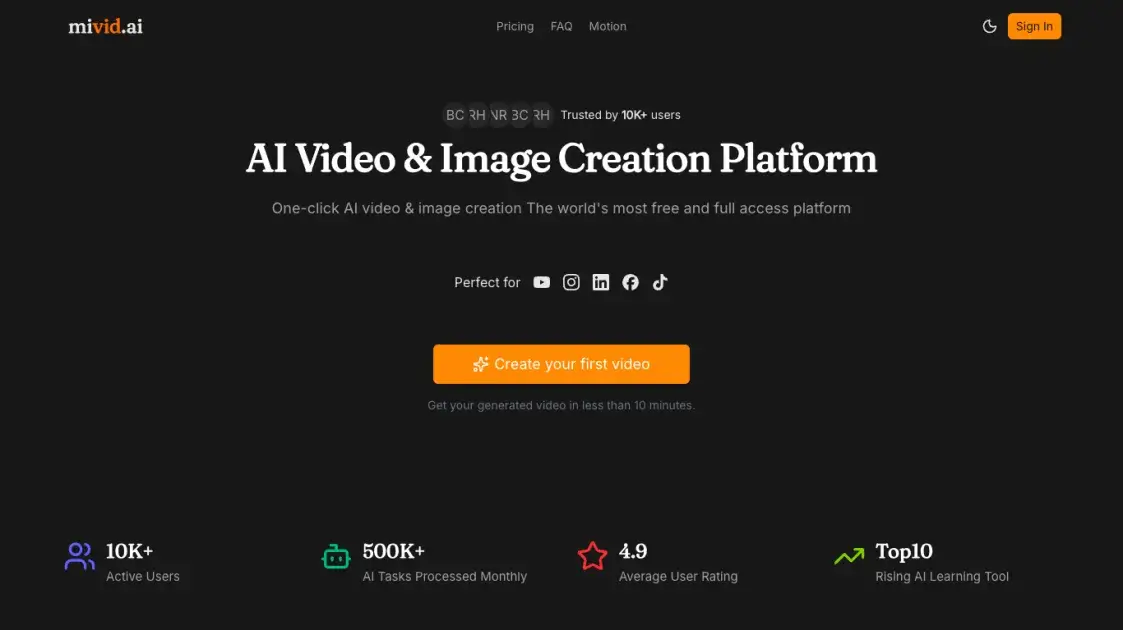
FAQs of Mivid
What is Mivid.ai and who is it for?
Mivid.ai is an AI-powered platform that converts scripts, blog posts, and text prompts into professional videos with avatars, voiceovers, and subtitles. It is designed for content creators, digital marketers, educators, and social media managers who need to produce video content at scale without traditional video editing skills.
How much does Mivid.ai cost?
Mivid.ai offers three paid subscription tiers: Starter at $23/month with 2,000 credits, Pro at $45/month with 4,500 credits, and Ultimate at $65/month with 7,000 credits. All plans include full access to core creation tools.
What types of videos can Mivid.ai create?
The platform supports multiple visual styles including anime, cinematic, 3D, realistic, and sketch formats. Videos are optimized for short-form content on YouTube Shorts, TikTok, and Instagram Reels, with built-in subtitle and music integration.
Does Mivid.ai require video editing experience?
No, Mivid.ai is designed to handle the entire video production process automatically. Users provide a topic or script, select preferences for style and voice, and the AI generates the complete video without requiring editing skills.
Can I cancel my subscription anytime?
Yes, subscriptions can be canceled at any time. Remaining credits stay available until they are used. However, all payments are non-refundable once processed.
What AI models does Mivid.ai use?
Mivid.ai integrates several frontier AI models: GPT-5 and Gemini 3 for script generation, Image 2 and Flux for image and character creation, ElevenLabs for voiceover narration, and Seedance2, Kling, and Wan-2.6 for video generation.
Is my content secure on the platform?
Mivid.ai states that all uploads and generated videos are protected with enterprise-grade security measures, ensuring user content remains private and secure throughout the creation process.
How to use Mivid
- Create an account and select a subscription plan — Mivid.ai offers Starter ($23/mo), Pro ($45/mo), and Ultimate ($65/mo) tiers with monthly credit allocations.
- Enter a topic, script, or prompt — Describe the content theme or paste an existing script to initiate the AI generation process.
- Choose a visual style and voice — Select from anime, cinematic, 3D, realistic, or sketch styles, and pick a narration voice that fits the content tone.
- Review generated scenes and characters — Check the AI-created scene breakdowns and character visuals for consistency, making adjustments as needed.
- Add subtitles and music — Enable automatic subtitles and select background music to enhance the final video output.
- Preview the complete video — Watch the rendered result and regenerate specific sections if the output does not meet expectations.
- Download or export — Save the final video in a format optimized for the target platform, such as YouTube, TikTok, or Instagram.
