
MiniMax H3 AI Video Generator: Create Videos with Sound

What is MiniMax H3
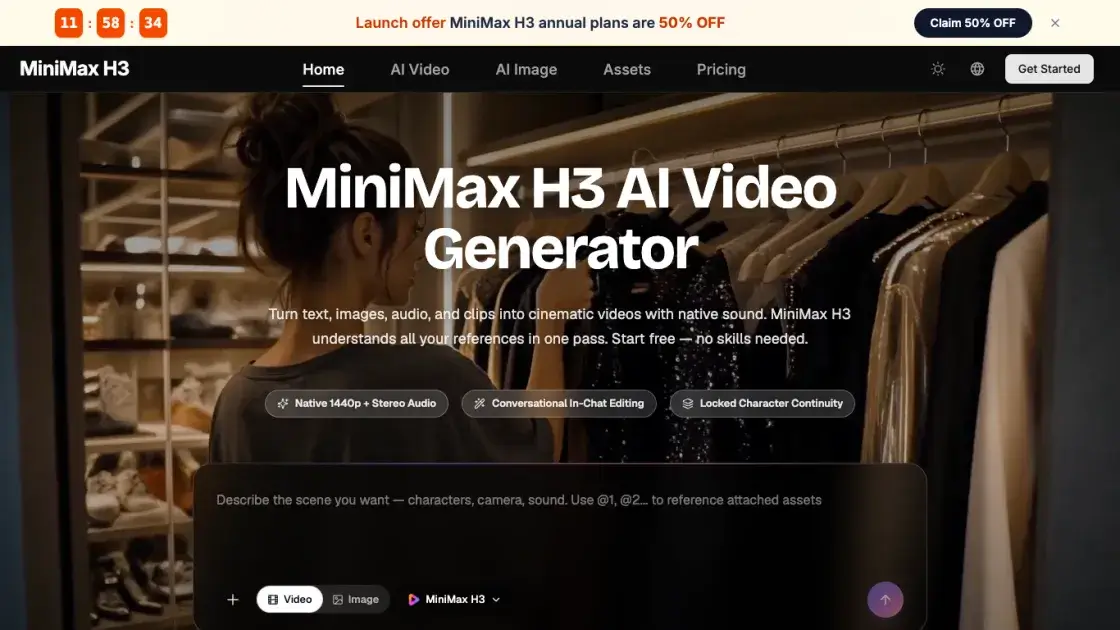
MiniMax H3 is an open, general-purpose multimodal AI video generator that turns text, images, audio, and video clips into cinematic content with native sound. It mixes up to 9 reference images, 3 video clips, and 3 audio tracks in a single request, reading characters, motion, camera moves, voices, and style together before blending them into one coherent shot. The model also supports instruction-based editing: swapping characters, replacing backgrounds, relighting scenes, or rewriting dialogue without touching the rest of the footage. Output reaches 1440p at 24 FPS with accurate on-screen text, logos, and product details, which suits ads, e-commerce listings, and brand films. Every generation ships with native two-channel stereo audio, and a free tier lets new users try text-to-video, image-to-video, and editing without a credit card.
How does MiniMax H3 work
MiniMax H3 is a general-purpose multimodal model that processes text, images, video clips, and audio together as one creative context instead of handling each task separately. Reference files are analyzed for characters, motion, camera work, and style, then merged into a single generation pass that outputs video with synchronized native stereo audio. When editing is requested, the model compares the instruction against the source footage and regenerates only the targeted parts, keeping untouched regions pixel-stable. Output is rendered up to 1440p at 24 FPS with accurate text, logos, and product details.
Benefits of MiniMax H3
MiniMax H3 combines generation, reference, and editing in one model, so teams avoid juggling separate tools to finish a video. True multimodal input mixes images, clips, and audio in a single request, keeping character identity, motion, and style consistent across shots. Native stereo audio ships with every output, removing the silent-clip problem common in other generators. Instruction-based editing preserves everything the user does not touch, which speeds up iteration for directors and editors. Output up to 1440p with accurate on-screen text and product details supports commercial work. A free tier without a credit card lowers the barrier to entry.
Pros and Cons of MiniMax H3
Pros
- True multimodal input with up to 12 files
- Native stereo audio on every output
- Precise instruction-based video editing
- Commercial-grade 1440p output quality
- Free tier without a credit card
Cons
- Single clip length limited to 5-15 seconds
- Free credits are limited and deplete quickly
- Premium models cost extra credits on monthly plans
Core Features of MiniMax H3
Text to Video
Write a prompt up to 7,000 characters and MiniMax H3 produces a complete video with visuals, motion, and sound. Suitable for storyboards, trailers, and social content.
Image to Video
Animate any photo or illustration. First and last frame images control where a shot starts and ends, while H3 fills in natural motion between them.
Multimodal Reference
Combine up to 9 images, 3 clips, and 3 audio tracks per request. Faces stay on-model, choreography is copied, and visual style is matched.
Native Audio and Voice Clone
Every generation includes stereo sound with ambience, effects, music, and dialogue. A voice sample lets characters speak new lines in that voice.
Instruction-Based Editing
Swap subjects, remove objects, replace backgrounds, relight scenes, and change dialogue with one sentence. Unedited parts of the video stay pixel-stable.
Any Aspect Ratio
Generate in 21:9, 16:9, 4:3, 1:1, 3:4, or 9:16, or let H3 choose the best frame automatically. One model covers every format.
Use Cases of MiniMax H3
- Content creators: Generate vertical 9:16 shorts for TikTok, Reels, and YouTube with sound in minutes.
- Marketers and agencies: Test ad concepts quickly with accurate brand text and product rendering.
- E-commerce sellers: Turn flat product photos into listing videos with motion, sound, and real scenes.
- Filmmakers and studios: Previsualize scenes with moving storyboards and real camera language.
- Game and app teams: Create game CG, character PVs, and animated UI walkthroughs with consistent characters.
FAQs of MiniMax H3
Is MiniMax H3 free to use?
Yes. New users can try the MiniMax H3 AI video generator without a credit card. Free credits on signup cover text-to-video, image-to-video, and instruction-based editing with the full model. Paid plans add more credits, faster processing, and commercial usage rights.
What inputs does MiniMax H3 support?
H3 accepts text prompts up to 7,000 characters, up to 9 reference images, up to 3 video clips (15 seconds total), and up to 3 audio tracks, with a combined cap of 12 files per request. Supported formats include JPG, PNG, WEBP, and HEIC for images, H.264 and H.265 for video, and WAV and MP3 for audio.
Does MiniMax H3 generate sound automatically?
Yes. Unlike most AI video generators that output silent clips, every MiniMax H3 result includes native stereo audio with ambience, sound effects, music, and synced dialogue. Users can also provide a reference audio clip to clone a voice for characters.
Can MiniMax H3 edit an existing video?
Yes. Upload a clip and describe the change, such as swapping a character, removing an object, replacing the background, changing lighting, or rewriting dialogue. H3 applies the edit precisely while keeping everything else stable.
What quality are MiniMax H3 videos?
Each generation produces a 5 to 15 second video at 24 FPS, with output up to 1440p. Every video includes native two-channel stereo audio. Longer, higher-resolution clips generally take a few minutes to render depending on queue load.
Can I use MiniMax H3 videos commercially?
Videos generated on a paid plan come with commercial usage rights, suitable for ads, e-commerce listings, social campaigns, brand films, and client work. The model renders brand text, product details, and UI elements accurately for commercial-grade output.
How to use MiniMax H3
- Describe or upload your input: Type a description of the video, or add up to 9 reference images, 3 video clips, and 3 audio tracks in one request.
- Pick an aspect ratio and generate: Choose from 21:9 to 9:16 and click Generate. H3 creates a 5-15 second video with native stereo sound in one pass.
- Refine and download: Tell H3 what to change in plain language and it edits the video while keeping everything else stable. Download in up to 1440p and share anywhere.
MiniMax H3 Website Traffic Analysis
Latest traffic information
- Monthly Visits49.55K
- Bounce Rate37.08%
- Pages Per Visit3.7
- Visit Duration00:00:32
- Global Rank512.39K
- Country/Region Ranking61.7K
Top Keywords
| Keyword | Traffic | Volume | Cost Per Click |
|---|---|---|---|
| minimax h3 | 8.78K | 502.28K | -- |
| minimax h3 free | 440 | 5.6K | -- |
| mini max h3 ai | 270 | 640 | -- |
| minimax h3 ai | 240 | 1.57K | -- |
| minimaxh3 ai | 170 | 190 | -- |
Top Regions
| Region | Percentage |
|---|---|
| India | 42.76% |
| Pakistan | 15.14% |
| Philippines | 9.61% |
| Mexico | 8.31% |
| United States | 7.56% |
MiniMax H3 Alternatives
Seedance 3.0 preview page: planned multi-shot continuity, scene editing and audio-visual sync for AI video, while the on-page generator runs Seedance 2.5.
Browser workspace for AI image generation, reference photo editing, and short video drafts, aimed at creators, marketers, and product teams.
Black Forest Labs' multimodal model with a web generator for text-to-video, image-to-video and image editing with native audio, for creators and marketers.
Wan API is an independent platform for Wan and Seedance video models. Compare specs and rates, generate clips in the Playground, or call them through one API.
Seedance 3.0 turns text, images, video clips, and audio into videos with sound, and edits one part of a clip without regenerating the rest.
Wery is a virtual AI studio that routes one goal to specialist agents for video, images, music and documents, keeping characters and project assets consistent.

AI video and image studio with text-to-video, image-to-video and keyframe control across Seedance, Kling, Wan and Vidu — all on one credit balance.
Browser studio for AI video, image and music generation with Grok Imagine, Kling and GPT Image models. Free daily credits, no sign-up required.
SeaMove AI is an AI video and image generation platform offering Seedance 2.0 and Seedance 2.5 models for text-to-video, image-to-video, and reference-based creation. Features multi-shot continuity, director-level control, and audio-visual sync for creators and studios.
Turns two separate portraits into a 15-second vertical rap duet video on an orange stage with a shared microphone and the original soundtrack. Free 480P preview available.
Mareel is an all-in-one AI video and image generation workspace giving creators, marketers, and ecommerce teams 40+ leading models and one shared credit balance.
Kinovi is a REST API that runs published video, image, and audio AI models from one endpoint. Send a model ID to createTask, poll recordInfo, and pay per use from one shared credit balance.