
MagicShot FAQs
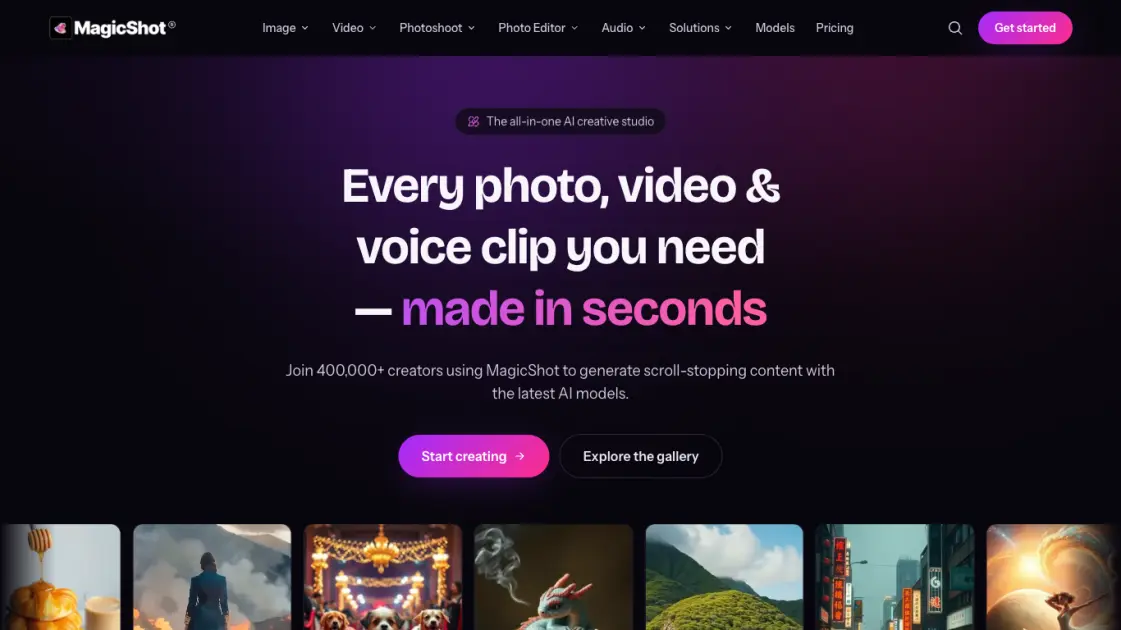
Generate AI-powered photos, videos, kissing videos, headshots, and product shots with MagicShot. One studio with 85+ AI tools for creators and marketers.

FAQs of MagicShot
How much does MagicShot cost?
MagicShot offers three credit-based plans with yearly billing: Essential at $5.25 per month, Premium at $11.50 per month, and Premium+ at $22.50 per month. Each plan includes monthly credits for generating content across all available tools.
What can users create with MagicShot?
Users can create AI images, videos, professional photoshoots, photo edits and enhancements, and realistic audio voiceovers — all within a single platform using over 85 specialized tools across five creative suites.
Do users own the content they create?
Paid plan subscribers receive full commercial rights to all content generated with MagicShot. This allows using outputs for business purposes, social media marketing, product listings, and other commercial applications without restrictions.
Which AI models does MagicShot use?
MagicShot integrates multiple cutting-edge models including Seedance 2.0, GPT Image 2, Veo 3.1, Kling v3 Omni, PixVerse V6, Nano Banana 2, and Happy Horse 1.0 for diverse image, video, and audio generation tasks.
How do credits work on MagicShot?
Each content generation consumes a certain number of credits based on the tool and output type selected. Unused credits do not roll over to the next billing cycle, and users can upgrade or switch plans at any time.
Is there a mobile app for MagicShot?
Yes, MagicShot is available as a free iOS app for iPhone and iPad. The mobile version includes AI photoshoots, headshots, image and video generation, over 100 styles, and HD watermark-free export.
Can users cancel their MagicShot subscription?
Yes, users can cancel their subscription at any time. MagicShot offers flexible monthly or yearly billing options with no long-term lock-in, and switching between plans is straightforward.
How to use MagicShot
- Visit app.magicshot.ai or download the iOS app from the App Store to create a free account and access the MagicShot creative studio.
- Browse available tools organized by category — AI Image Generator, AI Video Generator, AI Photoshoot, AI Photo Editor, or AI Audio Generator.
- Select a desired tool and provide a text description of the output or upload a source photo to use as the starting point.
- Adjust optional settings such as style preset, aspect ratio, or output resolution before submitting the generation request.
- Wait a few seconds for the AI to process the request, then preview the result and download it in high resolution or HD.