
Loom FAQs
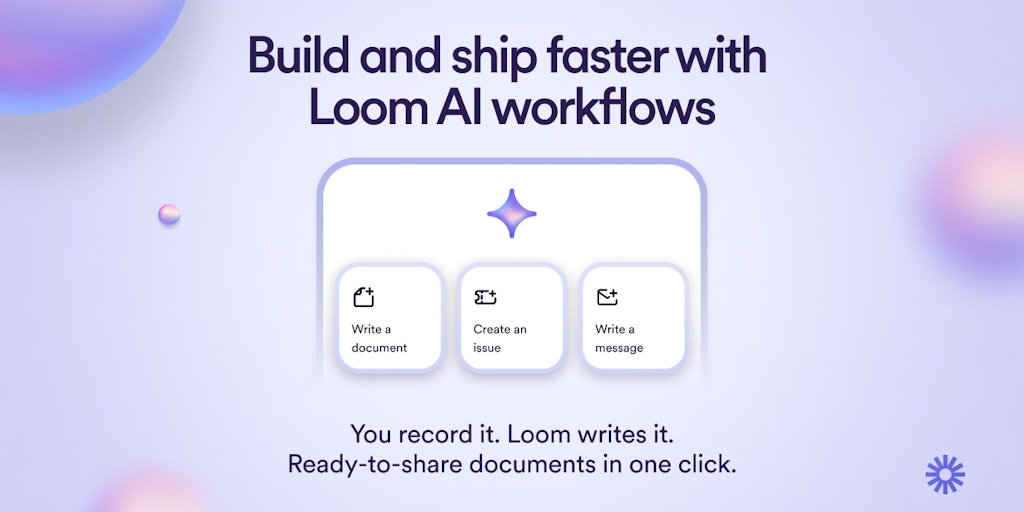
Experience the power of Loom AI workflows. Say it, show it, and let Loom write it for you. The best video messaging software now enables effective video and written communication for work. Try Loom today!

FAQs of Loom
What is Loom?
Loom is a free screen recording tool that lets you record your screen and webcam simultaneously. It's great for creating quick tutorials, demos, and presentations. You can easily share your recordings with others via a link, and they can watch them on any device.
How do I use Loom?
To use Loom, you first need to create a free account. Once you've signed up, you can start recording. Loom has a simple and intuitive interface, making it easy to use. You can record your entire screen, a specific window, or just your webcam. You can also add annotations to your recordings to highlight important points.
What makes Loom different from other screen recording tools?
Loom is different from other screen recording tools because it offers a variety of features that are useful for both individuals and teams. For example, Loom allows you to record and share videos in high quality, and it also provides a way to easily track who has watched your videos.
What are the benefits of using Loom?
There are many benefits to using Loom, including:
- Easy to use: Loom is very easy to use, even for people who are not familiar with screen recording tools.
- High-quality recordings: Loom produces high-quality recordings that are clear and easy to watch.
- Easy sharing: Loom makes it easy to share your recordings with others, via a link.
- Collaboration features: Loom offers a variety of collaboration features, such as the ability to comment on recordings and leave feedback.
Is Loom free?
Yes, Loom offers a free plan that includes unlimited recording and storage. There are also paid plans that offer additional features, such as the ability to create private recordings and access advanced analytics.
Who can benefit from using Loom?
Loom can be beneficial for anyone who needs to create and share videos, including:
- Teachers: Loom can be used to create quick tutorials and demos for students.
- Salespeople: Loom can be used to create product demos and presentations for potential customers.
- Project managers: Loom can be used to give team updates and share progress reports.
- Customer support representatives: Loom can be used to create video responses to customer inquiries.
What is the best way to learn more about Loom?
The best way to learn more about Loom is to visit the Loom website and try it out for yourself. You can also watch some of the Loom tutorials on YouTube to learn more about how to use the tool.
