
Kiwi Video - Learn from Videos with AI
| Added on: | Apr 28, 2024 |
| Monthly Visits: | 1.51K |
| Social & Email: | -- |

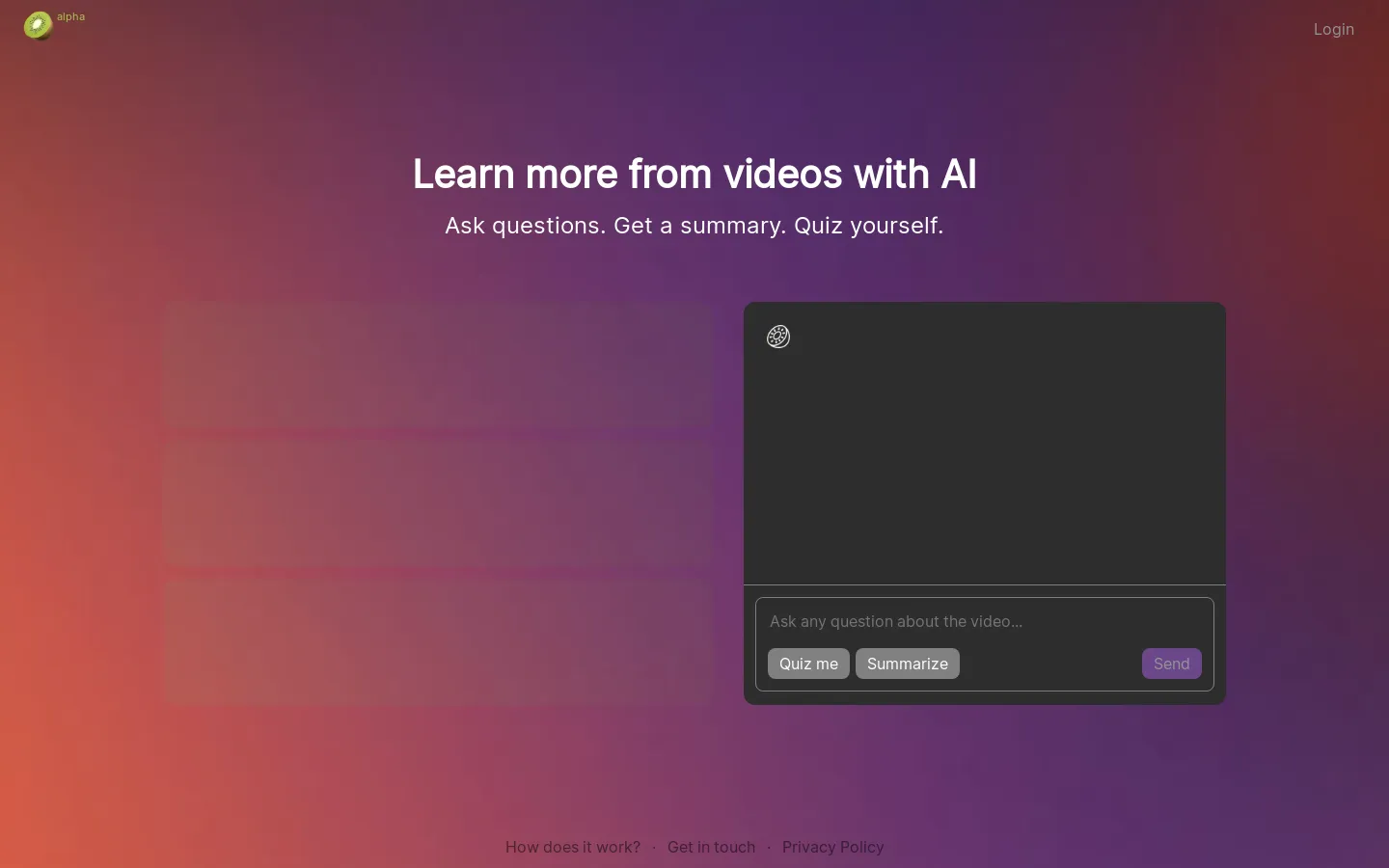
What is Kiwi Video
Kiwi Video is an AI-powered tool that helps you learn more from videos. It's designed for anyone who wants to get the most out of their video learning experience, whether you're a student, a professional, or just someone who loves to watch videos. 🥝
Kiwi Video uses AI to transcribe your videos, create summaries and highlight key information, and even generate flashcards and quizzes to help you remember what you've learned. It also lets you speed up or slow down videos, add subtitles, and even translate them into different languages. You can even ask Kiwi Video specific questions about the video, and it will give you the answers.
Core Features of Kiwi Video
Learn from videos faster with Kiwi's AI features
Kiwi Video is a browser extension that uses AI to help you learn from videos more effectively. It lets you speed up videos, take notes, create summaries, and even generate flashcards.
Speed Up Videos
Kiwi Video can automatically transcribe and summarize videos, allowing you to get the key information you need without having to watch the entire video.
Create Summaries
Kiwi Video can create summaries of videos, which can help you quickly understand the main points of the video.
Generate Flashcards
Kiwi Video can generate flashcards from videos, which can help you learn and remember the information you need.
FAQs of Kiwi Video
What is Kiwi Video?
Kiwi Video is an AI-powered tool that helps you learn more from videos. It uses AI to transcribe, summarize, and highlight key information in videos. This can help you save time and understand the main points of a video more quickly.
How does Kiwi Video work?
You can upload any video to Kiwi Video, and the AI will automatically transcribe it. The AI will then identify the key points and create a summary of the video. You can also use Kiwi Video to search for specific information within a video.
What are the benefits of using Kiwi Video?
Kiwi Video can help you:
- Learn more from videos: Kiwi Video can help you identify the main points of a video and understand it more quickly.
- Save time: Kiwi Video can help you avoid having to watch entire videos to find the information you need.
- Improve your understanding: Kiwi Video can help you identify key information that you might have missed.
How is Kiwi Video different from other video learning tools?
Kiwi Video is different from other video learning tools because it uses AI to automatically identify the key information in a video. This makes it faster and easier to learn from videos than other methods.
What are some examples of how I can use Kiwi Video?
You can use Kiwi Video for a variety of purposes, including:
- Learning a new skill: Use Kiwi Video to quickly understand the main points of a video tutorial.
- Staying up-to-date on industry news: Use Kiwi Video to quickly understand the main points of a video news report.
- Preparing for a meeting: Use Kiwi Video to quickly understand the main points of a video presentation.
How can I try Kiwi Video?
You can sign up for a free trial of Kiwi Video on the website. You can then use the tool to upload your own videos and see how it works.
Kiwi Video Website Traffic Analysis
Latest traffic information
- Monthly Visits1.51K
- Bounce Rate35.97%
- Pages Per Visit1.04
- Visit Duration00:00:00
- Global Rank12.07M
- Country/Region Ranking894.35K
Top Keywords
| Keyword | Traffic | Volume | Cost Per Click |
|---|---|---|---|
| kiwi ai | 50 | 42.65K | $0.6 |
| kiwi ai video generator | 20 | 50 | -- |
| kiwi ia | -- | 3.58K | $0.96 |
| kivi ai | -- | 780 | $0.45 |
| kiwiai | -- | 720 | $1.39 |
Top Regions
| Region | Percentage |
|---|---|
| India | 100% |
Kiwi Video Alternatives
Seedance 3.0 preview page: planned multi-shot continuity, scene editing and audio-visual sync for AI video, while the on-page generator runs Seedance 2.5.
Browser workspace for AI image generation, reference photo editing, and short video drafts, aimed at creators, marketers, and product teams.
Black Forest Labs' multimodal model with a web generator for text-to-video, image-to-video and image editing with native audio, for creators and marketers.
Wan API is an independent platform for Wan and Seedance video models. Compare specs and rates, generate clips in the Playground, or call them through one API.
Seedance 3.0 turns text, images, video clips, and audio into videos with sound, and edits one part of a clip without regenerating the rest.
Scribix is an AI video clipper that cuts podcasts and interviews into captioned vertical shorts, then publishes them to YouTube, TikTok and LinkedIn.
Wery is a virtual AI studio that routes one goal to specialist agents for video, images, music and documents, keeping characters and project assets consistent.

AI video and image studio with text-to-video, image-to-video and keyframe control across Seedance, Kling, Wan and Vidu — all on one credit balance.
Browser studio for AI video, image and music generation with Grok Imagine, Kling and GPT Image models. Free daily credits, no sign-up required.
SeaMove AI is an AI video and image generation platform offering Seedance 2.0 and Seedance 2.5 models for text-to-video, image-to-video, and reference-based creation. Features multi-shot continuity, director-level control, and audio-visual sync for creators and studios.
Turns two separate portraits into a 15-second vertical rap duet video on an orange stage with a shared microphone and the original soundtrack. Free 480P preview available.
Katto turns long videos and podcasts into scored, captioned 9:16 clips. It ranks clips by viral potential and exports them to 7 platforms from one place.