
JoyPix.ai FAQs
JoyPix.ai is an AI video generator with avatar generation, voice cloning, and AI lip-sync features, enabling visual storytelling for content creators and social media users.

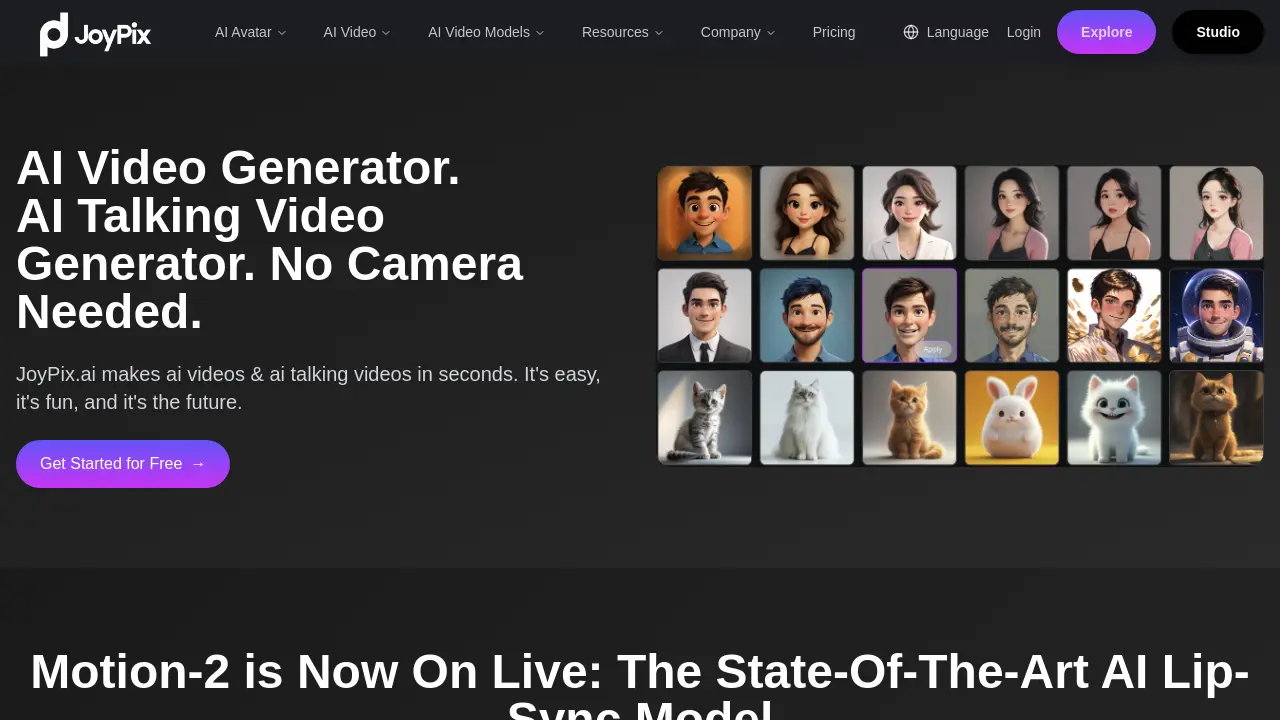
FAQs of JoyPix.ai
Can I create my own avatar using JoyPix.ai?
Yes, JoyPix.ai provides tools for users to create and customize their unique avatars. The platform's Avatar Generator can transform ordinary photos into artistic AI images in over 40 styles, including oil painting, watercolor, anime, and 3D cartoon, enhancing creative possibilities for JoyPix.ai users.
How quickly can JoyPix.ai generate a video?
JoyPix.ai is designed for rapid video production, capable of generating videos in just minutes. This efficiency allows users to quickly bring their ideas to life, making the video creation process swift and user-friendly on the JoyPix.ai platform.
What is the range of voices and languages available in JoyPix.ai?
JoyPix.ai offers an extensive selection of over 100 voices across more than 20 popular languages. This diverse range of voice options enables users to create multilingual content and cater to a global audience with their AI-generated talking videos.
Is it possible to add custom audio to videos created with JoyPix.ai?
Yes, JoyPix.ai fully supports audio uploads. Users can record or upload their own voice to personalize the avatar experience, allowing for unique voiceovers and a more tailored approach to video content creation within the JoyPix.ai ecosystem.
Where can I find information about JoyPix.ai subscription plans?
Detailed information regarding the various subscription plans offered by JoyPix.ai can be found by visiting the dedicated Subscription Plans page on their website. This page outlines the different tiers and features available to JoyPix.ai users.
Does JoyPix.ai offer API access for developers?
Currently, API access for JoyPix.ai is not available, but the engineering team is actively developing this feature. It is anticipated to be released soon, with updates likely to be shared on their GitHub Repository, expanding integration possibilities for joypix.ai.
What is Motion-2 and its key features?
Motion-2 is JoyPix.ai's state-of-the-art AI lip-sync model designed to redefine AI talking videos with unmatched realism. Its key features include true-to-life lip sync that aligns head pose, body posture, and micro-expressions, an everlasting identity lock for consistent subject appearance, and one-shot animation to turn still photos into fluent speaking or singing videos.
What are the main features offered by JoyPix.ai?
JoyPix.ai offers several cutting-edge features including Talking Photo, which brings images to life with AI lip-sync; an Avatar Generator for creating artistic AI images; an Avatar Library with over 50 pre-made avatars; an All-In-One Video Generator integrating multiple AI video generators; Free Voice Cloning from a 10-second sample; and Text To Speech with multilingual voiceovers in 40+ languages.
How to use JoyPix.ai
- Access the JoyPix.ai platform and log in or create an account to begin using the AI video generator.
- Upload your desired photo or select a pre-made avatar from the Avatar Library, which offers over 50 options.
- Utilize the Avatar Generator to transform uploaded photos into various artistic AI images, including 3D cartoon or anime styles.
- Input your script or use the Free Voice Cloning feature to replicate a voice from a 10-second sample for natural-sounding audio.
- Select the Text To Speech function to generate multilingual voiceovers in over 40 languages and accents.
- Apply advanced AI models like Motion-2 for true-to-life lip-sync and consistent identity locking in your talking video.
- Initiate the video generation process; JoyPix.ai will quickly create your animated talking video, often in minutes.
- Review the generated AI talking video, making any necessary adjustments to achieve desired outcomes.
