
JoyAI Image
AI Image Generation with Text-to-Image Creation and Editing

What is JoyAI Image
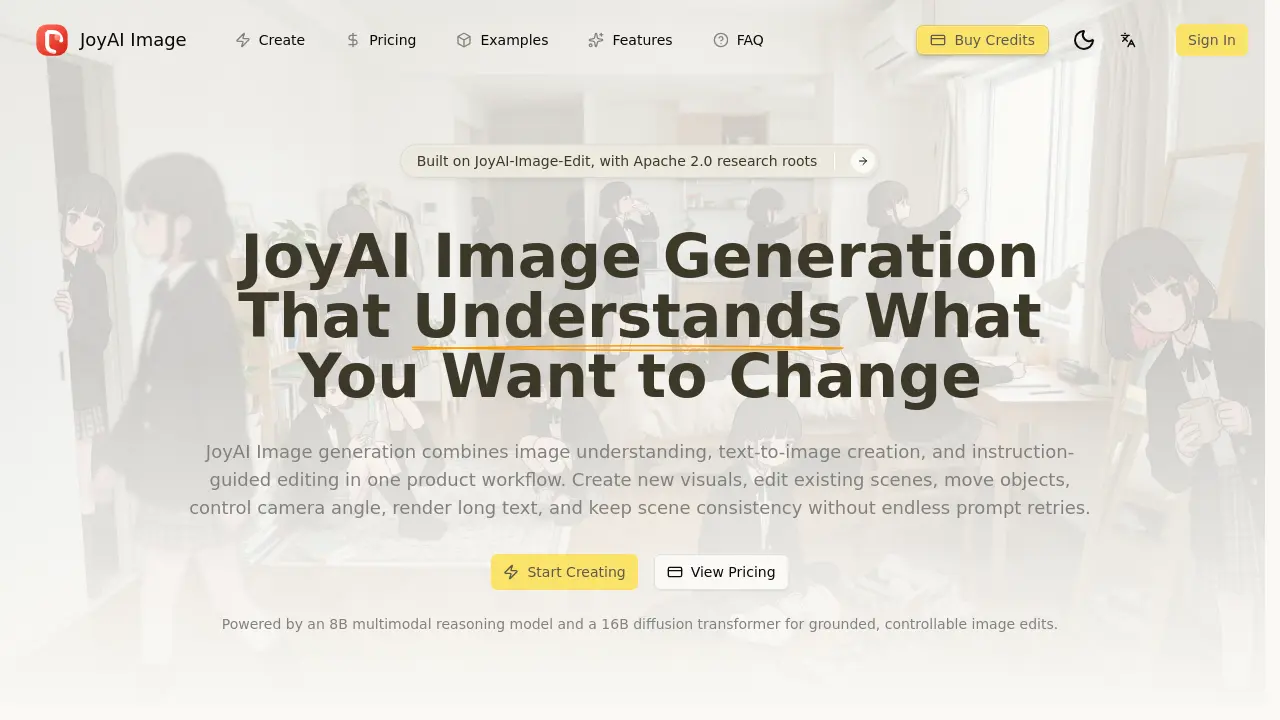
JoyAI Image is an AI-powered platform designed for precise image generation and editing. It combines image understanding, text-to-image creation, and instruction-guided editing into a unified workflow. The tool allows users to create new visuals, edit existing scenes, move objects, control camera angles, render long text, and maintain scene consistency without endless prompt retries. Powered by an 8B multimodal reasoning model and a 16B diffusion transformer, JoyAI Image delivers grounded, controllable edits for commercial use. It excels in handling layout-heavy visuals, multilingual text, and composition-aware typography. Features like spatial reasoning, object movement, and camera control ensure edits stay attached to the right elements, reducing prompt drift and spillover. JoyAI Image is ideal for ecommerce creatives, ads, social assets, posters, and branded graphics, offering faster, production-ready outputs with fewer retries.
How does JoyAI Image work
JoyAI Image operates as an integrated platform that combines image understanding, text-to-image generation, and instruction-guided editing within a single workflow. By leveraging an 8B multimodal reasoning model and a 16B diffusion transformer, it first analyzes scene structure before making pixel-level changes, ensuring edits remain grounded and controllable. This approach reduces accidental modifications and prompt drift, delivering cleaner outputs for commercial applications such as ecommerce creatives, ads, and social assets. Its long-text rendering capability supports layout-heavy visuals, including posters, product graphics, and labels, while object move and camera control features enable precise spatial adjustments. JoyAI Image’s unified architecture keeps intent and visuals aligned, providing faster, production-ready results with fewer retries compared to generic AI tools.
Benefits of JoyAI Image
JoyAI Image offers a powerful, unified platform for image generation and editing, combining advanced multimodal reasoning with diffusion transformer technology. This 8B + 16B architecture ensures grounded, controllable, and commercially useful outputs. Users benefit from precise spatial reasoning, instruction-guided editing that follows intent, and superior long-text rendering for posters and product graphics. Unlike generic AI tools, JoyAI Image reduces trial and error by preserving scene consistency, maintaining layout-heavy visuals' integrity, and enabling object moves and camera control as structured transformations. Ideal for marketing creatives, ecommerce teams, and fast-paced production workflows, JoyAI Image delivers production-ready visuals with faster iteration cycles and fewer retries, making it a reliable choice for professional, polished image generation and editing tasks.
Pros and Cons of JoyAI Image
Pros
- Combines image understanding, text-to-image creation, and editing in one workflow.
- Strong long-text rendering for layout-heavy visuals.
- Built for commercial output with better scene consistency.
- Provides spatial reasoning before pixel changes.
- Unified 8B + 16B architecture for grounded edits.
Cons
- Limited publicly available user reviews or testimonials.
- No information on pricing transparency.
- Unclear file format and resolution support.
- Potentially steep learning curve for new users.
- Lack of integration with popular design tools.
Core Features of JoyAI Image
Image Understanding
Analyzes scene structure before making edits, ensuring changes are accurately applied to specific objects and regions, reducing unwanted alterations.
Text-to-Image Generation
Creates new visuals from prompts, enabling the production of fresh product art, campaign concepts, and branded scenes.
Instruction-Guided Image Editing
Edits existing images based on clear instructions, allowing for precise object moves, camera adjustments, and scene-safe transformations.
Object Move and Camera Control
Provides spatial reasoning for reframing and repositioning, ensuring grounded transformations rather than vague stylistic changes.
Long-Text Rendering
Generates layout-heavy visuals with robust support for multilingual text, poster copy, and typography-aware compositions.
Use Cases of JoyAI Image
- E-commerce teams: Create and edit product images with precise control over object positioning, camera angles, and long-text product descriptions.
- Marketing agencies: Generate visually consistent ad campaigns with controllable scene edits and accurate text rendering for multilingual content.
- Content creators: Produce social media visuals faster by combining text-to-image generation and instruction-guided editing in a single workflow.
- Educators and trainers: Develop educational materials with clear text layouts and customizable visuals using the platform's editing capabilities.
- Design studios: Streamline poster and product graphic creation with specialized tools for layout-sensitive typography and scene consistency.
FAQs of JoyAI Image
What is JoyAI Image?
JoyAI Image is a comprehensive image generation platform that combines image understanding, text-to-image creation, and instruction-guided editing in one workflow. It's built on an 8B multimodal reasoning model and a 16B diffusion transformer, allowing users to create new visuals, edit existing scenes, move objects, control camera angles, render long text, and maintain scene consistency with fewer prompt retries than traditional AI editors.
Who can benefit from using JoyAI Image?
JoyAI Image is ideal for ecommerce teams, marketers, creative professionals, graphic designers, poster creators, and anyone who needs fast, controllable image generation with production-ready output. It's particularly valuable for those working on product visuals, advertisements, social assets, posters, branded graphics, and marketing campaigns that require consistent, commercially viable imagery.
What are the key capabilities of JoyAI Image?
The platform offers image understanding to parse scenes before editing, text-to-image generation for creating fresh visuals, instruction-guided editing for precise control over changes, object move and camera control capabilities, long-text rendering for layout-heavy visuals, and scene consistency across iterations. All these features are powered by a unified 8B multimodal reasoning model and 16B diffusion transformer architecture.
How does JoyAI Image differ from other AI image generators?
Unlike generic AI editors that often "guess" at changes, JoyAI Image follows structure by first reading and understanding the scene before making changes. It uses instruction-guided editing that actually follows user intent, handles long text better for posters and product graphics, and provides spatial reasoning before making any pixel changes, resulting in fewer retries and cleaner commercial output.
Can JoyAI Image edit existing images or only create new ones?
JoyAI Image supports both functions seamlessly. You can use it for complete image generation from text prompts or upload existing reference images for editing and modification. The platform treats image understanding, text-to-image generation, and instruction-guided editing as one unified workflow rather than requiring multiple disconnected tools.
What types of text can JoyAI Image render effectively?
The platform excels at rendering long text for posters, product graphics, labels, and layout-heavy visuals. It offers stronger text rendering capabilities compared to many competitors, making it suitable for diverse content including multilingual text, poster copy, composition-aware typography, and marketing materials that require detailed textual elements integrated into image designs.
Do I need technical expertise to use JoyAI Image?
No technical expertise is required. The platform features a straightforward workflow where users can describe the desired result, optionally upload a reference image, apply grounded edits through instruction-guided editing, and export the final product. While JoyAI Image incorporates sophisticated research-driven technology, the user interface is designed to be accessible and efficient for creative professionals and teams of varying technical backgrounds.
What kind of commercial applications does JoyAI Image support?
JoyAI Image is built specifically for commercial output needs across various applications including ecommerce creatives, advertising campaigns, social media assets, promotional posters, branded graphics, product pages, and marketing materials. The system maintains scene consistency across iterations, which is crucial for maintaining brand identity across multiple assets in commercial workflows.
How to use JoyAI Image
Start by visiting JoyAI Image's homepage to explore its features and capabilities.
Click on the Create button to begin generating or editing images using the platform's tools.
Choose between text-to-image generation for new visuals or instruction-guided editing for existing images.
Upload a reference image if you need edits, ensuring consistency and control over the changes applied.
Use JoyAI Image's spatial reasoning and instruction-guided editing to make precise adjustments to objects, text, or layout.
JoyAI Image Website Traffic Analysis
Latest traffic information
- Monthly Visits516
- Bounce Rate38.33%
- Pages Per Visit1.09
- Visit Duration00:00:00
- Global Rank--
- Country/Region Ranking--
Visits Over Time
Top Keywords
| Keyword | Traffic | Volume | Cost Per Click |
|---|---|---|---|
| joyai | 10 | 840 | $2.11 |
Top Regions
| Region | Percentage |
|---|---|
| United States | 100% |
