
ImageToVideoGenerator
AI Image to Video Generator: Turn Photos into Videos

What is ImageToVideoGenerator
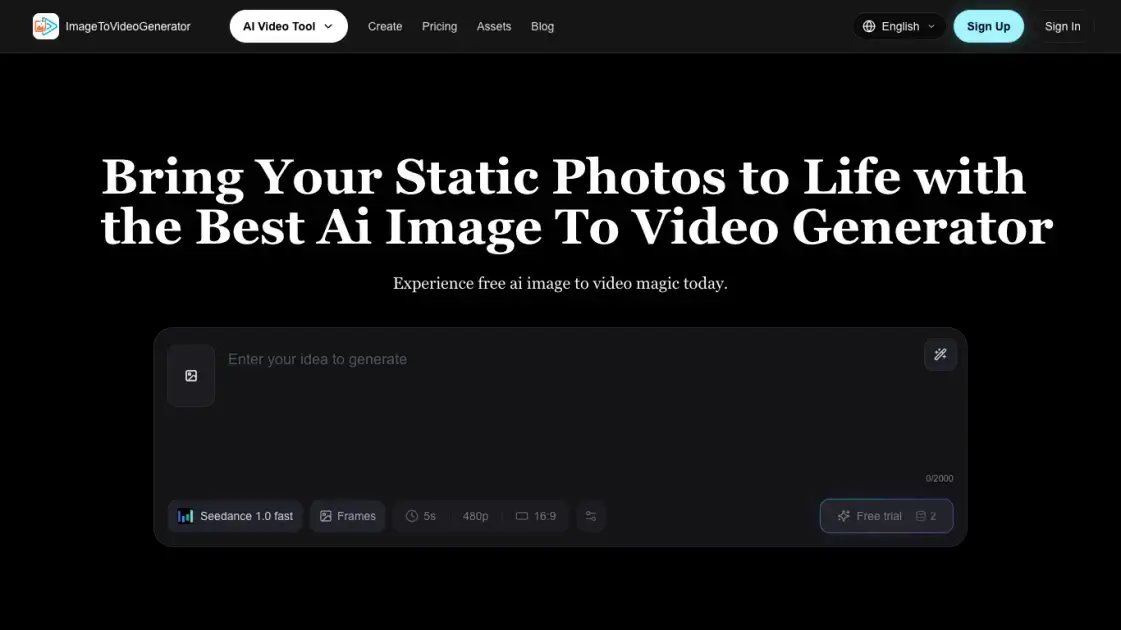
ImageToVideoGenerator is an AI image-to-video generator that turns static photos into short videos from a single upload and a text prompt. Creators describe the motion, style, camera movement, or atmosphere they want, and the tool renders a cinematic clip in seconds. The platform runs a fast Seedance model alongside multiple architectures, with example styles covering anime, portraits, landscapes, 3D characters, product shots, and sci-fi scenes. A 1-2-3 wizard workflow guides users from upload to preview to export, and a guest mode allows trying the service without registering. Output is generated at 5 seconds, 480p, and 16:9, making it suitable for social media content. Freemium pricing starts with free credits in Lite mode, and email support is available for questions.
How does ImageToVideoGenerator work
ImageToVideoGenerator converts a static photo into a short animated clip through a simple three-step flow. The user first uploads an image and optionally types a prompt of up to 2000 characters, which guides the motion direction. The selected AI model, such as Seedance 1.0 fast, then processes the input and generates a roughly five-second video at 480p resolution with a 16:9 aspect ratio. A preview step lets the user review the result before exporting the final file. Guest users can try the tool immediately, while logging in unlocks additional models and saved history.
Benefits of ImageToVideoGenerator
ImageToVideoGenerator turns static photos into AI-generated videos through a 1-2-3 wizard interface that requires no editing skills, making it accessible to creators without technical experience. The platform offers diverse models for different rendering needs and an automated pipeline that streamlines asset creation while reducing production costs compared to traditional video shoots. New users can start with a free trial, and guest mode allows testing without registration. However, the free plan only includes the Lite model and no commercial license, and support is limited to email.
Pros and Cons of ImageToVideoGenerator
Pros
- Free tier with 5 credits for trying
- Multiple AI models on paid plans
- Guest mode works without signup
- Commercial license included on paid plans
- Simple 1-2-3 wizard workflow
Cons
- Free plan limited to Lite model only
- Free tier excludes commercial license
- Email-only support, no live chat
- Short 5-second clips
- Credits deducted per generation
Core Features of ImageToVideoGenerator
Professional Video Generation
Achieves cinematic realism by replacing costly video shoots with flawless dynamic motion generated directly from a single static photo, without requiring a production crew or camera equipment.
Diverse Models Available
Provides access to multiple model architectures, including a fast Seedance model, ensuring flexible quality and style options for all visual rendering needs.
Automated Video Pipeline
Automates asset creation through a streamlined workflow, removing the need for complex manual editing software installed locally on the creator's machine.
No Editing Skills Needed
A 1-2-3 wizard-style interface expands sections simultaneously, giving an absolute zero learning curve for users with no video editing experience.
Cost Reduction Pipeline
Slash production budgets by replacing expensive models and complex photography setups with an affordable AI generation pipeline that works from a single image.
Automated Inspiration Generator
Generates smart prompts that spark endless viral visual ideas, helping creators go from a blank page to a finished video concept without brainstorming.
Use Cases of ImageToVideoGenerator
- Anime creators: Turn a single character illustration into a short animated clip with smooth motion.
- Portrait photographers: Bring static portraits to life with subtle, cinematic movement.
- Landscape artists: Add gentle motion to scenery shots for more immersive visuals.
- Product marketers: Generate quick promo videos from static product photos without a shoot.
- Sci-fi concept artists: Animate futuristic scenes to present world-building ideas vividly.
FAQs of ImageToVideoGenerator
Who owns the copyright to the generated videos?
On paid plans (Basic, Standard, and Pro), a commercial license is included, which covers commercial use of the generated content. The free plan explicitly does not include a commercial license. Users on free plans should therefore treat generated videos as limited to personal, non-commercial use.
How does the service maintain consistency across generations?
The platform offers multiple AI model architectures to keep quality flexible and consistent across renderings. According to the site, users can review the generated motion before export and choose the result that best fits their idea. This preview-and-select step helps avoid poor structural output before finalizing a video.
How does billing and credit deduction work?
Monthly subscriptions provide a set number of credits: 150 on Basic, 350 on Standard, and 1,500 on Pro, and credits are consumed with each generation. One-time credit packs cost $4.99 for 30 credits or $9.99 for 70 credits and never expire. Pro models remain available only to subscribed users, even after buying credit packs.
What happens if a generation fails, and is a refund available?
The site does not publish a detailed refund policy for failed generations. Generation runs consume credits, so a failed attempt may still count against the account balance. Users who experience persistent failures should contact support by email at support@imagetovideogenerator.net to discuss the situation.
Are there compliance restrictions on generated content?
The service asks users to follow applicable platform rules and content guidelines when generating videos. Paid plans include a commercial license, so content created under those plans may be used commercially. Specific restrictions are not spelled out in the public pricing pages, so users with compliance questions should confirm with the support team.
How long are generated videos stored?
Storage capacity depends on the plan: the free plan holds up to 30 videos, while Basic, Standard, and Pro plans hold 60, 150, and 500 videos respectively. Paid plans include permanent video storage while the subscription remains active. Files beyond the plan limit may require cleanup before new generations can be saved.
How secure is user data, and are photos displayed publicly?
The service does not publicly detail its security infrastructure. Paid plans include private video downloads, which suggests generated content is not shared publicly by default. For specific questions about data handling, storage, or privacy, users should contact support at support@imagetovideogenerator.net.
How to use ImageToVideoGenerator
- Upload a static image or enter a text prompt of up to 2000 characters, then choose a generation model such as Seedance 1.0 fast.
- Start with a guest trial to test the tool immediately, or log in to access more models, saved history, and the full workspace experience.
- Preview the generated motion, adjust output settings such as duration, resolution, and aspect ratio, then export the finished AI-generated video.
ImageToVideoGenerator Alternatives
Seedance 3.0 preview page: planned multi-shot continuity, scene editing and audio-visual sync for AI video, while the on-page generator runs Seedance 2.5.
Browser workspace for AI image generation, reference photo editing, and short video drafts, aimed at creators, marketers, and product teams.
Black Forest Labs' multimodal model with a web generator for text-to-video, image-to-video and image editing with native audio, for creators and marketers.
Wan API is an independent platform for Wan and Seedance video models. Compare specs and rates, generate clips in the Playground, or call them through one API.
Seedance 3.0 turns text, images, video clips, and audio into videos with sound, and edits one part of a clip without regenerating the rest.
Wery is a virtual AI studio that routes one goal to specialist agents for video, images, music and documents, keeping characters and project assets consistent.

AI video and image studio with text-to-video, image-to-video and keyframe control across Seedance, Kling, Wan and Vidu — all on one credit balance.
Browser studio for AI video, image and music generation with Grok Imagine, Kling and GPT Image models. Free daily credits, no sign-up required.
SeaMove AI is an AI video and image generation platform offering Seedance 2.0 and Seedance 2.5 models for text-to-video, image-to-video, and reference-based creation. Features multi-shot continuity, director-level control, and audio-visual sync for creators and studios.
Turns two separate portraits into a 15-second vertical rap duet video on an orange stage with a shared microphone and the original soundtrack. Free 480P preview available.
Mareel is an all-in-one AI video and image generation workspace giving creators, marketers, and ecommerce teams 40+ leading models and one shared credit balance.
Kinovi is a REST API that runs published video, image, and audio AI models from one endpoint. Send a model ID to createTask, poll recordInfo, and pay per use from one shared credit balance.