
GPT Image 2 Core Features
This AI image tool helps marketers and creators generate, edit, upscale, and transform visuals with browser-based workflows for ecommerce, ads, and social content.

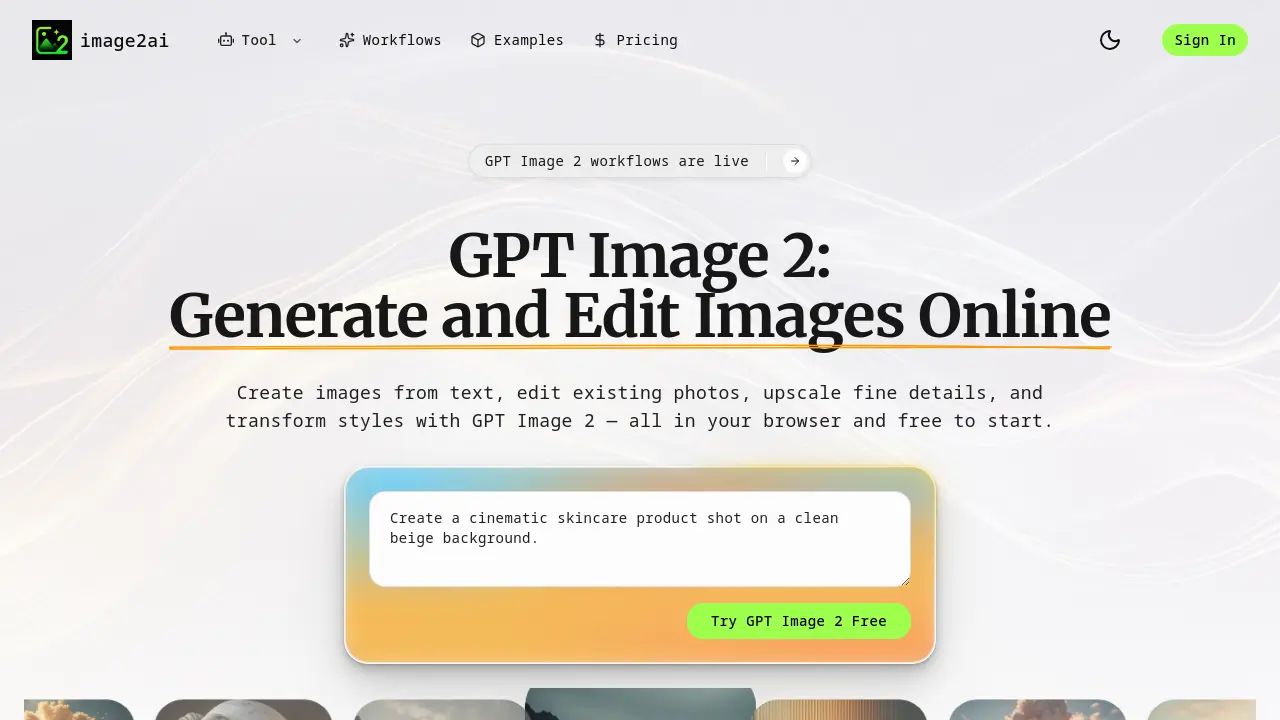
Core Features of GPT Image 2
Text-to-Image Creation
Converts text descriptions into high-quality images, bringing ideas to life quickly and easily.
Prompt-Based Editing
Modifies existing photos based on textual prompts, eliminating manual design work for updates.
Image Quality Enhancement
Upscales and refines image details for sharper visuals, ideal for professional web and social media use.
Style Transformation
Alters the mood, style, or scene of images while maintaining their original structure for consistent design.
Dedicated Workflows for Specific Tasks
Offers tailored AI workflows for product ads, logos, headshots, banners, and blog covers, streamlining creative production.
Online Accessibility and Ease of Use
Operates entirely in the browser, allowing quick access and a simple setup without complex configurations.
Use Cases of GPT Image 2
- eCommerce Teams: Generate product ad visuals from existing photos to create multiple marketing creatives for campaigns.
- Startups: Design logos, favicons, and app icons by providing brand names and using AI-generated visual concepts.
- Content Creators: Transform blog post ideas into cover images, featured visuals, and thumbnails for articles and publications.
- Marketing Professionals: Edit and restyle existing photos without manual design work by using AI-powered image editing tools.
- Online Retailers: Create high-converting ecommerce banners, shop covers, and storefront graphics for promotions and hero sections.
