
GPT Image 2 FAQs
This AI image tool helps marketers and creators generate, edit, upscale, and transform visuals with browser-based workflows for ecommerce, ads, and social content.

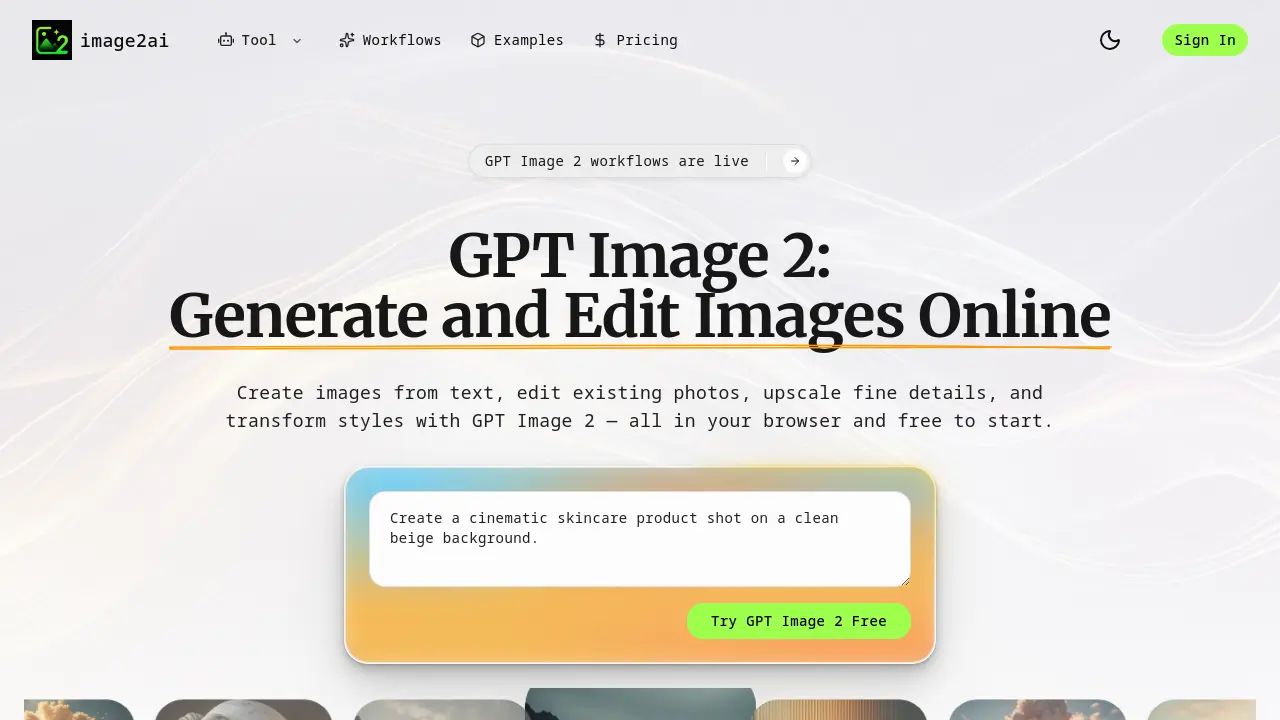
FAQs of GPT Image 2
What is GPT Image 2?
GPT Image 2 is an AI-powered image workflow tool designed for creating and editing visuals from simple prompts. It allows users to generate images from text, enhance existing photos, modify styles, and prepare assets for social media, product pages, advertisements, and creative projects. Accessible via a web browser, it offers a free starting option and emphasizes streamlined, practical use cases for both individuals and teams.
Is GPT Image 2 free?
Yes, GPT Image 2 offers a free-to-start option. Users can access core workflows online without complicated setup or upfront costs. For more detailed information on free usage limits or premium features, you can visit the platform’s pricing page or sign in to explore available plans.
Can I use GPT Image 2 online?
Absolutely. GPT Image 2 is a browser-based tool, meaning you can use it directly online without installing any software. This makes it convenient for users who want to quickly create, edit, or enhance images from any device with internet access.
Can I edit existing images with GPT Image 2?
Yes, GPT Image 2 includes an image editor that allows you to upload and modify existing photos. You can change backgrounds, adjust lighting, alter composition, and more—all through prompt-based controls—without requiring manual design work.
What types of projects can I create using GPT Image 2?
GPT Image 2 is built for a variety of real-world creative tasks, including generating product advertisements, designing logos and app icons, creating professional headshots from selfies, producing ecommerce banners, and making blog cover images. These workflows are tailored to meet the needs of marketing teams, ecommerce brands, content creators, and startups looking for rapid, publish-ready visuals.
How to use GPT Image 2
- Start by visiting the GPT Image 2 homepage at https://image2ai.org to explore the different image creation and editing workflows.
- Choose the desired workflow, such as text-to-image generation, image editing, upscaling, or image-to-image transformation, based on your project needs.
- For text-to-image generation, input a clear and descriptive text prompt to create a new image that matches your
