
HideGen AI Platform for Text‑to‑Video and Image‑to‑Video

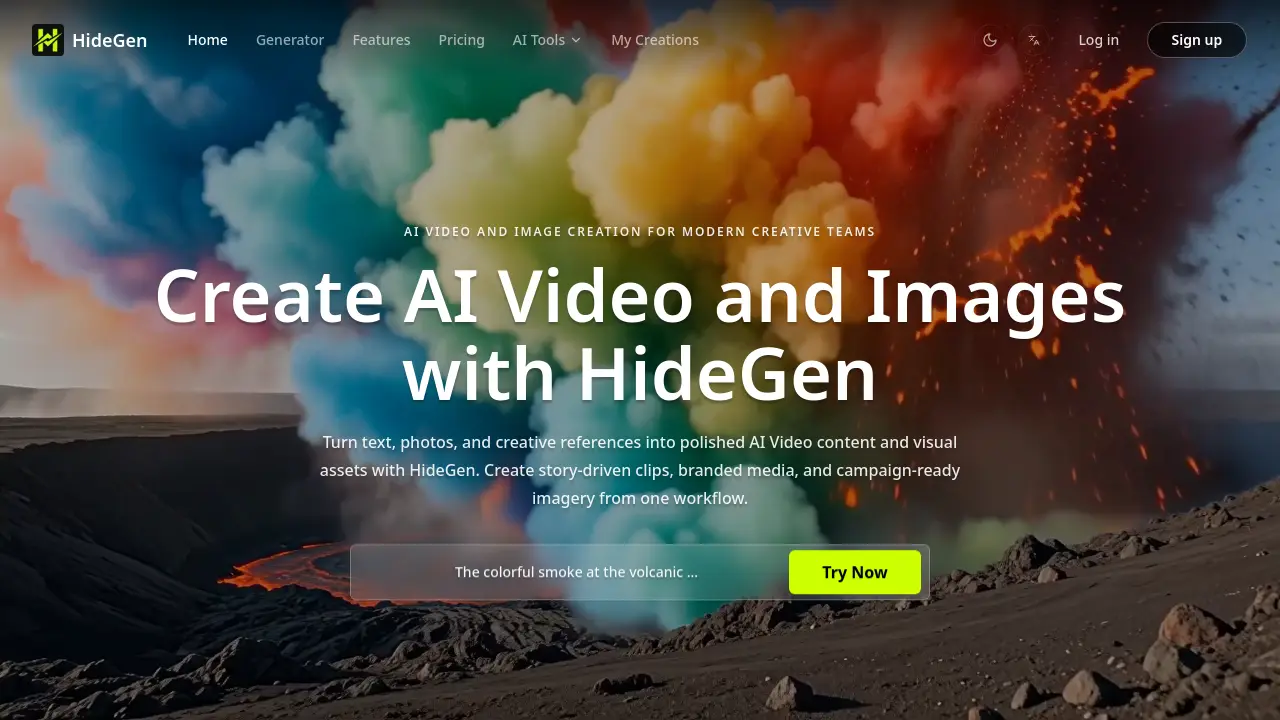
What is HideGen
HideGen is an AI‑driven platform that consolidates video and image generation into a single workflow. Users can input plain‑text prompts, upload reference images, or provide existing footage, then select format, duration, and style settings to produce high‑quality videos with synchronized audio. The service supports single‑shot and multi‑shot generation, reference‑led control for consistent branding, and flexible output sizes up to 1280×720. By eliminating the need to switch between disconnected tools, HideGen accelerates production cycles for ads, product demos, social content, and educational materials. Iterative refinement is built into the interface, allowing creators to review, adjust, and download final assets without leaving the platform. The model‑agnostic architecture ensures compatibility with evolving AI models, making HideGen suitable for modern creative teams seeking speed, control, and a unified asset pipeline.
How does HideGen work
HideGen operates as an integrated AI video and image platform that moves users from a textual or visual prompt to a publishable asset in a single workflow. Users begin by entering a detailed description or uploading reference media, then select format, resolution, and generation mode (single‑shot or multi‑shot). The system routes the input to a selected generative model, which synthesizes frames, applies motion, and optionally layers background audio. After processing, the output can be previewed, refined, and downloaded, allowing creators to iterate quickly without switching between separate tools. This closed loop supports branding, social content, and educational video production.
Benefits of HideGen
HideGen provides an all‑in‑one AI platform that turns text, images, or existing footage into polished video and visual assets. Users can generate scene‑driven clips, animate still images, or rework video footage with flexible prompt‑based controls and reference inputs, reducing tool‑switching and production time. The workflow supports single‑ and multi‑shot generation, customizable formats, and optional audio, enabling quick iteration for brand marketing, social content, and educational materials. Integrated image creation and editing tools keep visual style consistent across campaigns, while model selection and advanced settings allow creators to balance speed, quality, and creative exploration.
Pros and Cons of HideGen
Pros
- Unified AI video and image workflow.
- Supports text, image, and video inputs.
- Multi‑shot generation with style flexibility.
- Integrated reference‑guided control for consistency.
Cons
- No pricing information on the landing page.
- Credit system may limit free usage.
- Limited detail on output resolution options.
- Support channels not prominently highlighted.
Core Features of HideGen
Text‑to‑Video Generation
Creates high‑quality video clips from detailed textual prompts, allowing users to produce cinematic scenes, product demos, or short‑form stories without manual animation.
Image‑to‑Video Animation
Transforms static images into dynamic video sequences by adding motion, atmosphere, and visual energy, suited for social media content and brand storytelling.
Video‑to‑Video Transformation
Applies AI‑driven style shifts, visual direction changes, or content adaptations to existing footage, enabling rapid redesign or repurposing of video assets.
Text‑to‑Image Synthesis
Generates photorealistic or stylized images from textual descriptions, supporting concept art, marketing visuals, and asset creation within the same platform.
Image Editing & Enhancement
Provides AI‑powered tools for modifying, retouching, or stylizing uploaded images, offering creators precise control over visual composition and quality.
Video Editing & Refinement
Allows users to edit generated or uploaded video clips, adjusting timing, pacing, and visual effects to achieve polished, production‑ready outputs.
Wan Animate (AI‑Driven Animation)
Animates characters or objects based on user prompts and references, delivering motion that aligns with specified style, mood, and narrative intent.
Use Cases of HideGen
- Marketing teams: Generate campaign-ready AI video ads and product promos from text prompts, reducing production time.
- Content creators: Transform static images into animated video clips for social media using the image‑to‑video workflow.
- Educators: Build instructional videos by converting lecture notes into narrated AI video lessons with customizable audio.
- Post‑production studios: Re‑style existing footage through video‑to‑video prompts to match new visual directions.
- Designers: Create AI‑generated images and animated assets in a single platform for brand‑consistent visual assets.
FAQs of HideGen
What is HideGen?
HideGen is an AI‑powered platform that generates videos and images from text prompts, uploaded media, and reference files. It consolidates text‑to‑video, image‑to‑video, video‑to‑video, and image editing tools into a single workflow, targeting creators, marketers, and production teams that need fast, consistent visual output.
How do I generate a video from text in HideGen?
To create a video from text, select the Text to Video tool, enter a detailed prompt describing the scene, style, lighting, and mood, choose the desired video size and duration, optionally add background audio, and click Generate. The system processes the prompt using the selected AI model and returns a short video clip that can be downloaded or further refined.
How do references improve results?
References such as images or short video clips guide the AI model toward specific visual characteristics, including color palette, composition, motion style, and character appearance. By uploading a reference, users can achieve more predictable outcomes, maintain brand consistency across iterations, and reduce the need for extensive post‑production adjustments.
Can HideGen create multi‑scene videos?
Yes, HideGen supports multi‑shot generation. Users can enable the Multi‑Shot option, provide a sequence of prompts or a structured script, and the platform will stitch together several connected scenes. This feature is useful for ads, product storytelling, or any content that requires a narrative flow across multiple visual segments.
What output formats and layouts are available?
HideGen currently offers 1280×720 (16:9) video resolution as the default output, with the ability to select other aspect ratios in future updates. Generated videos are exported in standard MP4 format, compatible with most social media platforms, web pages, and presentation software. Users can also export still images generated during the workflow in PNG or JPEG formats.
How does HideGen handle audio for generated videos?
Audio can be added in two ways: by uploading a custom background audio file or by describing the desired soundscape directly in the text prompt. The platform’s “Prompted Sound Intent” interprets keywords related to ambience, dialogue energy, or musical mood, and blends appropriate synthetic audio with the visual content.
Is there a credit or subscription system for using HideGen?
HideGen operates on a credit‑based model where each generation consumes a specific number of credits, displayed in the user dashboard. Credits can be purchased individually or through subscription plans that provide a monthly allotment at discounted rates. Unused credits typically roll over within the billing cycle, depending on the chosen plan.
What types of creative styles can HideGen produce?
The platform supports a wide range of visual styles, including photorealistic renders, anime, 3D‑styled scenes, branded product visuals, and concept‑driven art. Users influence style through prompt descriptors or by providing reference media that embody the desired aesthetic, enabling flexible experimentation without switching tools.
How can I ensure brand consistency across multiple videos?
Brand consistency is achieved by reusing the same reference assets (logos, color palettes, typography) and maintaining uniform prompt structures for each video. HideGen’s reference‑led control and scene‑based building allow creators to apply a consistent visual language across all assets, reducing variation and streamlining approval processes.
How to use HideGen
- HideGen serves as an AI video and image generation platform, converting text prompts, photos, or reference clips into polished, campaign‑ready video and visual assets.
- Begin by selecting a generation mode (e.g., Text to Video, Image to Video) on the dashboard, then enter a detailed prompt describing scene, style, lighting, and mood.
- If higher visual fidelity is required, upload reference images or video snippets; the system uses these inputs to guide composition, motion, and color palette.
- Choose output specifications such as resolution (e.g., 1280×720), duration, and single‑shot or multi‑shot mode, then optionally attach background audio or a voice‑over file.
- Click Generate; HideGen processes the request, displaying a progress bar and, once complete, a preview thumbnail of the AI‑created video.
- Review the generated clip within the interface; compare it against the original prompt and reference materials to assess alignment with creative intent.
- Use the built‑in tools to iterate: adjust prompt phrasing, swap references, or modify settings, then re‑run generation to refine visual quality or pacing.
- When satisfied, download the final video in the chosen format or export it directly to your content management system for immediate deployment.
- Analyze performance metrics provided by HideGen—such as generation speed, credit consumption, and version history—to optimize future workflows and budget allocation.
- Apply insights from the output review to inform broader marketing or storytelling strategies, ensuring AI‑generated assets maintain brand consistency across campaigns.
HideGen Website Traffic Analysis
Latest traffic information
- Monthly Visits5.07K
- Bounce Rate73.4%
- Pages Per Visit1.32
- Visit Duration00:00:15
- Global Rank3.96M
- Country/Region Ranking1.23M
Top Keywords
| Keyword | Traffic | Volume | Cost Per Click |
|---|---|---|---|
| wan 2.6 | -- | 2.71K | $1.68 |
| deyegenerate | -- | 180 | -- |
| wan 2.6 uncensored | -- | 180 | -- |
| can i extend wan 3.0 video | -- | 110 | -- |
Top Regions
| Region | Percentage |
|---|---|
| United States | 100% |
HideGen Alternatives

Seedance 3.0 preview page: planned multi-shot continuity, scene editing and audio-visual sync for AI video, while the on-page generator runs Seedance 2.5.
Black Forest Labs' multimodal model with a web generator for text-to-video, image-to-video and image editing with native audio, for creators and marketers.
Wan API is an independent platform for Wan and Seedance video models. Compare specs and rates, generate clips in the Playground, or call them through one API.
Seedance 3.0 turns text, images, video clips, and audio into videos with sound, and edits one part of a clip without regenerating the rest.
AI video and image studio with text-to-video, image-to-video and keyframe control across Seedance, Kling, Wan and Vidu — all on one credit balance.
SeaMove AI is an AI video and image generation platform offering Seedance 2.0 and Seedance 2.5 models for text-to-video, image-to-video, and reference-based creation. Features multi-shot continuity, director-level control, and audio-visual sync for creators and studios.
Turns two separate portraits into a 15-second vertical rap duet video on an orange stage with a shared microphone and the original soundtrack. Free 480P preview available.
Mareel is an all-in-one AI video and image generation workspace giving creators, marketers, and ecommerce teams 40+ leading models and one shared credit balance.
An AI cartoon video generator that turns a script or prompt into an animated video with the same character in every scene, AI voiceover and soundtrack, and commercial rights included.
Gemini Omni is an online AI video generator and editor that turns a text prompt or reference image into a video, then refines each shot through conversational edits while keeping characters and the scene consistent.
Kling 4.0 turns text, images, and up to 15 Omni Reference assets into cinematic AI video, with 30-second multi-shot scenes, 10 keyframes, and 4K HDR.
Gemini Omni is a chat-based multimodal AI video generator and editor. It combines text, images, video, and audio to create cinematic clips with native audio.