
GPTIMG2 Introduction
GPTIMG2 is an AI image generator for marketers and designers, enabling product shots, posters, brand assets and prompt‑led edits with clear on‑image text and reference‑aware refinements.

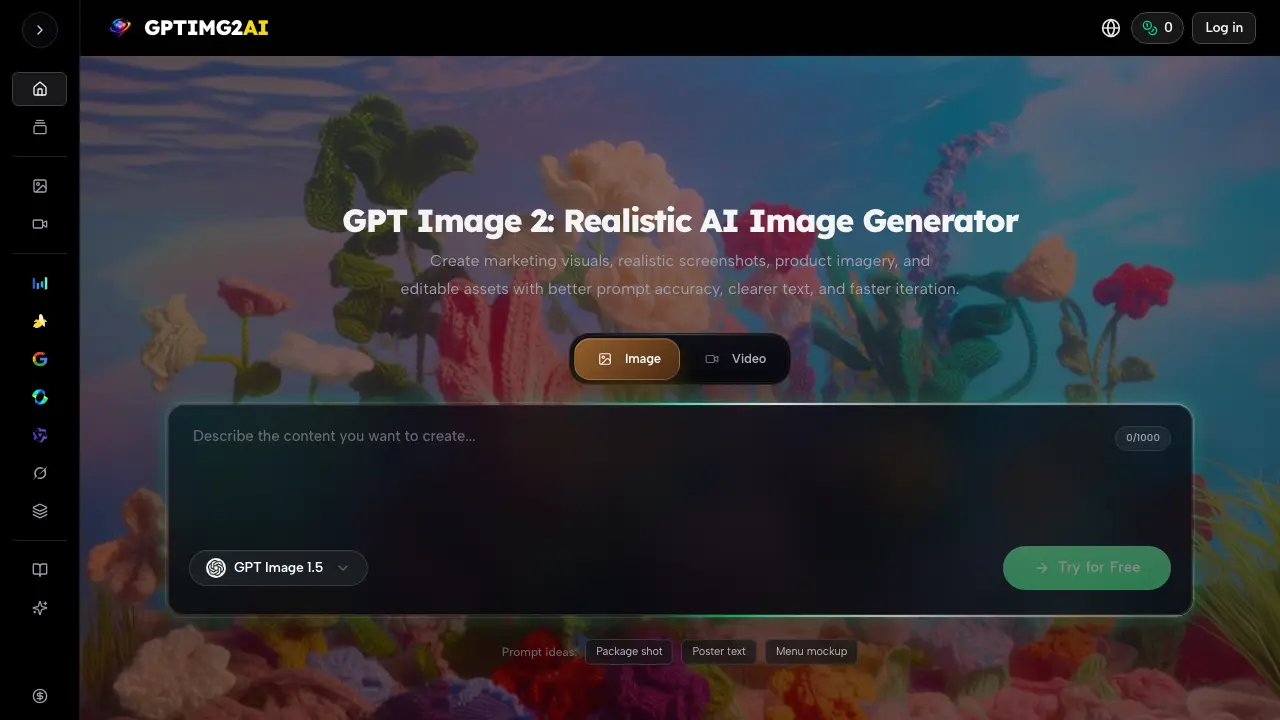
What is GPTIMG2
GPTIMG2 is an AI‑driven image generator focused on producing realistic marketing visuals, product shots, and editable assets with high prompt fidelity. Users start by describing the subject, layout, lighting, brand cues, and any on‑image text; the system then creates a first‑pass image that respects those details. Targeted edit controls allow refinement of layout, typography, and styling without rewriting the entire prompt, accelerating the iteration cycle. The platform integrates with a library of video generators, enabling a seamless handoff from a finalized still frame to motion assets. Teams across commerce, advertising, education, and entertainment report faster review cycles, clearer visual communication, and reduced reliance on traditional design revisions. GPTIMG2 therefore streamlines the production of campaign key visuals, product imagery, and storyboard concepts.
How does GPTIMG2 work
GPTIMG2 operates as an image‑first generative AI platform that converts detailed textual briefs into high‑fidelity visuals. Users describe subject, framing, lighting, brand cues, and any embedded text, then the system generates a first‑pass image using advanced diffusion models such as Nano Banana and GPT Image 1.5. A reference‑based revision loop allows targeted edits—layout, typography, or color—without rebuilding the whole prompt, preserving brief fidelity. Once approved, the still frame can be exported for campaigns, product listings, or handed off to compatible video generators (e.g., Veo 3.1, Kling 3.0) for motion extensions, supporting streamlined marketing and design workflows.
Benefits of GPTIMG2
GPTIMG2 delivers realistic, prompt‑accurate AI images that retain on‑image text and support fast iteration. Users can describe subjects, lighting, branding cues, and text, then refine layout and styling without re‑prompting from scratch, producing review‑ready assets for ads, product pages, posters, explainer diagrams, and storyboards. The workflow links still frames to compatible video generators, enabling consistent visual direction across motion projects. Teams report reduced briefing time, quicker approval cycles, and the ability to test multiple visual directions before committing to costly production. GPTIMG2 is positioned for marketers, designers, educators, and creators seeking efficient, high‑fidelity visual content.
Pros and Cons of GPTIMG2
Pros
- High prompt fidelity reduces re‑writing cycles.
- Generates readable on‑image text for marketing assets.
- Enables rapid iteration from a single brief to multiple visuals.
- Integrates image output directly into video generation workflows.
- Supports reference‑based edits to maintain consistent direction.
Cons
- Limited information on pricing and subscription tiers.
- No explicit mention of API access for automation.
- Advanced features may require steep learning curve for newcomers.
- Reliance on internet connection; offline use unavailable.
- Comparable basic generators may be cheaper for simple tasks.
