
GPTIMG2 FAQs
GPTIMG2 is an AI image generator for marketers and designers, enabling product shots, posters, brand assets and prompt‑led edits with clear on‑image text and reference‑aware refinements.

FAQs of GPTIMG2
What is GPT Image 2?
GPT Image 2 is an AI‑driven image generator focused on producing realistic marketing visuals, product shots, and editable assets. It emphasizes prompt fidelity, clearer on‑image text, and iterative refinement, allowing teams to move quickly from concept to review‑ready stills.
What can I make with GPTIMG2?
Users can create a wide range of still assets such as package shots, poster graphics, menu mockups, product hero images, educational diagrams, and storyboard key frames. The platform also supports generating assets that later feed into video generators for motion projects.
Is GPTIMG2 only for images, or does it connect to video work too?
While GPT Image 2 specializes in still image generation, it integrates with the broader GPTIMG2 suite that includes video models like Seedance 2.0, Veo 3.1, and Kling 3.0. A refined image can serve as the reference frame for these video generators, streamlining the transition from static to motion content.
What makes GPT Image 2 different from a basic AI image generator?
GPT Image 2 offers higher brief fidelity through longer, detailed prompts without losing core subject or layout. It provides stronger on‑image text rendering, tighter edit controls, and a reference‑based revision workflow that keeps approved directions intact across multiple iterations.
Can GPTIMG2 render readable text inside the image?
Yes, the platform is optimized for clear, legible text embedded within generated visuals. This capability is especially useful for posters, marketing banners, and product packaging where accurate typography is essential for brand consistency.
Can I edit an existing image instead of starting from scratch?
GPTIMG2 supports reference‑based editing, allowing users to upload an initial image and apply targeted prompt adjustments. This approach refines layout, styling, or textual elements without needing to regenerate the entire asset, saving time and preserving visual continuity.
How do I keep results more consistent across variations?
Consistency is achieved by reusing the same prompt structure, reference images, and editing parameters. The system’s “Prompt Starters” and “Generator Library” provide reusable directions that maintain visual language across multiple outputs, ensuring a cohesive asset family.
Can I use GPTIMG2 outputs for commercial work?
Outputs from GPT Image 2 can be employed in commercial projects, including advertising campaigns, e‑commerce product pages, and educational materials, provided users comply with the platform’s licensing terms and any applicable model usage policies.
Who is GPTIMG2 built for?
GPTIMG2 targets designers, marketers, e‑commerce teams, educators, and motion creators who need rapid, high‑fidelity visuals. Its workflow suits both small startups and larger agencies seeking to accelerate concept development and reduce reliance on traditional photo shoots.
How to use GPTIMG2
GPTIMG2 generates realistic AI images and video‑ready frames, offering precise prompt control, editable on‑image text, and fast iteration for marketing, product, and educational visuals.
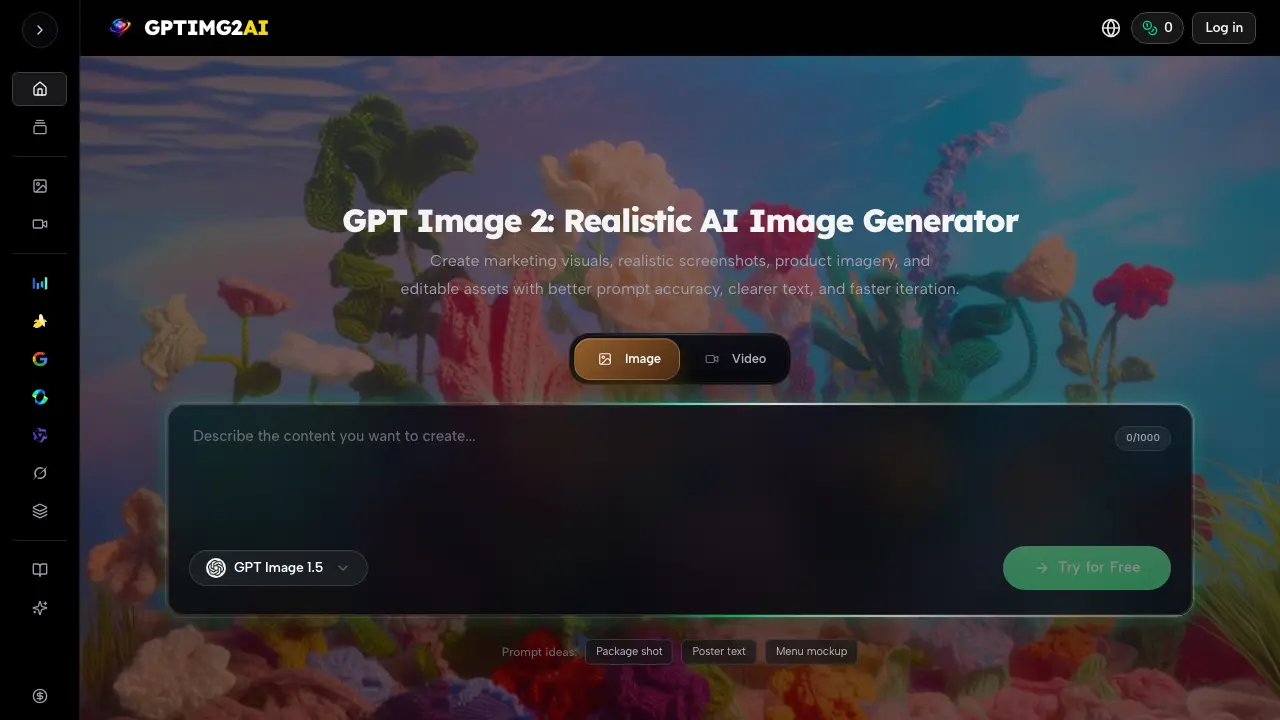
Access the platform, select the “Image” tab, and enter a detailed prompt describing subject, composition, lighting, brand cues, and any required text.
Optionally upload a reference image; the system combines the prompt with the reference to produce a first‑pass output that aligns closely with the brief.
Review the initial result; use the built‑in edit controls to adjust layout, text clarity, or styling without rewriting the entire prompt.
Iterate by refining specific elements—such as typography size or color balance—until the image meets review standards for clarity and brand fidelity.
Export the finalized image in the desired resolution; the output can feed directly into GPTIMG2’s video generators or be used as campaign assets.
Analyze the exported asset’s metrics (readability score, aspect ratio compliance) to ensure it supports downstream tasks like ads, product pages, or storyboard development.
