
GPT Image 1.5
GPT Image 1.5: The Fastest AI Image Generator, 4x Faster

What is GPT Image 1.5
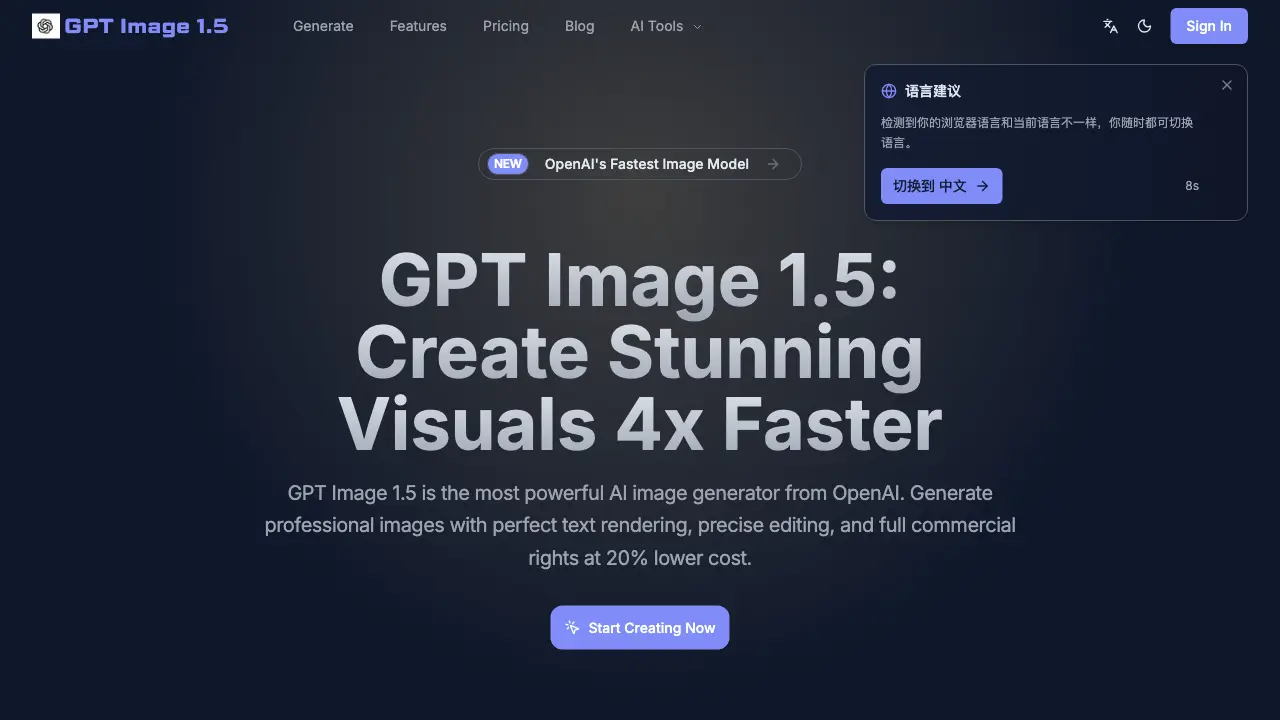
GPT Image 1.5 is an AI image generator developed by OpenAI, designed for high-efficiency visual creation. It delivers professional-grade images up to four times faster than prior models, with generation times reported under three seconds. A significant improvement is its accurate text rendering, producing crisp typography for logos, UI mockups, and multi-language text. The tool supports core functionalities including text-to-image generation, image-to-image style transfer, and inpainting for precise object removal or background swaps. Pricing is advertised as 20% lower than the previous GPT-Image-1, while all outputs include full commercial rights. Users can select from draft, standard, and HD quality modes to balance speed, cost, and resolution for workflows from rapid ideation to final production assets.
How does GPT Image 1.5 work
GPT Image 1.5 functions as an AI image generator that transforms text prompts or existing images into new visual content. Its core operations include text-to-image generation for creating visuals from descriptive language, and image-to-image transformation for applying stylistic changes or enhancements to a reference photo. A key feature is precise inpainting, which edits specific areas of an image, such as removing objects or swapping backgrounds. The system prioritizes operational speed, claiming generation in under three seconds, and addresses a common limitation with sharp, readable text rendering in multiple languages. All outputs include a commercial license, and the service operates on a credit-based pricing model designed to be cost-effective for varying usage volumes.
Benefits of GPT Image 1.5
GPT Image 1.5 is an AI image generator designed for efficiency and professional output. Its primary benefits are a 4x faster generation speed, enabling rapid iteration and batch processing for projects. A key differentiator is its perfect text rendering, producing legible logos, UI elements, and multi-language text consistently. The model offers a 20% lower cost than its predecessor while maintaining high quality. Furthermore, every generated image includes a full commercial license, allowing unrestricted use for marketing, product assets, and client work without additional fees. These features make it a practical tool for creators needing reliable, commercial-ready visuals quickly and affordably.
Pros and Cons of GPT Image 1.5
Pros
- Generates images 4x faster than previous models.
- Renders text accurately for logos and UI.
- Costs 20% less than GPT-Image-1.
- Includes full commercial rights for outputs.
- Supports batch processing and real-time iteration.
Cons
- Credit-based pricing may lead to variable costs.
- Output quality constrained by plan tier.
- Text rendering language support limited to specified languages.
- No explicit customer support details provided.
- Source domain differs from official OpenAI website.
Core Features of GPT Image 1.5
High-Speed Image Generation
Produces images four times faster than previous models, delivering results in under 3 seconds to enable rapid iteration, batch processing, and efficient creative workflows.
Accurate Text Rendering
Renders crisp, readable text within images for logos, UI elements, and labels, with reliable multi-language support for English, Chinese, Japanese, and more.
Cost-Effective Pricing
Offers image generation at 20% lower cost than prior versions, featuring a transparent pricing structure with volume discounts for high-usage scenarios.
Full Commercial Rights
Includes unrestricted commercial licensing with every image, permitting use in marketing materials, product assets, and client work without additional fees.
Text-to-Image Synthesis
Converts natural language prompts into professional visuals, allowing style specification and ensuring consistent, high-quality output from descriptive text.
Image-to-Image Transformation
Modifies existing images via style transfer, upscaling, and creative variation generation from a single reference photo for enhanced or altered visuals.
Precision Inpainting
Edits specific areas of an image with surgical accuracy, supporting object removal, background replacement, and selective enhancements seamlessly.
Flexible Quality Modes
Provides draft, standard, and high-definition output options to balance generation speed, cost, and resolution for diverse project requirements.
Use Cases of GPT Image 1.5
- Graphic designers: Accelerate design workflows with 4x faster image generation and batch processing for multiple concepts.
- Social media marketers: Create engaging posts with perfect text rendering to ensure brand logos and slogans are legible.
- UI/UX designers: Develop interface mockups featuring accurate multi-language text for international user testing.
- E-commerce managers: Enhance product listings using inpainting to remove backgrounds and add props seamlessly.
- Freelance artists: Offer clients commercial-use images with full rights at lower costs via affordable pricing tiers.
FAQs of GPT Image 1.5
What is GPT Image 1.5 and how does it differ from other AI image generators?
GPT Image 1.5 is an AI image generator developed by OpenAI, positioned as an upgrade over previous models like GPT-Image-1. It differentiates itself through four primary improvements: generation speed up to four times faster, enhanced text rendering accuracy, a cost structure approximately 20% lower, and included commercial usage rights. These features target professional creators and businesses needing efficient, high-quality visual content for various applications.
How fast is GPT Image 1.5 and what speed-related features does it offer?
GPT Image 1.5 generates images in under three seconds, claiming a 4x speed increase compared to earlier iterations. This performance supports real-time iteration for quick prompt refinement, batch processing for producing multiple variations efficiently, and draft mode for rapid ideation. Such speed advantages benefit workflows requiring quick turnarounds, such as A/B testing or agile design cycles, without compromising output quality.
How does GPT Image 1.5 handle text in generated images?
GPT Image 1.5 specifically addresses text rendering challenges common in AI image generation. It produces crisp, readable typography for elements like logos, UI buttons, and labels, with support for multiple languages including English, Chinese, and Japanese. This accuracy reduces post-processing needs and enhances usability for marketing materials, product mockups, or any visual requiring integrated text that remains legible and professionally styled.
What are the pricing plans and commercial usage terms for GPT Image 1.5?
GPT Image 1.5 offers three subscription tiers: Plus at $9.50/month, Pro at $19.50/month, and Enterprise at $49.50/month, each providing a set number of monthly credits. The pricing is advertised as 20% lower than the prior GPT-Image-1 model. All plans include full commercial rights, allowing unrestricted use of generated images for business purposes like advertisements, product packaging, or client work without additional licensing fees or royalties.
What image editing and transformation tools are available in GPT Image 1.5?
GPT Image 1.5 provides several editing capabilities: inpainting for precise area modifications such as object removal or background swaps, image-to-image transformation for style transfer and quality enhancement, and text-to-image generation from descriptive prompts. These tools enable users to refine existing visuals or create new variations within the same platform, supporting tasks from photo editing to conceptual design without needing external software for basic adjustments.
How to use GPT Image 1.5
GPT Image 1.5 is an AI image generator focused on speed, accurate text rendering, and cost-effective commercial use. It creates visuals from text prompts or existing images through features like inpainting and style transfer.
- Users begin by creating an account on the GPT Image 1.5 website to access the generation dashboard and credit system.
- Select a generation mode, such as text-to-image or image-to-image, based on the desired creative workflow and output.
- Enter a detailed text prompt describing the desired image, including subject, style, and composition for accurate AI interpretation.
- Configure optional parameters like aspect ratio, quality setting (draft, standard, HD), and the number of images to generate per request.
- Submit the prompt; the system processes it rapidly, leveraging the model's 4x faster architecture for quick results.
- Review the generated images in the interface, using the built-in editor for inpainting to modify specific areas or remove objects.
- Download the final high-resolution images, which include a full commercial license for unrestricted business and client use.
- Manage credit consumption across different plans, noting that standard and HD modes use credits at varying rates for cost control.
- Utilize batch processing to create multiple variations efficiently, supporting A/B testing for marketing or design iterations.
- Apply the generated assets directly to projects like social media graphics, product mockups, or marketing materials without additional licensing fees.
