
GlobalGPT FAQs
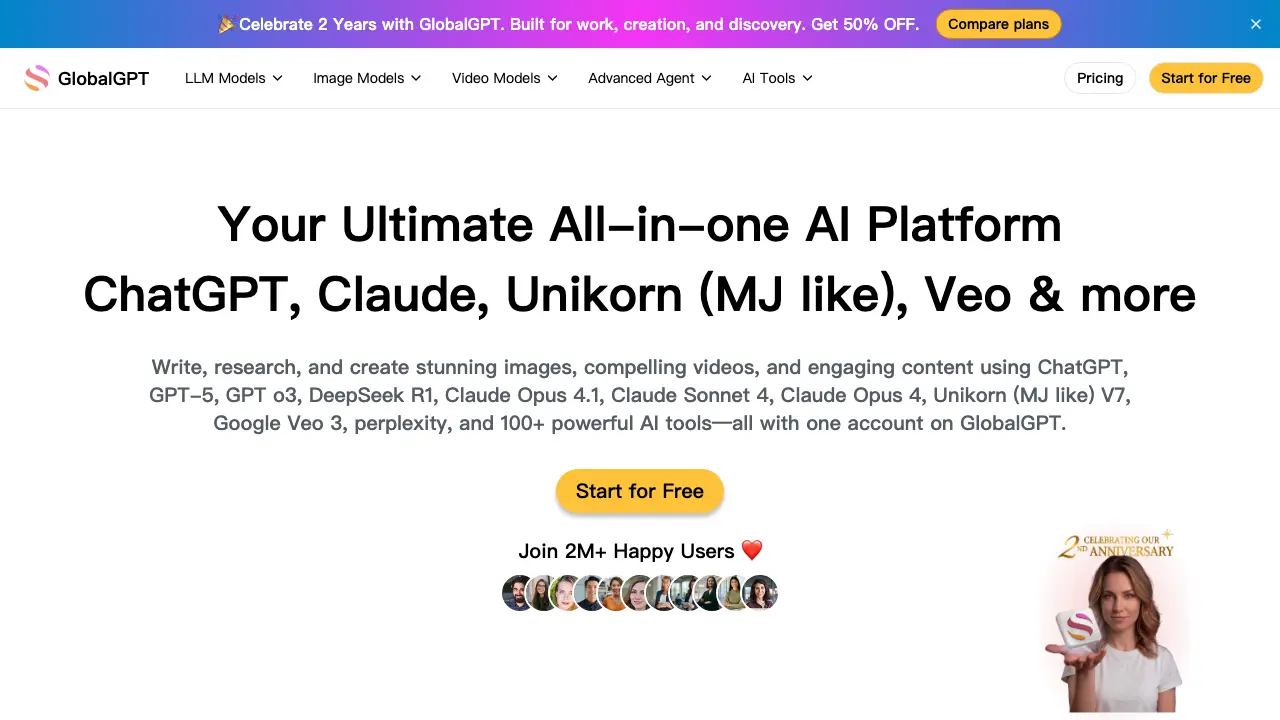
GlobalGPT is an all-in-one AI platform that provides access to ChatGPT, GPT-5, Claude, and 100+ tools for writing, research, and content creation in one account.

FAQs of GlobalGPT
What is GlobalGPT and how does it work?
GlobalGPT is an all-in-one AI platform that integrates multiple leading AI models such as GPT-5, Claude 4, and Unikorn into a single interface. It allows users to perform writing, research, image generation, and video creation tasks through one account, streamlining access to diverse AI capabilities without managing separate services.
What AI models can I use on GlobalGPT?
GlobalGPT supports over 100 AI models across four main categories: language models (e.g., GPT-5, Claude Opus 4.1), image generators (e.g., Unikorn V7, Flux), video creators (e.g., Google Veo 3, Kling 2.1), and advanced agents (e.g., perplexity, ChatPDF). A comprehensive list is available in the platform's model directory.
Do I need separate subscriptions for each AI model on GlobalGPT?
No, GlobalGPT uses a unified subscription model. A single account provides access to all included models based on the selected plan. Plans like Basic, Pro, and Unlimited offer varying levels of model access and credits, removing the need for individual model subscriptions.
What payment plans and methods does GlobalGPT offer?
GlobalGPT offers three subscription plans: Basic ($5.8/month annually or $11.9/month monthly), Pro ($10.8/month annually or $19.9/month monthly), and Unlimited ($25.0/month annually or $49.9/month monthly). Payment methods typically include major credit cards, and annual billing provides significant savings.
What happens if I reach my usage limit?
Upon exhausting your credit allowance, further queries to AI models will be restricted until the next billing cycle or until additional credits are purchased. Upgrading to a higher plan increases your monthly credit allocation. Credit consumption rates differ by model, with advanced models generally requiring more credits per use.
Is there a free trial available on GlobalGPT?
Yes, GlobalGPT provides a free tier with limited credits to allow new users to explore basic features. This free access enables testing of core functionalities before committing to a paid subscription. Specific limitations of the free tier are outlined on the pricing page.
Does GlobalGPT offer an API?
The provided context does not specify whether GlobalGPT offers an API. For information on API access, developers should consult the official website's developer section or contact GlobalGPT support directly for the most current details.
How do I cancel or change my subscription on GlobalGPT?
The provided context does not detail the process for subscription cancellation or changes. Typically, such platforms allow management through account settings. Users should refer to the help center or contact support for precise instructions on modifying their subscription.
How do I get support if I encounter issues on GlobalGPT?
Support is available via email at productsupport@glbgpt.com. Additionally, users can access resources through the Discord community linked in the footer. The platform also provides a help center with documentation and FAQs for self-service troubleshooting.
What's the difference between GlobalGPT and ChatGPT?
GlobalGPT is a multi-model aggregator platform offering access to various AI systems like GPT-5, Claude, and others under one subscription, along with additional tools for images and videos. ChatGPT, by contrast, is a single AI product by OpenAI with a narrower focus on its proprietary models.
How does the credit system work across different AI model types on GlobalGPT?
Credits on GlobalGPT are consumed based on the complexity and type of AI model used. Advanced models such as GPT-5 and Claude Opus 4.1 generally require more credits per query compared to mini or nano versions. Users can monitor credit usage in their account dashboard, and detailed rate tables are available for each model.
Can GlobalGPT be used for academic research or thesis writing?
Yes, GlobalGPT includes tools suitable for academic research, such as Deep Research, ChatPDF, and AI Summarizer. These features help analyze sources, summarize documents, and generate content. However, users are responsible for verifying outputs for academic integrity and citing sources appropriately.
What are the commercial usage rights for content generated on GlobalGPT?
Content generated on GlobalGPT can be used for commercial purposes, but users must comply with the platform's terms of service. Additionally, each underlying AI model may have its own licensing restrictions. Reviewing both GlobalGPT's terms and the specific model's license is recommended before commercial use.
How frequently does GlobalGPT add new AI models and features?
GlobalGPT regularly updates its model offerings and features, as indicated by user testimonials noting constant additions. New models from leading AI developers are integrated frequently to keep pace with industry advancements. Users can check the homepage or blog for announcements on recent updates.
Which file formats are supported by the PDF and image conversion tools?
The PDF tools support common formats such as PDF for input, with outputs including text, PNG images, and PowerPoint presentations. Image generation and editing tools typically accept JPEG and PNG inputs, producing various formats like sketches, enhanced images, or animations depending on the specific tool.
How to use GlobalGPT
GlobalGPT is an all-in-one AI platform that aggregates multiple leading AI models, including GPT-5, Claude Opus, and Gemini, alongside specialized tools for text, image, video generation, research, and document analysis. Users access these capabilities through a single subscription account.
- Users register an account via email or social login to access the platform's integrated AI services and dashboard.
- Select a specific AI model from the categorized list, such as GPT-5 for coding or Claude for nuanced writing tasks.
- For text-based tasks, enter a prompt into the chat interface and configure parameters like model choice or response length.
- To generate images, navigate to the image tool, describe the desired visual in a text prompt, and select a model like Unikorn.
- For video creation, use the video generator, provide a detailed text scene description, and choose a model such as Google Veo 3.
- Utilize specialized tools like ChatPDF by uploading a document directly to extract summaries, ask questions, and analyze content.
- Monitor the credit system; each model and tool consumes credits differently, with balances visible in the user dashboard.
- Interpret outputs by reviewing the generated text, code, or media, then iterate prompts or switch models to refine results toward the goal.
- Explore additional features like the AI Proofreader or Deep Research agent through the main tools menu for specific workflow enhancements.
