
Face Swag: AI Face Swap Online

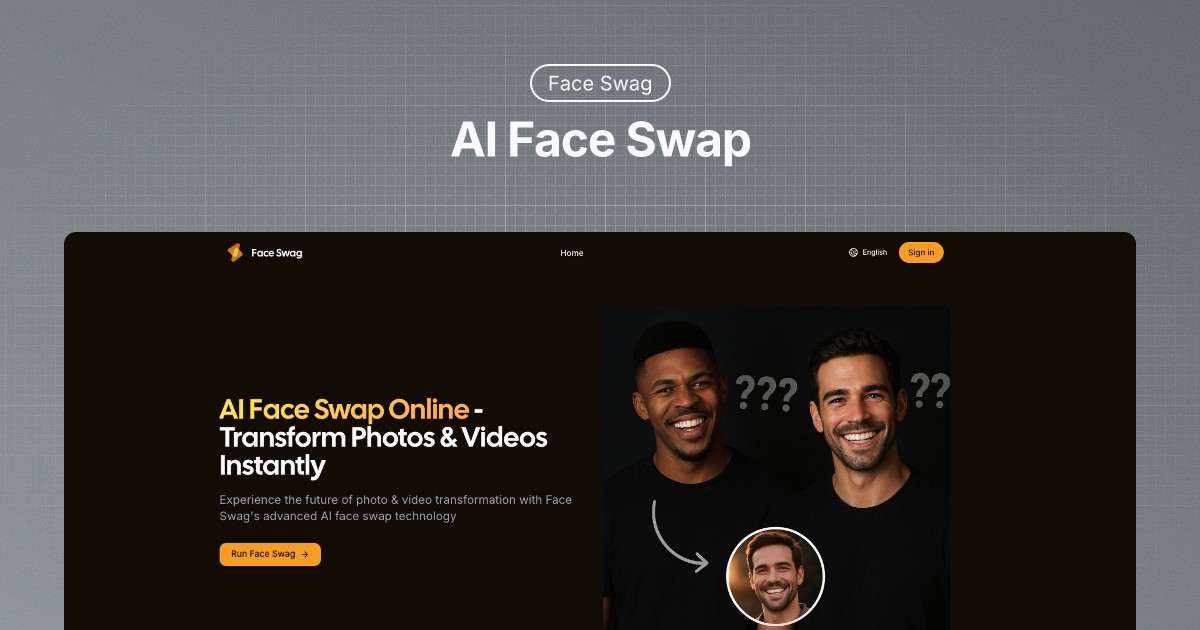
What is Face Swag
Face Swag is an AI-powered online tool specializing in realistic face swap transformations for photos and videos. Utilizing advanced AI algorithms, Face Swag ensures seamless and natural-looking results. The platform supports multiple image formats and offers lightning-fast processing.
Users can easily create face swap ai transformations in four steps: uploading a source image, choosing a target face, generating the swap, and downloading the result. Face Swag emphasizes user privacy, automatically deleting photos after processing. A free trial is available to experience the tool's capabilities. Face Swag is positioned as a leading choice for users seeking a user-friendly and efficient face swap app.
How does Face Swag work
Face Swag is an online AI face swap tool that allows users to transform photos and videos by swapping faces. The process involves uploading a source image and a target face image, after which the Face Swap AI algorithms generate a seamless face swap. This face swapper tool supports various image formats, including JPG and PNG. Face Swag also offers a multiple face swap feature. User privacy is ensured through secure processing and automatic deletion of images. A free trial is available.
Benefits of Face Swag
Face Swag is an AI face swap tool that allows users to transform photos and videos instantly. Utilizing advanced AI algorithms, it generates natural-looking face swaps with lightning-fast processing. Its user-friendly interface makes the face swap app accessible for everyone. Face Swag supports major image formats and ensures privacy protection by automatically deleting photos after completion. A free trial is available to try the AI face swap tool. Explore effortless face swapping and create engaging content.
Pros and Cons of Face Swag
Pros
- Advanced AI creates natural looking face swaps.
- Processing is fast.
- Interface is user-friendly.
- Supports major image formats.
- Free trial is available.
Cons
- Functionality limited to face swapping.
- No video face swap mentioned directly, only images.
- Satisfaction with results not always guaranteed.
Core Features of Face Swag
AI Face Swapping
Face Swag provides AI-powered face swaps in photos and videos, using advanced algorithms to ensure natural-looking and high-quality results in a short amount of time.
Multiple Face Swapping
Allows users to swap multiple faces in a single image, expanding the creative possibilities and providing advanced functionality for complex face manipulations.
Image Format Compatibility
Supports a range of popular image formats, including JPG and PNG, ensuring accessibility and ease of use for a broad audience with diverse file types.
Privacy Protection
Guarantees secure processing and automatic deletion of user photos after the face swap is completed, addressing privacy concerns and maintaining user trust.
Use Cases of Face Swag
- Social Media Managers: Generate engaging content using the AI face swap app for increased audience interaction and viral campaigns.
- Digital Artists: Create unique digital art by utilizing advanced AI face swapper technology for customized creative control.
- Film Directors: Streamline pre-visualization processes by testing different casting options with a quick face swap tool.
- Content Creators: Produce natural-looking face swap videos free using advanced AI algorithms and increase workflow efficiency.
- Photography Enthusiasts: Experiment with face swap AI free features to create amusing images while maintaining privacy protection.
FAQs of Face Swag
Is Face Swag's AI face swap tool free to use?
Face Swag offers a free trial, allowing users to experience the AI face swap technology without any initial commitment. This provides an opportunity to test the tool and determine if it meets your face swap needs before subscribing.
How does AI face swap technology work?
Face Swag's AI face swap technology uses advanced AI algorithms to seamlessly replace faces in photos. The user uploads a source image and a target face, and the AI intelligently blends the two faces together, maintaining natural-looking results and facial expressions in the generated face swap.
Is my privacy protected when using Face Swag?
Face Swag prioritizes user privacy. Photos uploaded to the platform are processed securely and automatically deleted after the face swap is completed. This ensures that your images are not stored or used for any other purpose, providing peace of mind when using the face swap tool.
What image formats does Face Swag support?
Face Swag is compatible with all major image formats, including JPG and PNG. This wide range of support ensures users can easily upload and use their desired images for creating face swaps using the AI face swap tool.
Can I swap faces in videos?
Currently, Face Swag's primary function is AI face swapping in images. While video face swapping is not explicitly mentioned as a current feature, it is advisable to check the Face Swag website for updates on new features, including potential AI face swap video capabilities.
What if I'm not satisfied with the face swap results?
While Face Swag aims to provide seamless and natural-looking AI face swap results, individual satisfaction can vary. It's recommended to ensure high-quality source images for optimal results. Contacting Face Swag's support may offer further assistance if you are not satisfied.
Does Face Swag offer multiple face swap capabilities?
Yes, Face Swag now offers multiple face swap functionality, allowing users to swap multiple faces in a single image. This new feature enhances the versatility of the AI face swap tool, providing even more creative possibilities.
How to use Face Swag
Face Swag is an AI-powered tool that specializes in face swapping technology, allowing users to seamlessly replace faces in photos and videos, offering both single and multiple face swap options.
To begin using Face Swag, upload the source image containing the face intended for replacement utilizing the "Upload Source Image" button.
Next, select the target face by uploading another image with the face you wish to use for the face swap AI process through the "Choose Target Face" option.
Click the "Generate Swap" button to initiate the AI's face swapping algorithm. Face Swag's advanced AI will automatically begin processing.
After processing, preview the face swap result. If satisfied, download the high-resolution swapped image from Face Swag for your face swap video or photo.
For multiple face swaps, navigate to the designated "Multiple Face Swap" section and upload images containing multiple faces following on-screen instructions.
If you encounter any issues or have questions regarding Face Swag, consult the FAQ or contact support for assistance with face swap app usage.
Face Swag Alternatives
Browser workspace for AI image generation, reference photo editing, and short video drafts, aimed at creators, marketers, and product teams.
A browser collection of 13 free creative editors for photos, vector art, PDFs, documents, video, audio, and CAD, opening without an account or install.

Browser studio for AI video, image and music generation with Grok Imagine, Kling and GPT Image models. Free daily credits, no sign-up required.
Mareel is an all-in-one AI video and image generation workspace giving creators, marketers, and ecommerce teams 40+ leading models and one shared credit balance.
An online AI photo editor that removes image backgrounds, erases people, objects and text, and upscales photos 4x. Preview every photo free before paying per image.
Upload one selfie to preview 120+ cuts, colors and bangs rendered on your own face in about 20 seconds, then take the reference sheet to your barber.
Pet to Art is a free AI pet portrait generator that turns one clear pet photo into custom digital artwork across 170+ styles, canvas ratios, and 2K downloads.
MixVio runs 21 video, image and audio models in one browser workspace, plus 11 creator tools, with exact credit cost shown before every generation.
Meta Image: browser AI studio powered by Muse Image. Edit photos with prompts, remove backgrounds, restore old photos, generate new images.
Create and edit images with Image 2.5 by GPT. Sunburst for precision, Flare for speed, up to 4K, 6 quality modes, and transparent PNG/WebP output.
Generate and edit AI images with Nano Banana Pro. Blend up to 14 images, render crisp text, and create 4K visuals online with studio controls.
Browse curated AI image and video prompts with real results and creator attribution, copy-ready for GPT Image, Nano Banana, Midjourney, and more.