
EraseWatermark FAQs
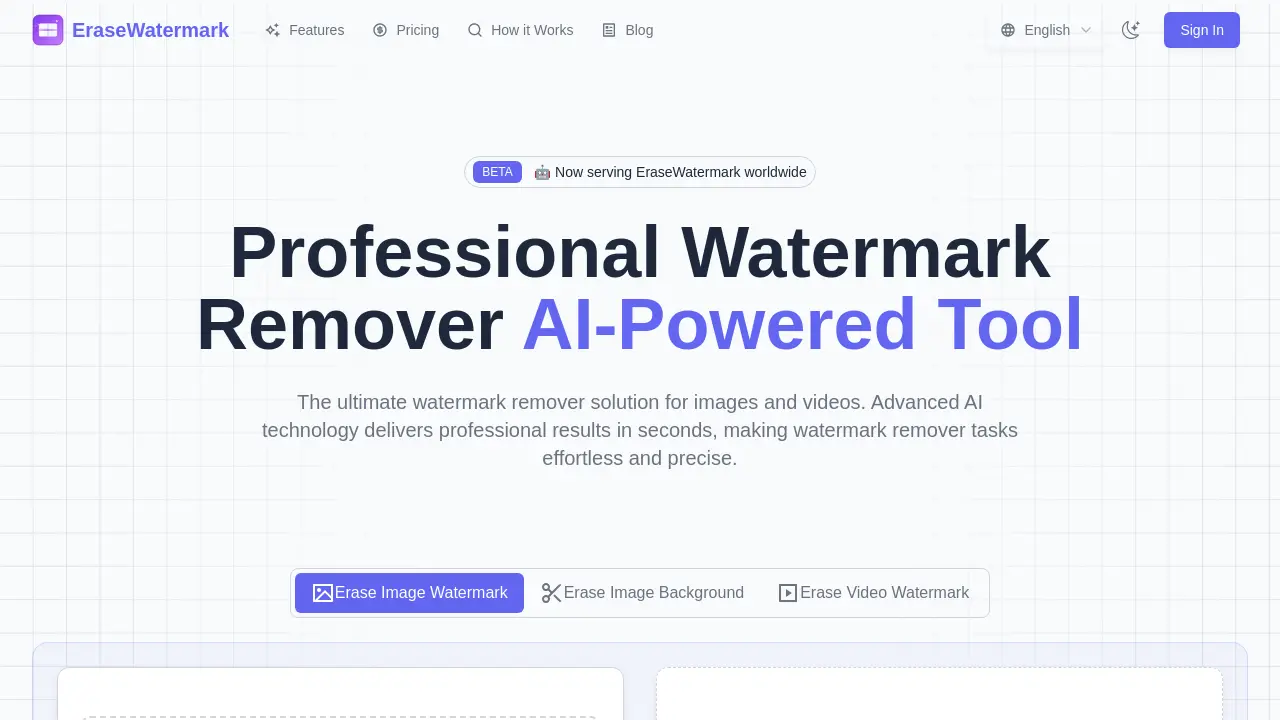
This professional AI tool provides fast, high-quality watermark removal for images and videos, with support for batch processing.

FAQs of EraseWatermark
How effective is EraseWatermark?
EraseWatermark achieves a success rate exceeding 95% in removing watermarks while preserving the original image quality. The AI, which is trained on millions of samples, undergoes continuous updates to effectively handle various watermark types from photos and videos.
What types of watermarks can EraseWatermark remove?
EraseWatermark can remove a wide array of watermark types, including text watermarks, logo watermarks, transparent overlays, and intricate multi-layered watermarks from both images and videos. The AI's capability allows it to identify watermark patterns and intelligently reconstruct the background content.
Is uploaded content stored or shared by EraseWatermark?
No, EraseWatermark prioritizes user privacy. Uploaded images and videos are processed in real-time and are automatically deleted after the user downloads the cleaned file. The platform guarantees that it never stores, shares, or utilizes user content for any other purpose.
What if the watermark removal isn't perfect?
While the EraseWatermark AI is highly effective, users may find that complex watermarks occasionally require multiple attempts for optimal removal. The algorithms are subject to continuous improvement. Users can experiment with different settings or contact support for assistance with particularly challenging watermarks.
What file formats does EraseWatermark support for watermark removal?
EraseWatermark supports a variety of file formats for both images and videos. For images, it accommodates JPG, JPEG, PNG, WEBP, HEIC, AVIF, BMP, and TIFF files. For videos, it supports MP4 and MOV formats, ensuring broad compatibility for users needing to erase watermarks online.
How quickly does EraseWatermark process files?
EraseWatermark offers instant processing capabilities. Users can upload any image or video file and receive clean results in seconds due to its real-time watermark removal technology. This fast watermark remover processing ensures efficiency for users.
Does EraseWatermark use AI for watermark removal?
Yes, EraseWatermark is an AI-powered watermark remover tool. It leverages advanced AI technology, specifically state-of-the-art machine learning models trained on millions of images, to deliver precise watermark removal while preserving original quality and details. This makes it an erase watermark AI solution.
How can users start using EraseWatermark?
Users can begin using EraseWatermark by either dragging and dropping their files onto the platform or clicking to browse and select them. The process involves three simple steps: upload, smart AI analysis, and then preview and download of the clean results, making it easy to erase watermarks from photos and videos.
How to use EraseWatermark
EraseWatermark utilizes advanced AI to efficiently erase watermarks from photos and videos, preserving content quality. This professional watermark remover offers instant processing and supports various image and video formats.
- Navigate to the EraseWatermark website to begin the watermark removal process.
- Drag and drop your desired image or video file into the upload area. The tool supports formats like PNG, JPG, JPEG, MP4, and MOV for erasing watermarks.
- Alternatively, click the "Select image file" button to browse and upload your content.
- The advanced AI will then perform smart analysis, identifying and intelligently reconstructing the background to erase the watermark.
- Once processing is complete, preview the watermark-free results displayed on the screen.
- Download your clean, professional-quality image or video files for immediate use.
