
EraseWatermark offers AI-powered watermark removal for media.

What is EraseWatermark
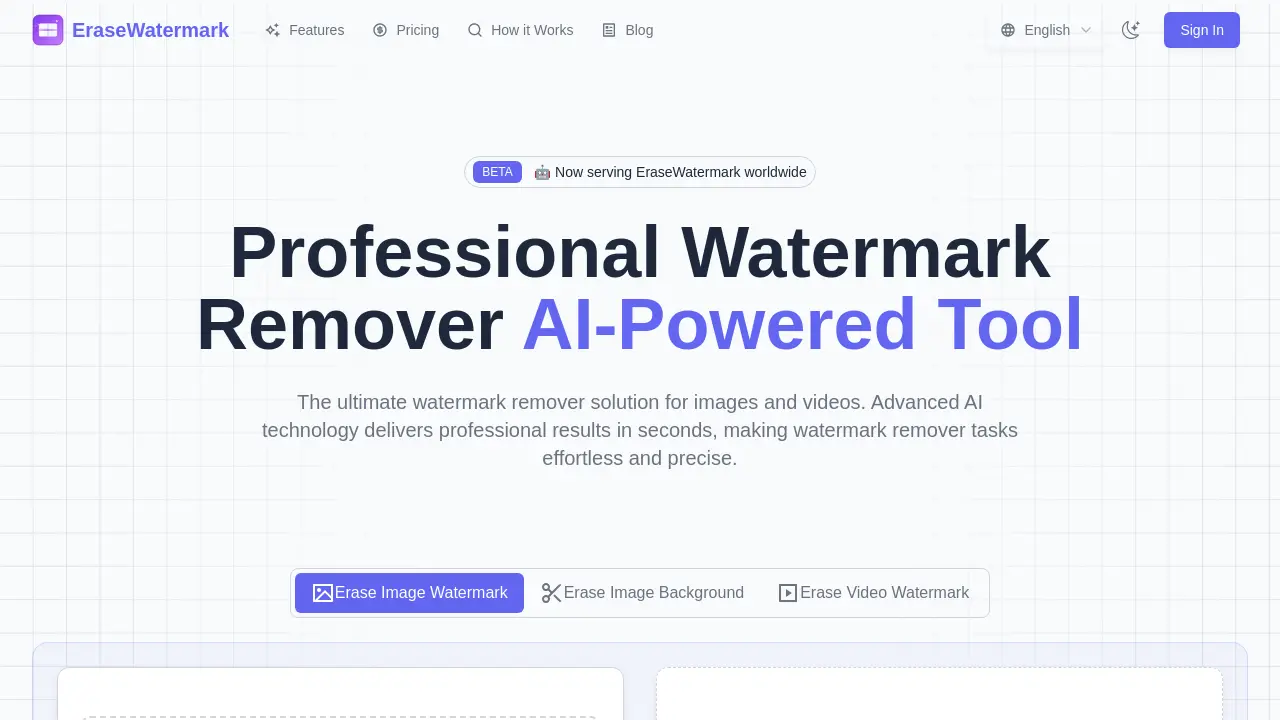
EraseWatermark is an AI-powered tool designed to remove watermarks from images, videos, and PDFs. It utilizes advanced machine learning to precisely identify and erase watermarks while preserving the original content's quality and details. The platform offers instant processing for various formats, including JPG, PNG, MP4, and MOV, making it a versatile erase watermark online solution. Users can erase watermarks with a high success rate, benefiting from secure, privacy-focused processing that does not store uploaded content.
How does EraseWatermark work
EraseWatermark operates as an AI-powered online service designed to erase watermarks from photos and videos. Users upload content, which the platform's advanced AI analyzes to identify and remove watermark patterns. The system then intelligently reconstructs the background, aiming to preserve original image quality and details. After smart analysis, users can preview and download their clean results. This efficient process allows users to erase watermarks from various media types, providing a seamless solution to erase watermark online, utilizing AI to achieve precise watermark removal.
Benefits of EraseWatermark
EraseWatermark offers an AI-powered solution to erase watermarks from photos and videos with high precision. This online tool utilizes advanced AI to deliver professional results quickly, preserving original image and video quality. It supports multiple formats and ensures privacy by not storing uploaded content. Users can effectively remove text, logo, and complex watermarks, making it a reliable option to erase watermark online. The platform also aims to erase watermark from video free for basic uses, enhancing accessibility for students and professionals alike.
Pros and Cons of EraseWatermark
Pros
- AI-powered watermark removal is precise.
- Supports various image and video formats.
- Processes watermarks instantly.
- Prioritizes user privacy; no content stored.
- Achieves high success rate for watermark removal.
Cons
- Complex watermarks may need multiple attempts.
- No mention of PDF watermark removal.
- Potential limitations for extremely challenging watermarks.
Core Features of EraseWatermark
AI-Powered Watermark Removal
Utilizes advanced AI and machine learning to precisely remove diverse watermarks from images and videos, preserving original quality and details efficiently.
Instant Real-time Processing
Offers lightning-fast processing, delivering clean, watermark-free results in seconds, thereby enhancing user productivity and workflow.
Multi-format File Support
Supports various image (PNG, JPG, JPEG) and video (MP4, MOV) formats, ensuring broad compatibility and convenient drag-and-drop uploading for users.
Secure and Private Operation
Prioritizes user privacy by processing content in real-time and deleting files immediately after download, never storing or sharing uploaded data.
High-Quality Output Preview and Download
Enables users to instantly preview processed results and download high-quality, watermark-free images and videos suitable for professional use.
Use Cases of EraseWatermark
- Content Creators: Quickly erase watermarks from photos and videos for professional-grade content using the online AI tool.
- Marketing Professionals: Remove watermarks from images and video assets to enhance promotional materials efficiently.
- Graphic Designers: Utilize EraseWatermark AI to clean images and ensure high-quality visual output for various projects.
- Businesses: Securely erase watermarks from videos and images online, maintaining privacy and content integrity.
FAQs of EraseWatermark
How effective is EraseWatermark?
EraseWatermark achieves a success rate exceeding 95% in removing watermarks while preserving the original image quality. The AI, which is trained on millions of samples, undergoes continuous updates to effectively handle various watermark types from photos and videos.
What types of watermarks can EraseWatermark remove?
EraseWatermark can remove a wide array of watermark types, including text watermarks, logo watermarks, transparent overlays, and intricate multi-layered watermarks from both images and videos. The AI's capability allows it to identify watermark patterns and intelligently reconstruct the background content.
Is uploaded content stored or shared by EraseWatermark?
No, EraseWatermark prioritizes user privacy. Uploaded images and videos are processed in real-time and are automatically deleted after the user downloads the cleaned file. The platform guarantees that it never stores, shares, or utilizes user content for any other purpose.
What if the watermark removal isn't perfect?
While the EraseWatermark AI is highly effective, users may find that complex watermarks occasionally require multiple attempts for optimal removal. The algorithms are subject to continuous improvement. Users can experiment with different settings or contact support for assistance with particularly challenging watermarks.
What file formats does EraseWatermark support for watermark removal?
EraseWatermark supports a variety of file formats for both images and videos. For images, it accommodates JPG, JPEG, PNG, WEBP, HEIC, AVIF, BMP, and TIFF files. For videos, it supports MP4 and MOV formats, ensuring broad compatibility for users needing to erase watermarks online.
How quickly does EraseWatermark process files?
EraseWatermark offers instant processing capabilities. Users can upload any image or video file and receive clean results in seconds due to its real-time watermark removal technology. This fast watermark remover processing ensures efficiency for users.
Does EraseWatermark use AI for watermark removal?
Yes, EraseWatermark is an AI-powered watermark remover tool. It leverages advanced AI technology, specifically state-of-the-art machine learning models trained on millions of images, to deliver precise watermark removal while preserving original quality and details. This makes it an erase watermark AI solution.
How can users start using EraseWatermark?
Users can begin using EraseWatermark by either dragging and dropping their files onto the platform or clicking to browse and select them. The process involves three simple steps: upload, smart AI analysis, and then preview and download of the clean results, making it easy to erase watermarks from photos and videos.
How to use EraseWatermark
EraseWatermark utilizes advanced AI to efficiently erase watermarks from photos and videos, preserving content quality. This professional watermark remover offers instant processing and supports various image and video formats.
- Navigate to the EraseWatermark website to begin the watermark removal process.
- Drag and drop your desired image or video file into the upload area. The tool supports formats like PNG, JPG, JPEG, MP4, and MOV for erasing watermarks.
- Alternatively, click the "Select image file" button to browse and upload your content.
- The advanced AI will then perform smart analysis, identifying and intelligently reconstructing the background to erase the watermark.
- Once processing is complete, preview the watermark-free results displayed on the screen.
- Download your clean, professional-quality image or video files for immediate use.
EraseWatermark Website Traffic Analysis
Latest traffic information
- Monthly Visits963
- Bounce Rate36.15%
- Pages Per Visit1.03
- Visit Duration00:00:00
- Global Rank--
- Country/Region Ranking--
Top Keywords
| Keyword | Traffic | Volume | Cost Per Click |
|---|---|---|---|
| remove hera ai watermark | 10 | 30 | -- |
| watermark remover | -- | 378.96K | $0.35 |
| erasio | -- | 15.88K | -- |
| watermark remover ai | -- | 10.13K | $0.42 |
| watermark deleter | -- | 4.41K | $0.25 |
Top Regions
| Region | Percentage |
|---|---|
| India | 100% |
EraseWatermark Alternatives
Scribix is an AI video clipper that cuts podcasts and interviews into captioned vertical shorts, then publishes them to YouTube, TikTok and LinkedIn.
A browser collection of 13 free creative editors for photos, vector art, PDFs, documents, video, audio, and CAD, opening without an account or install.

Katto turns long videos and podcasts into scored, captioned 9:16 clips. It ranks clips by viral potential and exports them to 7 platforms from one place.
An online AI photo editor that removes image backgrounds, erases people, objects and text, and upscales photos 4x. Preview every photo free before paying per image.
Gemini Omni is an online AI video generator and editor that turns a text prompt or reference image into a video, then refines each shot through conversational edits while keeping characters and the scene consistent.
Meta Image: browser AI studio powered by Muse Image. Edit photos with prompts, remove backgrounds, restore old photos, generate new images.
Remove image backgrounds, video watermarks, burned-in subtitles and video backgrounds with Rmark AI. Upload a file, preview, then download a clean copy.
AI video production for courses and training. Create editable, reviewable videos from a topic or source material—one video or a chapter-based series.
Koozee turns a single clothing image into AI product photos, model try-on images, and marketing videos for apparel sellers, cutting costs by up to 99%.
OmniEnhancer is an AI image enhancer and photo editor that improves photo quality, clarity, color, and resolution online, with free daily credits.
Video Editor AI automatically turns long videos into viral shorts with AI highlight detection, smart captions, and auto reframe. Free, no sign-up required.
TranslateImage AI translates images to 70+ languages while preserving font, layout, and style. Free online AI image translator for photos and manga.