
Doc2Lang FAQs
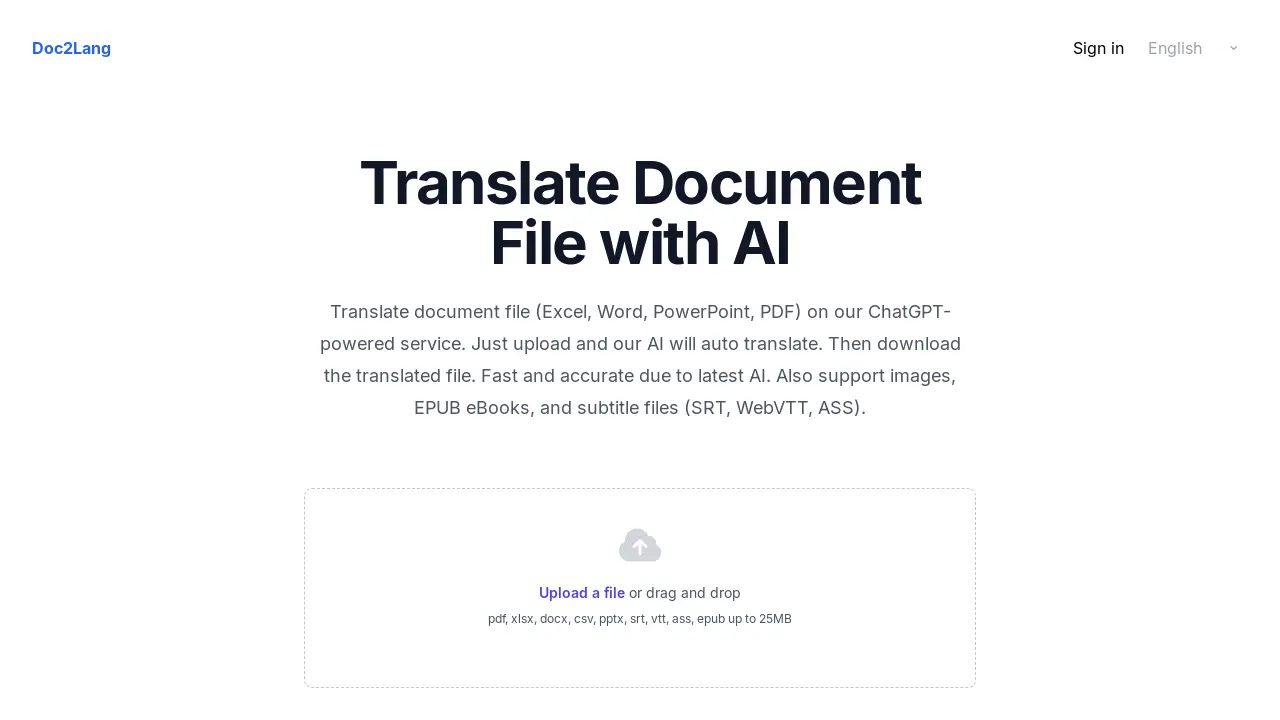
Doc2Lang translates documents, including Excel, Word, and PDF files, using AI. It offers fast, accurate translation with layout preservation.

FAQs of Doc2Lang
Which languages does Doc2Lang support?
Doc2Lang's AI document translator supports translation between over 100 languages. This includes widely spoken languages such as English, Spanish, and Chinese, as well as more specialized languages, ensuring comprehensive coverage for diverse translation needs.
Does Doc2Lang preserve the original layout of the document?
Yes, Doc2Lang is designed to maintain the original formatting of documents. This means fonts, graphics, bullet points, and formulas are preserved during the translation process. For PowerPoint files, speaker notes and embedded media are also retained whenever technically feasible.
Does Doc2Lang support OCR for scanned PDF documents?
Doc2Lang includes built-in OCR (Optical Character Recognition) functionality. This feature allows the AI document translator to extract text from image-based PDF documents, making it possible to translate scanned pages or text embedded within images seamlessly.
How secure is the Doc2Lang service?
Doc2Lang prioritizes the security of user documents. All file transfers are encrypted using HTTPS. Users also have the option to delete their documents from Doc2Lang's servers after translation. Doc2Lang does not utilize user content to train public AI models, ensuring data privacy.
What file types are compatible with Doc2Lang?
Doc2Lang supports a wide array of file formats including Microsoft Excel (XLAM, XLSM, XLSX, XLTM, XLTX), Microsoft Word (DOCX), PDF, PowerPoint (PPTX), CSV, EPUB eBooks, and subtitle files (SRT, WebVTT, ASS). Image formats like JPG, PNG, JPEG, GIF, and WebP are also supported.
How to use Doc2Lang
Doc2Lang is an AI-powered document translation service. It supports various file formats, including Excel, Word, PDF, PowerPoint, images, EPUB eBooks, and subtitle files. It offers accurate, secure, and fast translations using the latest AI models.
Begin by uploading your document file to the Doc2Lang platform. Supported formats include PDF, DOCX, XLSX, PPTX, and more, up to a 25MB file size.
Doc2Lang utilizes AI to automatically detect the language and translate the document. The platform ensures context-aware translation for near-human accuracy.
Preview a portion of the translated document for free. This allows you to assess the quality and accuracy before making a payment for the full translation.
If satisfied, proceed to purchase the complete translation. Doc2Lang offers flexible, pay-per-use billing without requiring subscriptions or monthly commitments.
Download the fully translated file. Doc2Lang preserves the original layout, formatting, fonts, and graphics, ensuring a professional-looking result.
For scanned PDFs or images, Doc2Lang uses built-in OCR (Optical Character Recognition) to extract text before translation, ensuring comprehensive coverage.
If translating subtitle files (SRT, WebVTT, ASS), Doc2Lang retains original timestamps, cue settings, styling, and formatting for seamless integration with video.
Manage your data securely. Doc2Lang encrypts all file transfers and provides options to delete uploaded files after translation for complete data removal.
