
Doc2Lang: AI-Powered Document Translation

What is Doc2Lang
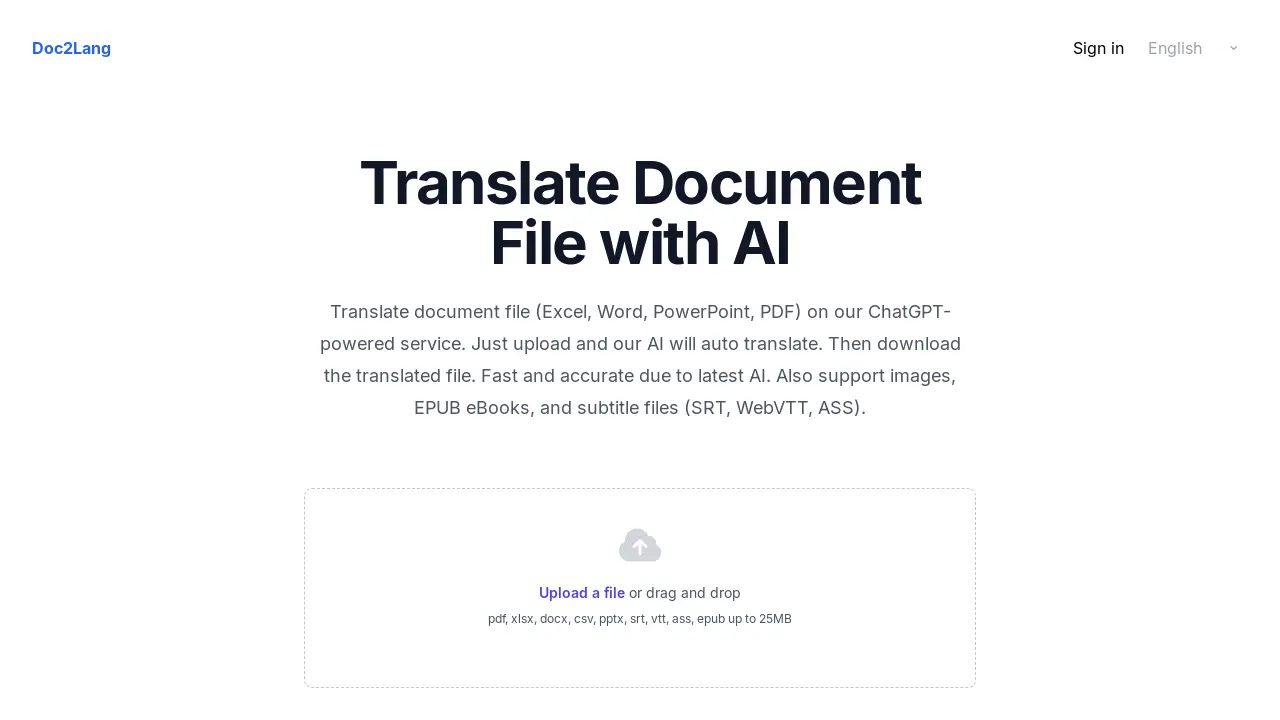
Doc2Lang is an AI-powered document translation service utilizing ChatGPT. It translates various file formats, including Excel, Word, PowerPoint, and PDF, as well as image, EPUB eBooks, and subtitle files (SRT, WebVTT, ASS). Users upload a file, and the AI auto-translates it, preserving layouts and formatting.
Doc2Lang supports OCR for image-based PDFs. The service emphasizes security, allowing users to delete uploaded files. It offers high-quality translations tailored to specific industries and a simple process: upload, translate, and download. Billing is flexible, with pay-per-use options available. Doc2Lang supports over 100 languages.
How does Doc2Lang work
Doc2Lang is an AI-powered document translation service that translates various file formats including Excel, Word, PDF, and PowerPoint. It leverages AI, specifically GPT models, to provide accurate, context-aware translations, supporting over 100 languages. The service also handles image translation via OCR and specialized formats like SRT, WebVTT and ASS subtitle files, and EPUB ebooks. Doc2Lang features a pay-per-use billing model, without subscriptions and emphasizes data security allowing users to delete files after translation. A partial preview is available prior to purchase.
Benefits of Doc2Lang
Doc2Lang is an AI-powered document translation service utilizing the latest GPT models to translate files like Excel, Word, PowerPoint, and PDFs. It supports various formats, including EPUB, SRT, WebVTT and ASS subtitle files. Doc2Lang offers OCR for scanned documents and image translation capabilities. Users can translate documents with context in mind, ensuring near-human accuracy. The service prioritizes security, allowing users to delete files at any time. With flexible billing, you pay only for what you use. Read a doc2lang review to find out more.
Pros and Cons of Doc2Lang
Pros
- Supports diverse file formats like Excel, Word, PDF.
- Uses AI for accurate document translation.
- Offers flexible pay-per-use billing.
- Allows users to delete files for data removal.
- Provides OCR for scanned PDFs and images.
Cons
- Word translation supports DOCX format only currently.
- Lacks subscription options.
- Limited free preview; requires payment for full translation.
- File upload limit of 25MB may be restrictive.
- No mention of translation speed.
Core Features of Doc2Lang
AI-Powered Document Translation
Doc2Lang utilizes AI to translate various document types, including Excel, Word, PDF, and PowerPoint, and aims to provide accurate, context-aware translations.
File Format Support
The service supports a wide array of file formats such as XLSX, DOCX, PDF, PPTX, SRT, VTT, ASS, and EPUB, to meet various document translation requirements.
Image and OCR Translation
Doc2Lang supports image translation and Optical Character Recognition (OCR) for scanned PDFs, enabling the extraction and translation of text from images.
Layout and Formatting Preservation
The platform preserves the original layout, formatting, fonts, and graphics of the documents during the translation process for professional results.
Secure Data Handling
Doc2Lang prioritizes security by encrypting file transfers and allowing users to delete their documents, ensuring control over their data.
Use Cases of Doc2Lang
- Businesses: Translate Excel spreadsheets and CSV files using Doc2Lang for efficient international data management.
- Academics: Utilize Doc2Lang to translate research papers and documents, leveraging its OCR capabilities for scanned PDFs.
- Subtitlers: Employ Doc2Lang for accurate SRT, WebVTT, and ASS subtitle translation while maintaining original timestamps and formatting.
- Publishers: Translate EPUB eBooks with Doc2Lang, preserving formatting for compatibility with Kindle and other e-readers.
- Professionals: Quickly translate Word documents and PowerPoint presentations with Doc2Lang, retaining layouts and embedded media.
FAQs of Doc2Lang
Which languages does Doc2Lang support?
Doc2Lang's AI document translator supports translation between over 100 languages. This includes widely spoken languages such as English, Spanish, and Chinese, as well as more specialized languages, ensuring comprehensive coverage for diverse translation needs.
Does Doc2Lang preserve the original layout of the document?
Yes, Doc2Lang is designed to maintain the original formatting of documents. This means fonts, graphics, bullet points, and formulas are preserved during the translation process. For PowerPoint files, speaker notes and embedded media are also retained whenever technically feasible.
Does Doc2Lang support OCR for scanned PDF documents?
Doc2Lang includes built-in OCR (Optical Character Recognition) functionality. This feature allows the AI document translator to extract text from image-based PDF documents, making it possible to translate scanned pages or text embedded within images seamlessly.
How secure is the Doc2Lang service?
Doc2Lang prioritizes the security of user documents. All file transfers are encrypted using HTTPS. Users also have the option to delete their documents from Doc2Lang's servers after translation. Doc2Lang does not utilize user content to train public AI models, ensuring data privacy.
What file types are compatible with Doc2Lang?
Doc2Lang supports a wide array of file formats including Microsoft Excel (XLAM, XLSM, XLSX, XLTM, XLTX), Microsoft Word (DOCX), PDF, PowerPoint (PPTX), CSV, EPUB eBooks, and subtitle files (SRT, WebVTT, ASS). Image formats like JPG, PNG, JPEG, GIF, and WebP are also supported.
How to use Doc2Lang
Doc2Lang is an AI-powered document translation service. It supports various file formats, including Excel, Word, PDF, PowerPoint, images, EPUB eBooks, and subtitle files. It offers accurate, secure, and fast translations using the latest AI models.
Begin by uploading your document file to the Doc2Lang platform. Supported formats include PDF, DOCX, XLSX, PPTX, and more, up to a 25MB file size.
Doc2Lang utilizes AI to automatically detect the language and translate the document. The platform ensures context-aware translation for near-human accuracy.
Preview a portion of the translated document for free. This allows you to assess the quality and accuracy before making a payment for the full translation.
If satisfied, proceed to purchase the complete translation. Doc2Lang offers flexible, pay-per-use billing without requiring subscriptions or monthly commitments.
Download the fully translated file. Doc2Lang preserves the original layout, formatting, fonts, and graphics, ensuring a professional-looking result.
For scanned PDFs or images, Doc2Lang uses built-in OCR (Optical Character Recognition) to extract text before translation, ensuring comprehensive coverage.
If translating subtitle files (SRT, WebVTT, ASS), Doc2Lang retains original timestamps, cue settings, styling, and formatting for seamless integration with video.
Manage your data securely. Doc2Lang encrypts all file transfers and provides options to delete uploaded files after translation for complete data removal.
Doc2Lang Website Traffic Analysis
Latest traffic information
- Monthly Visits10.67K
- Bounce Rate36.57%
- Pages Per Visit1.51
- Visit Duration00:00:11
- Global Rank2.16M
- Country/Region Ranking188.55K
Top Keywords
| Keyword | Traffic | Volume | Cost Per Click |
|---|---|---|---|
| doc2lang 金額 | 150 | -- | -- |
| convert image to text with tables | 130 | -- | -- |
| lobreoofice translate document contente | 110 | 160 | -- |
| traductor imagen | 90 | 4.53K | $0.39 |
| epub 번역 | 80 | 610 | -- |
Top Regions
| Region | Percentage |
|---|---|
| Brazil | 38.37% |
| South Korea | 18.99% |
| India | 13.07% |
| France | 10.01% |
| Italy | 9.13% |
Doc2Lang Alternatives
Translate raw manga, manhwa, manhua and webtoons into 50+ languages with AI, keeping artwork, speech bubbles and panel layout intact across full chapters.
Free invoice maker for freelancers and small businesses on Web, iOS and Android. Create unlimited PDF invoices, manage clients and companies, and bill from AI assistants via MCP.

Translate Now is a browser-based AI voice translator for real-time speech translation, live transcription, and replayable bilingual audio transcripts.
ScanPDF AI is a free online PDF scanner that turns photos and scans into clean PDFs, OCR searchable text, and receipt-to-Excel data in your browser.
OpenSubs is a free in-browser AI subtitle generator that transcribes speech with Whisper, translates into 20 languages and burns captions into video.
MeeLang is a Chrome extension that provides real-time AI translation subtitles for Google Meet, supporting over 30 languages with sub-second latency.
MenuForma turns any PDF, photo, or website menu into a digital QR menu with online ordering, 70+ languages, and AI food photos for restaurants.
Fuu AI is an AI presentation maker that turns text, PDFs, and documents into professional PPT slides in minutes, powered by Claude Opus 4.7.
Memo Card turns live or recorded lectures into AI lecture notes with transcription, real-time translation, bilingual captions, quizzes, and replay.
TranslateImage AI translates images to 70+ languages while preserving font, layout, and style. Free online AI image translator for photos and manga.
AI-powered PDF to Markdown converter with OCR for scanned pages. Get clean, structured Markdown from any PDF in seconds online.
AI Image Text Editor lets users replace, remove, translate, and redact text inside finished images while preserving the original font, background, and layout.