
BrainrotAI: PDF & Text to Viral Video

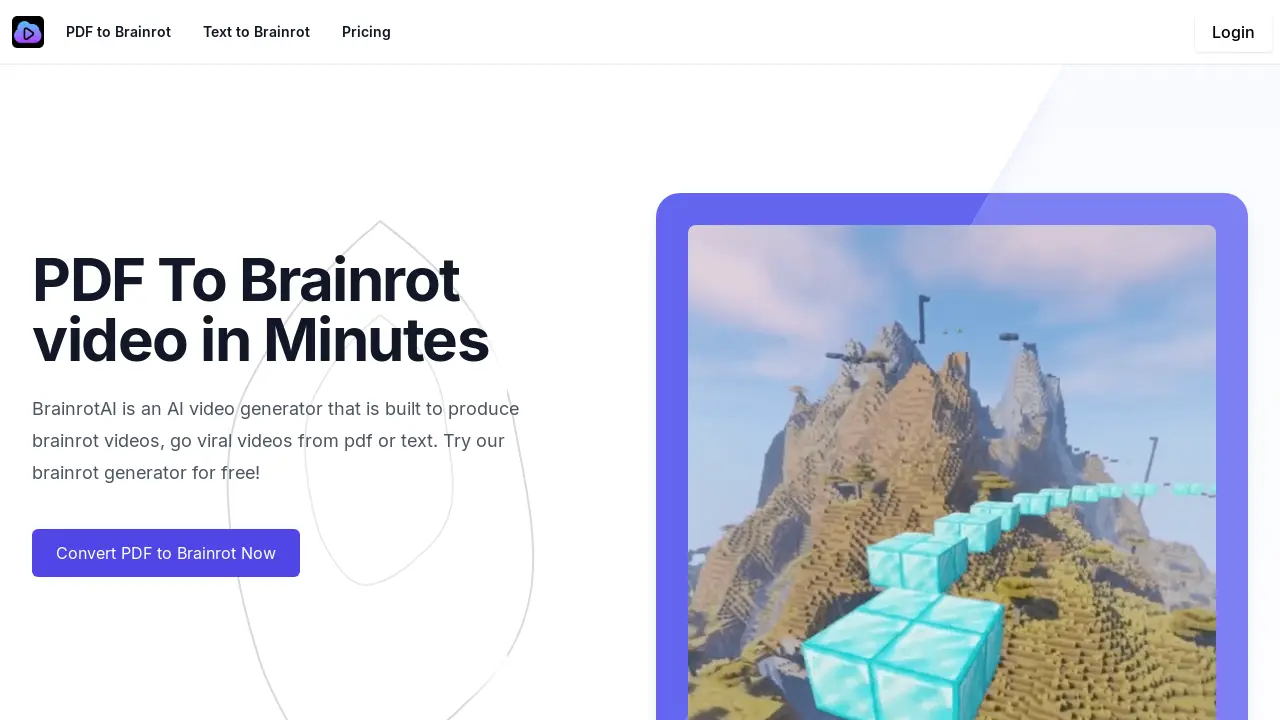
What is BrainrotAI
BrainrotAI is an AI-powered video generator that transforms PDFs and text into engaging, short-form videos optimized for virality on platforms like TikTok and YouTube. Users upload PDFs or paste text, selecting from summary extraction, creative interpretation, or full content extraction methods. The AI then generates videos incorporating brainrot-style effects, designed to improve memorability. BrainrotAI caters to various needs, from repurposing blog content to making study materials more accessible. Features include AI video generation, optimized for social media engagement, and the ability to transform complex topics into easily digestible formats. The tool offers various pricing plans, including a free option.
How does BrainrotAI work
BrainrotAI is an AI-powered video generation platform that transforms text and PDF documents into short-form videos, optimized for social media virality. Utilizing AI algorithms, BrainrotAI processes uploaded PDFs or text, extracting key information and generating engaging video content. Users select from various processing methods—summary extraction, creative interpretation, or full content extraction—to create brainrot videos suitable for platforms like TikTok, Instagram, and YouTube. The service includes features such as PDF processing, text processing, AI video generation, and customizable video elements, aiming to increase content memorability and engagement using the brainrot video style. The platform offers both free and premium plans for various functionalities, including the brainrot ai video generator and brainrot ai text generator.
Benefits of BrainrotAI
BrainrotAI is an AI video generator that transforms PDFs and text into engaging, viral-worthy videos. Quickly convert your PDF or text content into short-form videos optimized for platforms like TikTok and YouTube using BrainrotAI's brainrot video generator. Choose from summary extraction, creative interpretation, or full content extraction methods. BrainrotAI's AI ensures key information is retained while creating attention-grabbing content, ideal for boosting study retention or social media engagement. Try the free brainrot ai generator today and experience the power of brainrot ai video generation.
Pros and Cons of BrainrotAI
Pros
- Fast video generation.
- Handles PDFs and text.
- Improves content retention.
- Enhances social media reach.
- Offers free plan.
Cons
- "Brainrot" style may be niche.
- Customization options unclear.
- Viral success not guaranteed.
- Premium features may be costly.
- Long-term data privacy concerns.
Core Features of BrainrotAI
PDF to Brainrot Video Generation
Converts PDF documents into short, engaging videos optimized for social media platforms like TikTok, enhancing content memorability and virality.
Text to Brainrot Video Generation
Transforms text content into attention-grabbing videos, improving information retention and expanding content reach through viral-style formats.
AI-Powered Content Analysis
Automatically extracts and analyzes key information from uploaded PDFs or text to create concise and impactful video segments.
Video Customization Options
Allows users to personalize generated videos by adjusting styles, adding music, captions, and visual elements, tailoring the output to individual preferences.
Secure Content Handling
Ensures user privacy by keeping uploaded PDFs and generated videos private and secure, protecting user data and intellectual property.
Use Cases of BrainrotAI
- Educators: Create engaging brainrot AI videos from educational PDFs to improve student retention using the brainrot ai video generator.
- Researchers: Transform research papers into shareable brainrot AI videos for wider dissemination via the brainrot ai pdf converter.
- Content Creators: Generate viral brainrot AI videos from text or PDFs to boost social media engagement with the brainrot ai video generator.
- Students: Improve study habits by converting study materials into easily digestible brainrot AI videos using the brainrot ai study tool.
- Businesses: Repurpose marketing materials into eye-catching brainrot AI videos to increase brand awareness via the brainrot ai video maker.
FAQs of BrainrotAI
What is BrainrotAI?
BrainrotAI is an AI-powered video generator designed to transform text or PDF documents into engaging, short-form videos optimized for platforms like TikTok, Instagram, and YouTube. The platform utilizes AI to extract key information and create videos designed to improve memorability and increase viral potential.
How does BrainrotAI's PDF to Brainrot video generation work?
BrainrotAI's PDF to Brainrot feature processes uploaded PDF documents using AI algorithms. The AI analyzes the content, extracts key points, and generates a video incorporating visuals, captions, and music. Users select from options like summary extraction, creative interpretation, or full content extraction to tailor the output. The process aims to transform complex information into easily digestible, memorable video content.
What types of content can I use with BrainrotAI?
BrainrotAI accepts various PDF types, including research papers, articles, blog posts, study materials, and other educational content. It also processes text input directly. The AI is designed to handle both formal and informal writing styles while retaining core information for video generation.
What are the different video generation methods available in BrainrotAI?
BrainrotAI offers three key methods for video generation: Summary Extraction (condensing key information), Creative Interpretation (reframing content for engagement), and Full PDF Content Extraction (converting the entire document into a video). Users can choose the method best suited for their content and desired outcome.
How can I ensure my uploaded PDFs remain private and secure?
BrainrotAI prioritizes user data privacy. Uploaded PDFs and generated videos are kept private and secure, accessible only to the user unless explicitly shared. The platform adheres to standard security protocols to protect user information.
What is the pricing structure for BrainrotAI?
BrainrotAI offers a free plan with basic features and premium plans providing access to functionalities like longer videos, advanced customization options, and bulk content processing. Pricing details and plan comparisons are available on the BrainrotAI pricing page. A free trial allows users to explore the platform's capabilities before committing to a paid subscription.
How to use BrainrotAI
- Upload your PDF or paste text into BrainrotAI's designated input field; the platform supports both PDF and text-based content for brainrot video generation.
- Select a processing method: Summary Extraction, Creative Interpretation, or Full PDF Content Extraction, depending on your desired video style and content inclusion for your brainrot video.
- Initiate the video generation process; BrainrotAI's AI will analyze your input, extract key information, and create a brainrot video optimized for social media.
- Review the generated brainrot video; BrainrotAI allows customization options for aspects such as music and visual elements to enhance your brainrot video.
- Download your finished brainrot video; the platform provides your completed brainrot video ready for sharing on platforms like TikTok, Instagram, or YouTube, maximizing viral potential.
BrainrotAI Website Traffic Analysis
Latest traffic information
- Monthly Visits4.46K
- Bounce Rate36.55%
- Pages Per Visit1.16
- Visit Duration00:00:00
- Global Rank4.43M
- Country/Region Ranking2.45M
Top Keywords
| Keyword | Traffic | Volume | Cost Per Click |
|---|---|---|---|
| pdf to brainrot | -- | 1.31K | $0.5 |
| brainrotdlkfjsf | -- | 160 | -- |
| text to brainrot video generator free | -- | 50 | -- |
Top Regions
| Region | Percentage |
|---|---|
| United States | 81.1% |
| India | 18.9% |
BrainrotAI Alternatives
Seedance 3.0 preview page: planned multi-shot continuity, scene editing and audio-visual sync for AI video, while the on-page generator runs Seedance 2.5.
Browser workspace for AI image generation, reference photo editing, and short video drafts, aimed at creators, marketers, and product teams.
Black Forest Labs' multimodal model with a web generator for text-to-video, image-to-video and image editing with native audio, for creators and marketers.
Wan API is an independent platform for Wan and Seedance video models. Compare specs and rates, generate clips in the Playground, or call them through one API.
Seedance 3.0 turns text, images, video clips, and audio into videos with sound, and edits one part of a clip without regenerating the rest.
Wery is a virtual AI studio that routes one goal to specialist agents for video, images, music and documents, keeping characters and project assets consistent.

AI video and image studio with text-to-video, image-to-video and keyframe control across Seedance, Kling, Wan and Vidu — all on one credit balance.
Browser studio for AI video, image and music generation with Grok Imagine, Kling and GPT Image models. Free daily credits, no sign-up required.
SeaMove AI is an AI video and image generation platform offering Seedance 2.0 and Seedance 2.5 models for text-to-video, image-to-video, and reference-based creation. Features multi-shot continuity, director-level control, and audio-visual sync for creators and studios.
Turns two separate portraits into a 15-second vertical rap duet video on an orange stage with a shared microphone and the original soundtrack. Free 480P preview available.
Mareel is an all-in-one AI video and image generation workspace giving creators, marketers, and ecommerce teams 40+ leading models and one shared credit balance.
Kinovi is a REST API that runs published video, image, and audio AI models from one endpoint. Send a model ID to createTask, poll recordInfo, and pay per use from one shared credit balance.