
AnividAI FAQs
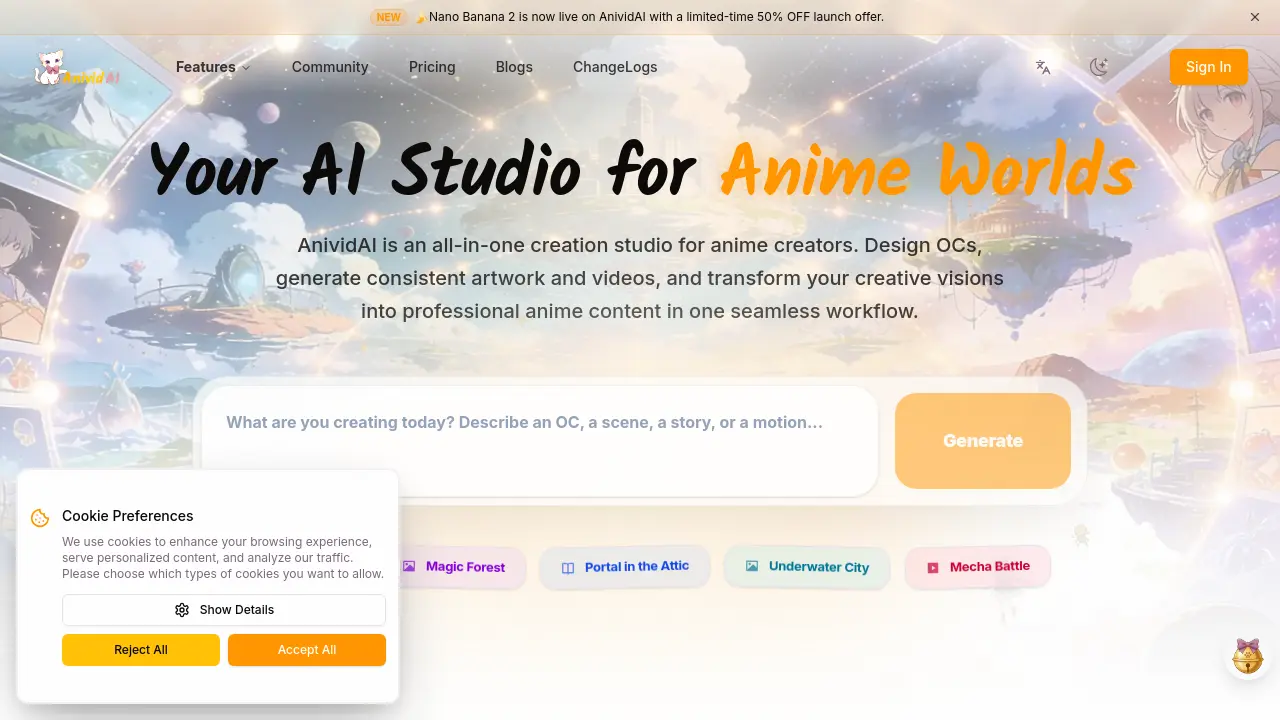
This professional AI anime studio enables creators to design original characters, generate consistent anime artwork and cinematic videos, and chat with their OCs in one seamless workflow.

FAQs of AnividAI
What is AnividAI?
AnividAI is an all-in-one AI creation studio designed specifically for anime creators. It provides a comprehensive suite of tools including AI Anime OC Maker, AI Anime Generator, AI Anime Video Generator, AI Story Generator, and specialized Studio Apps to help users design original characters, generate consistent anime artwork and videos, and expand their intellectual property in one seamless workflow.
What models does AnividAI offer?
AnividAI offers several AI models including Nano Banana 2 (currently with a 50% OFF launch offer), Nano Banana, Seedream 5 Lite, Wan 2.5, Z-Image, Veo 3.1, and Kling 3.0. These models power various generation capabilities across the platform's different tools and applications.
What can I create with AnividAI's tools?
With AnividAI, you can create original characters using the OC Maker, generate anime artwork from text descriptions, produce cinematic anime videos with professional camera control, create illustrated multi-chapter stories, design action figures and sticker packs, and develop entire anime worlds with consistent lore and settings.
How does the Character Studio (OC Maker) work?
The Character Studio allows you to design original characters once and use them as anchors across your entire project. You can create characters with detailed visual designs, personalities, and skills, then maintain consistency when generating artwork and videos featuring those characters throughout your anime universe.
Can I use my creations commercially?
The FAQ section mentions commercial use as a topic, indicating that AnividAI addresses commercial usage rights for generated content. For specific details about commercial licensing and usage rights, you would need to check the platform's terms of service or contact their support team.
What are Studio Apps and how are they used?
Studio Apps are specialized tools within AnividAI that allow you to expand your intellectual property. These include the AI Action Figure Generator for creating render-ready action figure assets and the AI Sticker Generator for producing sticker packs, helping you create production-ready assets for your anime projects.
How does the credits (MC) system work?
The FAQ section mentions the credits (MC) system, suggesting that AnividAI uses a credit-based system for accessing its AI generation tools. While specific details aren't provided in the context, this typically means users receive a certain amount of credits that are consumed when using different features and models on the platform.
How to use AnividAI
- Visit the AnividAI website and sign up for a free account to access the platform's features.
- Navigate to the OC Maker tool to create your original character, which will serve as the foundation for your anime projects.
- Use the AI Anime Generator to transform your text descriptions into professional anime artwork featuring your custom characters.
- Explore the AI Anime Video Generator to bring your characters to life with cinematic clips and fluid motion.
- Access the AI Story Generator to create illustrated multi-chapter stories, incorporating your characters and generated artwork.
