
aividmaker FAQs
This online AI video and image generator platform empowers users to create content using advanced models like Sora 2, Veo 3.1, and Seedance 2.0, offering tools for video creation, image editing, and virtual try-on experiences.

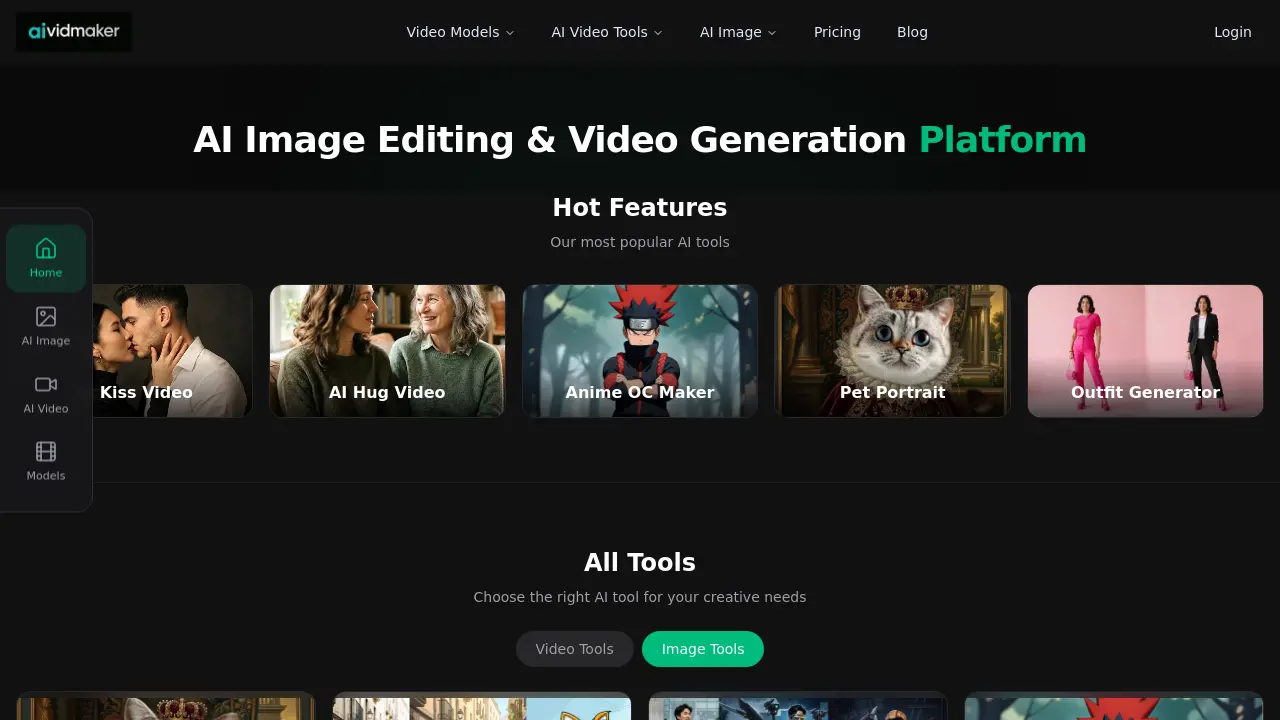
FAQs of aividmaker
What is aividmaker?
aividmaker is an AI-powered platform that provides tools for generating videos and images. It offers a range of features including AI video models, image editing tools, and the ability to create content from text or images.
What types of AI models are available on aividmaker?
aividmaker supports several AI models, including Sora 2 by OpenAI, Veo 3.1 by Google, Wan 2.6 by Alibaba, Seedance 2.0 by ByteDance, and Nano Banana 2 by AiVidMaker. These models power the platform's video and image generation capabilities.
How do credits work on aividmaker?
Credits on aividmaker are used to access and utilize the platform's AI tools and models. The specific details of credit allocation and usage may vary depending on the chosen pricing plan or subscription.
Can I use the generated videos commercially?
Commercial usage rights for generated content may vary. It's recommended to review the Terms of Service or contact aividmaker support for specific information regarding commercial usage rights.
What video quality and formats are supported by aividmaker?
While specific details are not provided in the given context, aividmaker likely supports various video qualities and formats to cater to different user needs and preferences. For exact specifications, it's best to check the platform's documentation or contact support.
What tools are available for AI image generation and editing?
aividmaker offers a variety of AI image tools, including an image combiner, gender swap, skin color changer, elf generator, and more. These tools allow users to create and modify images using artificial intelligence.
How can I get support if I have issues with aividmaker?
If you encounter any issues or have questions not covered in the FAQ, you can contact aividmaker support at support@aividmaker.com. They should be able to assist with any technical difficulties or inquiries about the platform.
How to use aividmaker
- Navigate to the AiVidMaker website and sign up for a free account to access all tools.
- Select the desired tool, such as AI Kiss Video or Anime OC Maker, to begin creating content.
- Input your preferences or descriptions; the AI will generate the video or image based on these inputs.
- Use the credits system to manage your usage, with new users receiving 20 free credits upon sign-up.
- Review the generated output and make adjustments as needed to refine your video or image creation.
