
AiSora FAQs
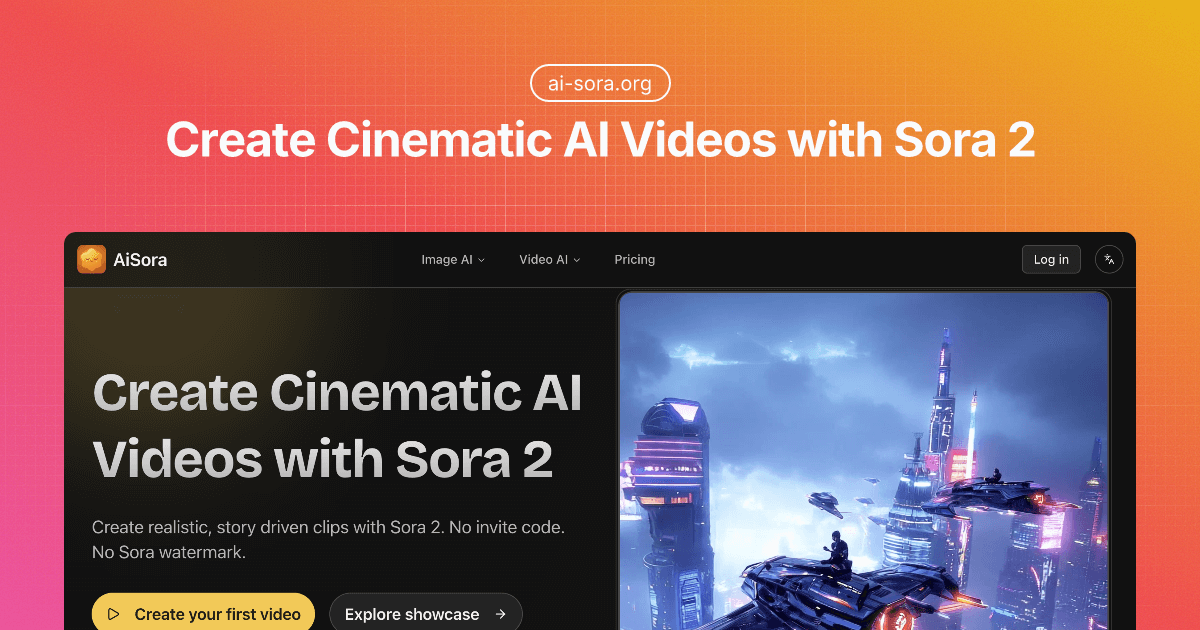
This platform converts text prompts into realistic, story-driven video clips, powered by OpenAI's Sora 2 model, without watermarks or invite codes.

FAQs of AiSora
Do I need a Sora 2 invitation code to use AiSora?
No, an invitation code for Sora 2 is not required to use AiSora. Users can begin creating videos immediately upon signing up for the service, making it accessible for everyone interested in AI video generation. This open access removes a significant barrier for those looking to experiment with advanced AI video capabilities.
Are there any watermarks on the videos generated by AiSora?
No, AiSora does not apply any watermarks to the generated videos. This allows users to utilize their creations directly for various purposes, including marketing campaigns, social media content, client presentations, and other commercial projects, without concerns about branding overlays.
What is the relationship between AiSora and OpenAI?
AiSora operates as an independent service that offers access to advanced text-to-video generation capabilities powered by OpenAI's underlying model. It is important to note that AiSora explicitly states no affiliation or endorsement is claimed with OpenAI, positioning itself as a distinct platform leveraging powerful AI technology.
What types of videos are most suitable for creation with AiSora?
AiSora is optimized for generating short, focused scenes such as product shots, hero moments, portraits, and explainer videos. Users achieve better consistency in motion and style by providing concise and specific prompts, which helps the AI render the desired visual narratives effectively.
How much control do users have over specific details in their AiSora videos?
Users can influence composition, style, and motion through detailed prompts and the inclusion of reference frames. While AiSora provides robust creative control for initial generation, for highly frame-accurate or complex edits, users may need to finalize their work in a separate, preferred video editing software.
Does AiSora offer an API for programmatic access?
Currently, AiSora primarily focuses on providing a streamlined web experience for its users. The platform has not yet implemented an API for programmatic access. Interested users are encouraged to subscribe to their newsletter for any future updates regarding the potential availability of such features.
What are the main capabilities of Sora 2 as integrated into AiSora?
Sora 2, as utilized by AiSora, offers several key capabilities, including realistic physics for coherent motion and object behavior, synchronized sound that aligns with on-screen actions, steerability for directing various cinematic or animated styles, and robust instruction following for maintaining complex scene integrity. It also supports storyboard guidance through reference frames to influence composition.
What are some common use cases for videos generated with AiSora?
AiSora is suitable for various applications, including creating product teasers with crisp hero shots, producing short social media clips for posts and promotions, developing narrative prototypes to block out scenes and pacing, and generating educational or explainer videos to visualize complex concepts and processes effectively.
How does the credit system work for generating videos on AiSora?
AiSora operates on a credit-based system, where generating a video consumes a certain number of credits. New users receive 10 free credits upon signing up, with no credit card required to start. Additional credits can be obtained through various subscription plans (Basic, Pro, Max) or by purchasing credit packs, catering to different usage needs.
How to use AiSora
- Navigate to the AiSora website, where you can access the Sora 2 video generator.
- Sign up for a free account to receive 10 initial credits, no credit card required, to begin generating.
- Locate the "Video Description" text area and input a detailed prompt, describing your desired video content.
- Optionally, upload a reference image to guide the visual style and composition, adhering to image guidelines.
- Select your preferred aspect ratio from the available 16:9 or 9:16 options to suit your output needs.
- Confirm your settings, verify the credit cost, and click the "Generate" button to initiate video creation.
- Review the generated video in the "Generated Result" section, then download it for various uses without watermarks.
