
AI Clothes Swap FAQs
Swap outfits in photos with AI clothes changer. Upload a person photo, add garments or describe a look, and get realistic virtual try-on in minutes. Free credits available.

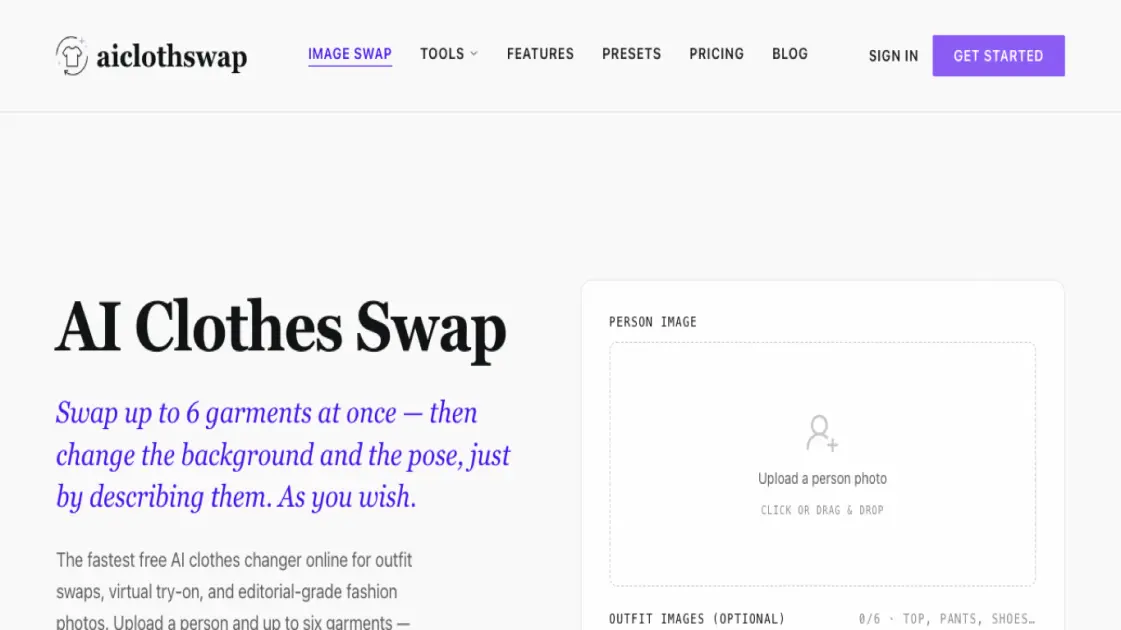
FAQs of AI Clothes Swap
How does the AI clothes changer work?
AI Clothes Swap replaces the outfit in a photo while preserving the person, pose, lighting, and background. Upload a person photo and garment images, and the AI fits new clothing with realistic fabric, folds, and shadows.
Is the AI clothes changer free to use?
Yes, the Starter plan is free forever with 20 credits on signup and 10 free credits every day. Paid plans start at $19.99 per month for higher resolution, watermark removal, and commercial licensing.
Is my data safe when I upload photos?
Uploads are encrypted in transit and at rest. Generations are private and never used to train public models. You can delete your images at any time.
How realistic are the results?
The output is editorial-grade with fabric textures, lighting, and drape that hold up next to professional studio photography, especially on the high-quality setting.
How long does a swap take?
A single swap on the Fast quality setting takes about one minute. Higher quality settings may take longer but produce more detailed results.
Can I use the images commercially?
Yes, commercial use licenses are included with paid plans. Free plan images are watermarked but still yours to use. You own every image you generate.
How to use AI Clothes Swap
- Upload your photo: Drag and drop or upload a clear portrait into the AI clothes changer. Front-facing or three-quarter shots with visible upper or full body work best.
- Choose or describe the outfit: Optionally upload up to six garment images, or type a description of the look you want — such as "beach vacation outfit" — and select quality and resolution.
- Generate and download: Click generate and wait about one minute for Fast quality. Preview the result, fine-tune if needed, and download your new outfit image.
