
AI Baby Dancer FAQs
AI Baby Dancer is a free online app that generates baby dance videos from photos using Kling 2.6 motion control and templates, requiring no prompts, optimized for TikTok, Reels, and Shorts.

FAQs of AI Baby Dancer
What is an AI baby dance generator?
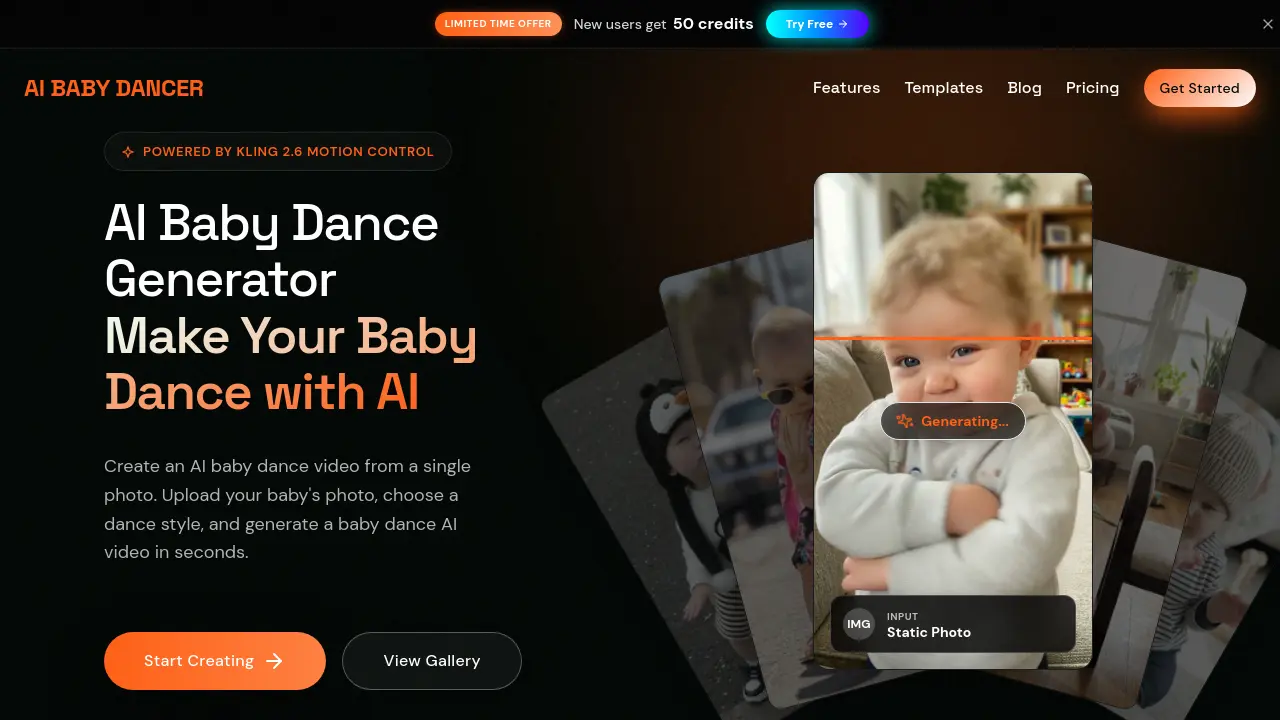
AI BABY DANCER is an AI-powered tool that creates dancing baby videos from a single photo. It leverages Kling 2.6 motion control technology to apply realistic dance movements based on selected templates or custom motion inputs, producing share-ready clips in seconds.
Is it safe to upload my baby's photo?
Yes, uploading baby photos is secure. The service employs time-limited upload links and direct storage, with all creations private by default. Users retain full control over sharing, and additional privacy safeguards are detailed in the Parents Safety Guide.
Will my videos be public or show up on Google?
Videos remain private unless the user intentionally shares them. Public uploads may appear in the Community section, but search engine indexing is separately controlled and can be disabled site-wide to prevent Google visibility.
What dance styles are available?
AI BABY DANCER provides multiple dance styles such as Hip-hop, Ballet, K-pop, Breakdance, and Salsa. New templates are frequently added, inspired by trending dances on TikTok and Instagram to keep content fresh and engaging.
How long does video generation take?
Generation duration depends on video length. Standard 5-second clips usually complete in 30 to 60 seconds, while longer videos up to 15 seconds may take 2 to 3 minutes, influenced by server load and complexity.
Can I share AI baby dance videos on social media?
Yes, all generated videos are optimized for platforms like TikTok, Instagram Reels, and YouTube Shorts. Pro plan subscribers can download high-definition versions without watermarks for seamless social media posting.
Is AI BABY DANCER free to try?
Yes, new users receive 50 free monthly credits to test the service without a credit card. This allows initial video generation to experience the core features before considering paid plans for more credits.
Do you offer refunds?
Refund requests are assessed individually. Contact the Help Center with your account email and order details for evaluation. Policies apply to recent purchases, with decisions based on usage and specific circumstances.
How does Kling 2.6 motion control technology enhance video generation?
Kling 2.6 motion control enables precise animation by using either a static image or a reference video to drive dance movements. This results in smoother, more realistic motions compared to text-based methods, ensuring high-quality, natural-looking outputs.
What file formats are supported for uploads and downloads?
Photo uploads accept JPG and PNG files up to 10MB. Generated videos are output in standard high-definition formats, typically MP4, optimized for vertical displays and compatibility with major social media platforms.
How does the credit system work for generating videos?
Credits are deducted based on video duration and quality settings. Standard quality consumes fewer credits than Pro, and longer videos require more. A live credit estimate is displayed before generation to help users manage their balance efficiently.
Can I use AI Baby Dancer on mobile devices and what browsers are supported?
The service is fully optimized for both desktop and mobile web browsers, accessible on smartphones and tablets without app installation. It supports modern browsers such as Chrome, Safari, and Firefox for seamless usage across devices.
What is the difference between image-led and video-led motion control modes?
Image-led mode uses only a static photo to generate dance motion, ideal for simple animations. Video-led mode requires an uploaded motion reference video, allowing for more customized and specific movement replication in the final video.
How to use AI Baby Dancer
AI Baby Dancer is an AI-powered video generator that transforms a static baby photograph into a short dance clip. It utilizes Kling 2.6 motion control technology to apply selected dance templates or custom motion references to the input image. The service operates on a credit-based system and produces vertical videos optimized for social media platforms. User-created content remains private by default.
- Navigate to the AI Baby Dancer web application and locate the primary upload interface for the photo-to-video function.
- Select a clear, full-body image of a baby in JPG or PNG format, ensuring the file size does not exceed the 10MB limit.
- Choose a predefined dance template from the available library or upload a custom motion reference video to guide the AI's movement generation.
- Select the desired video quality setting, noting that standard quality conserves credits while pro quality may offer enhanced details.
- Configure motion control preferences, such as image-led or video-led processing, and decide whether to retain any original audio from the reference.
- Review the estimated credit cost displayed before generation, which varies based on template duration and chosen quality settings.
- Initiate the video generation process by clicking the generate button, then wait for the system to process the request and render the output.
- Upon completion, preview the generated AI baby dance video, which will be in a 9:16 vertical format suitable for platforms like TikTok and Reels.
- Download the final clip if a paid plan was used to remove watermarks, or share the private creation link directly with intended viewers.
- Manage your remaining credit balance through the user dashboard, understanding that new users receive an initial allocation of free credits upon registration.
- For higher volume or professional use, evaluate the subscription-based pricing tiers that provide increased credits, longer durations, and API access.
- Consult the integrated help center or blog guides for troubleshooting common issues, such as suboptimal results from low-quality source images.
