
AI Yard Design Studio FAQs
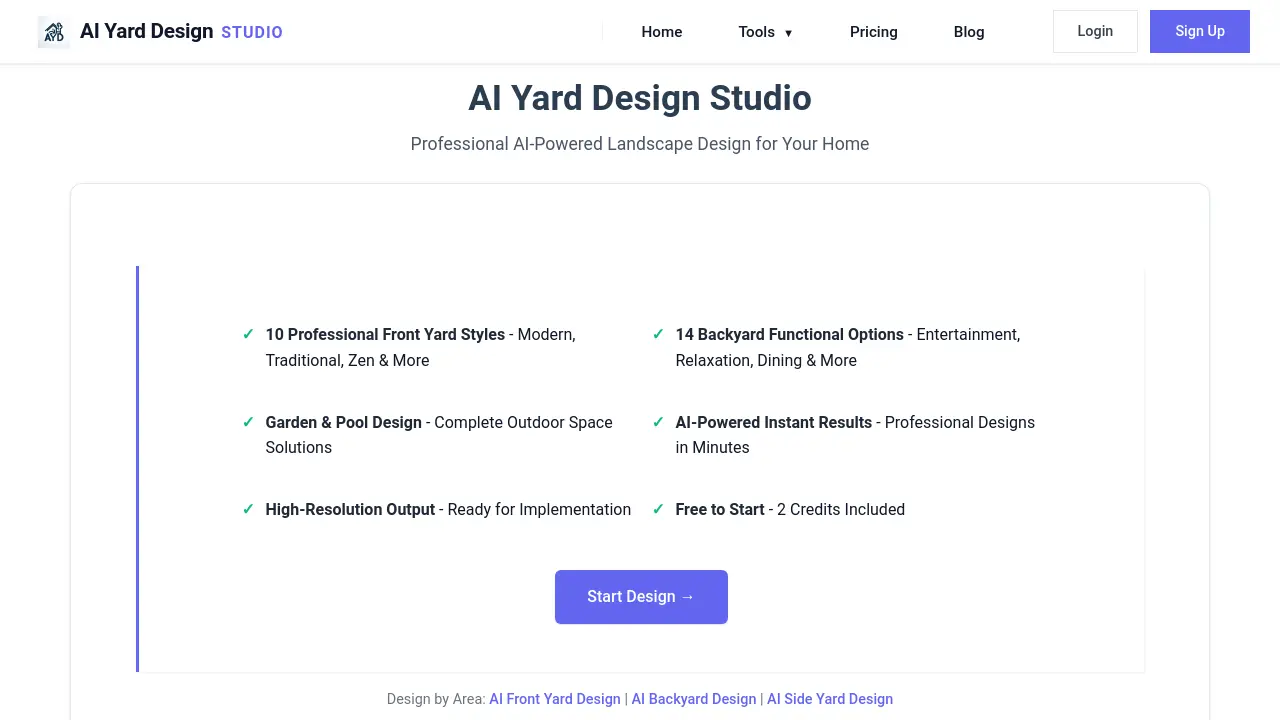
AI Yard Design Studio provides free AI-powered landscape design tools for residential and commercial projects, with instant high-resolution results.

FAQs of AI Yard Design Studio
What is AI Yard Design Studio?
AI Yard Design Studio is an online platform that uses artificial intelligence to generate professional landscape design concepts. Users upload a photo of their outdoor space, select design preferences, and receive a transformed high-resolution image within minutes, based on real-world landscape architecture principles.
What types of outdoor areas can be designed?
The platform supports design generation for specific residential areas including front yards, backyards, side yards, gardens, and pools. It also offers solutions for large-scale projects such as public parks, commercial landscapes, residential communities, sustainable restoration sites, and urban streetscapes.
How does the AI design generation process work?
The process involves three steps: first, the user uploads a clear photograph of their existing yard or project site. Second, they select the area type (e.g., front yard) and a preferred design style from the available options. Third, the AI processes this input and generates a complete, realistic design image ready for download.
What design styles and functional options are available?
For residential projects, front yards offer 10 professional styles like Modern Minimalist and American Traditional. Backyards provide 15 functional options such as Entertainment, Relaxation, and Dining. Side yards include 6 styles like Utility Corridor and Zen Walkway. Garden and pool designs also have dedicated style sets. Commercial and large-scale projects have themed options tailored to spaces like parks or offices.
What is the output quality and format?
All generated designs are provided as high-resolution images suitable for planning and implementation. The AI maintains architectural integrity by intelligently separating existing structures like buildings from the redesigned landscape, ensuring the home's core appearance remains unchanged while the outdoor environment is transformed.
Is the service free to use?
The platform operates on a credit system. New users receive 2 free credits to start generating designs. Additional design generations require purchasing more credits or upgrading to a VIP plan. Detailed credit costs and plan features are available on the pricing page.
What technology powers the AI design engine?
The system is powered by Google's Gemini Nano technology. The AI models are developed by landscape engineers with over a decade of experience, ensuring designs adhere to professional landscape architecture best practices and produce realistic, practical results for homeowners and professionals.
Can commercial or professional clients use these designs?
Yes, the platform includes a dedicated AI Landscape Design section for large-scale projects. This provides professional planning solutions for parks, commercial spaces like offices and retail centers, residential communities, and eco-friendly restoration projects, making it suitable for contractors, architects, and urban planners.
What are the image requirements for upload?
Users must upload a clear, well-lit photograph of the yard or project site. The image should provide a straightforward view of the existing outdoor space to allow the AI's smart composition algorithm to accurately separate and redesign the landscape while preserving structural elements.
Is my uploaded photo stored or used for other purposes?
The platform's data handling practices are detailed in its Privacy Policy. Generally, uploaded images are processed to generate the requested design. Users should review the official Privacy Policy on the website for specific information on data storage, usage, and their rights regarding personal information.
How to use AI Yard Design Studio
AI Yard Design Studio is an AI-powered tool that generates professional landscape designs from user-uploaded photos. It applies selected styles and functional options to transform yards, gardens, and larger outdoor spaces into high-resolution visualizations.
- Access the AI Yard Design Studio website and log into your account to reach the main dashboard.
- Navigate to the specific design tool matching your project area, such as AI Front Yard Design or AI Backyard Design.
- Upload a clear, well-lit photograph of your current outdoor space using the provided upload interface.
- Select your desired design style from the available options, like Modern Minimalist or Mediterranean for front yards.
- Choose functional preferences if applicable, such as Entertainment or Relaxation for backyard designs.
- Initiate the AI generation process; the system processes the image and applies the chosen parameters.
- Wait for the tool to render the transformed landscape design, typically completed within a few minutes.
- Review the generated high-resolution output to assess the proposed layout, plant selections, and hardscaping.
- Download the final design image for personal reference, sharing with contractors, or further planning.
- Use the visual comparison between the original and AI-generated image to inform renovation decisions and budgeting.
- Explore the blog articles for additional landscaping ideas and guidance on implementing the AI-generated concepts.
- For complex projects, consider the specialized tools for pool areas, side yards, or large-scale commercial landscapes.
