
ZeroEdit: AI image editing in seconds

What is ZeroEdit
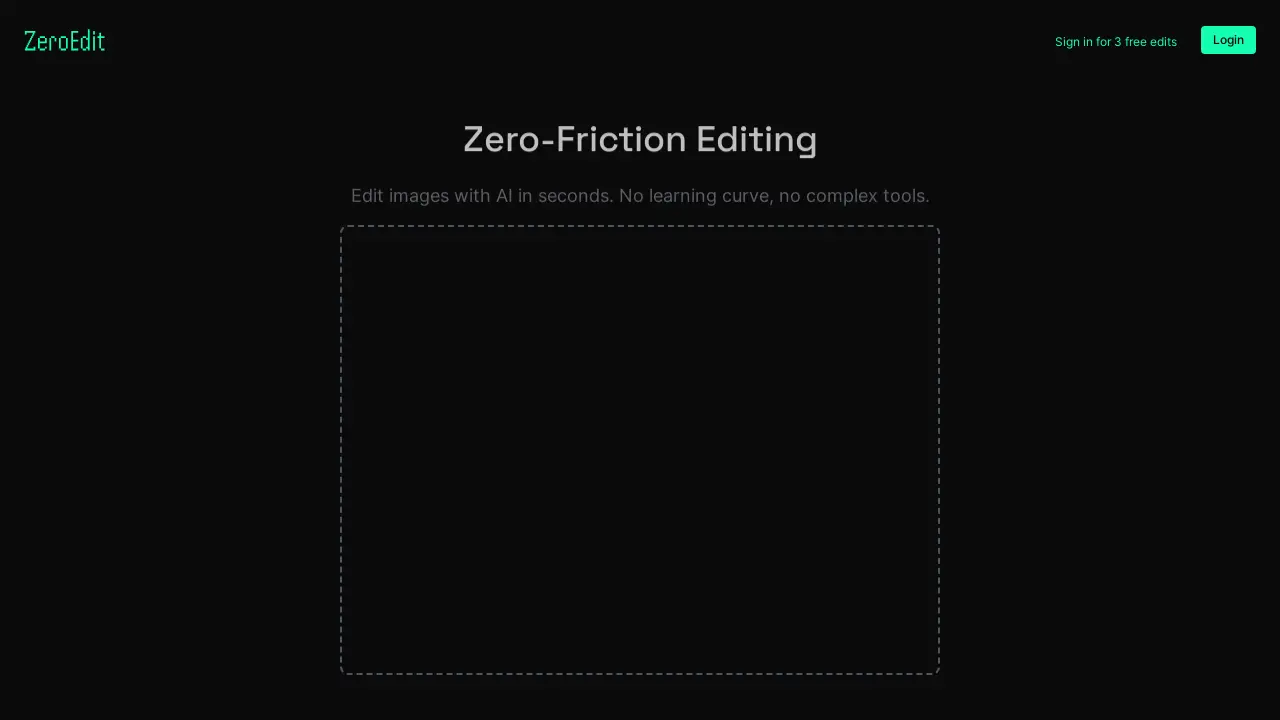
ZeroEdit provides AI-powered image editing capabilities. It allows users to edit images quickly without requiring specialized skills or complex software. The platform supports common image formats, including JPG, PNG, and GIF, with a maximum file size of 10MB. Users can upload images directly via drag-and-drop or by browsing files. ZeroEdit aims to offer zero-friction editing for quick image modifications. Synthopic provides the platform.
How does ZeroEdit work
ZeroEdit, a product by Synthopic, facilitates image editing with AI. Users upload images, supporting JPG, PNG, and GIF formats up to 10MB. The platform advertises zero-friction editing, implying a simple user experience without complex tools. The zero editor utilizes AI to perform image modifications. The service offers free edits upon sign-in and provides terms, privacy, and pricing information. ZeroEdit focuses on rapid image manipulation leveraging artificial intelligence.
Benefits of ZeroEdit
ZeroEdit streamlines image editing with AI, eliminating the need for complex tools or extensive learning. This zero-friction editor allows users to quickly modify images. Supporting JPG, PNG, and GIF formats up to 10MB, ZeroEdit offers a simple drag-and-drop interface or file browsing for uploads. Start with 3 free edits upon login. Explore pricing options for continued use of this zero editor. Experience AI-powered image enhancement with ZeroEdit.
Pros and Cons of ZeroEdit
Pros
- AI-powered image editing in seconds.
- No complex tools or learning curve.
- Supports common image formats.
- Offers 3 free edits upon sign-in.
Cons
- Limited file size (up to 10MB).
- Requires login for full use.
- Functionality depends on Synthopic AI.
Core Features of ZeroEdit
AI-Powered Image Editing
Enables users to edit images quickly using AI, eliminating the need for complex software or specialized skills. The process is designed for ease of use.
Image Upload and Processing
Facilitates the uploading of images in JPG, PNG, and GIF formats, with a file size limit of up to 10MB for processing and editing.
Zero-Friction Editing
Offers a simplified image editing experience without a learning curve, streamlining the editing workflow for quick results.
Use Cases of ZeroEdit
- Photographers: Perform quick zero editor touch-ups and enhancements on photos using AI-powered image editing.
- Social Media Managers: Instantly edit images for social media posts with zero edition complexity, improving visual content.
- Graphic Designers: Use ZeroEdit for rapid prototyping and initial image modifications with zero learning curve.
- Website Developers: Quickly optimize images for websites using the zero edition process, ensuring fast loading times.
FAQs of ZeroEdit
What is ZeroEdit?
ZeroEdit is an AI-powered image editing tool designed for quick and easy image modifications. It allows users to edit images in seconds without requiring complex software or specialized skills. The platform supports JPG, PNG, and GIF formats up to 10MB.
What file types are supported by ZeroEdit?
ZeroEdit supports common image formats including JPG, PNG, and GIF. Users can upload files up to 10MB in size for editing. This allows for a wide range of image types to be quickly edited using the platform's AI capabilities.
How does ZeroEdit work?
ZeroEdit utilizes artificial intelligence to simplify the image editing process. Users can upload an image, and the AI algorithms automatically provide editing options. The goal is zero-friction editing, minimizing the learning curve and complexity typically associated with image editing software.
Is there a cost to use ZeroEdit?
ZeroEdit provides three free edits upon signing in. For continued use, refer to the Pricing page for detailed information on subscription plans and associated costs. This allows users to try the platform and determine if it meets their image editing needs before committing to a paid plan.
Who developed ZeroEdit?
ZeroEdit was developed by Synthopic, an AI company focused on creating user-friendly AI-powered tools. Synthopic also provides links to their terms of service, privacy policy, and contact information for the creator, @realitybndr, on X (formerly Twitter).
How to use ZeroEdit
- ZeroEdit allows users to quickly edit images using AI, avoiding complex software. It supports JPG, PNG, and GIF formats.
- Upload an image (up to 10MB) by dragging and dropping it onto the designated area or browsing files.
- Once uploaded, the AI processes the image for editing. The “zeroeditor” handles initial processing.
- Use the available AI-powered editing tools to modify your image according to your needs.
- Review the edited image and make further refinements using “zero edition” features if necessary.
- Download the edited image. Consider reviewing the "pricing" for continued “zero friction editing” after the initial free edits.
