
ZeroEdit Introduction
ZeroEdit offers AI-powered image editing, enabling users to edit images quickly without complex tools or a steep learning curve.

What is ZeroEdit
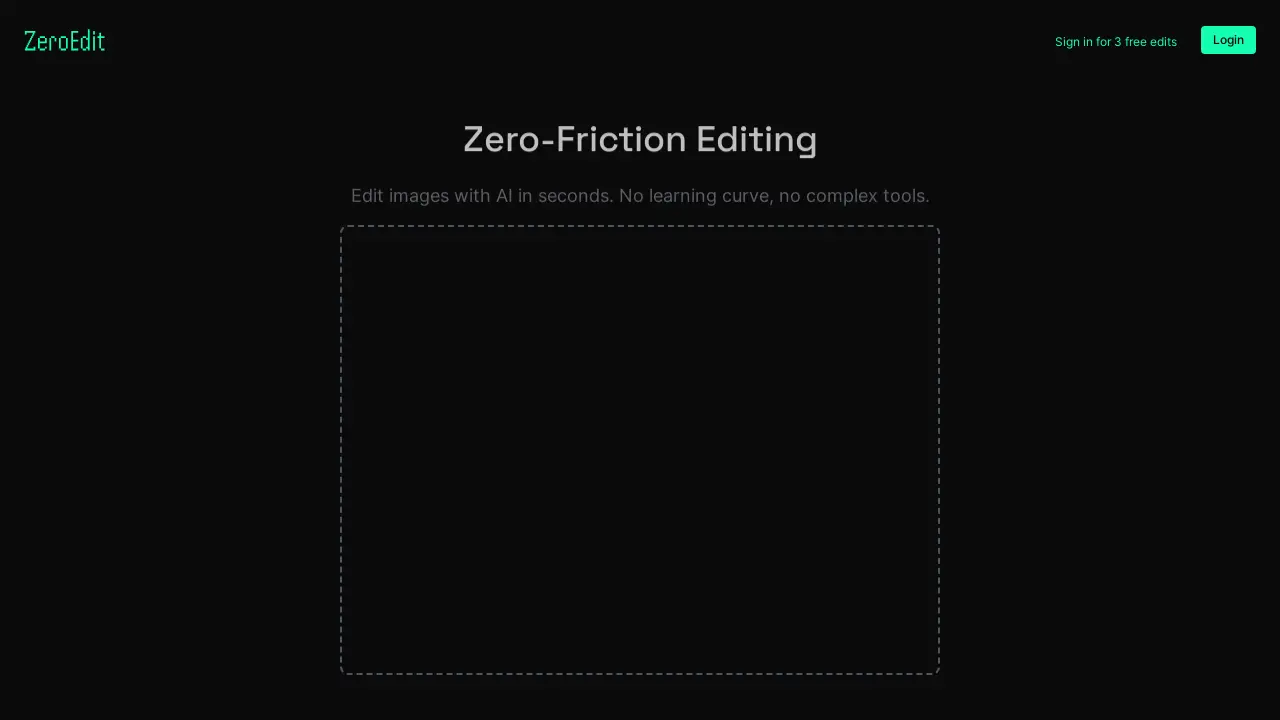
ZeroEdit provides AI-powered image editing capabilities. It allows users to edit images quickly without requiring specialized skills or complex software. The platform supports common image formats, including JPG, PNG, and GIF, with a maximum file size of 10MB. Users can upload images directly via drag-and-drop or by browsing files. ZeroEdit aims to offer zero-friction editing for quick image modifications. Synthopic provides the platform.
How does ZeroEdit work
ZeroEdit, a product by Synthopic, facilitates image editing with AI. Users upload images, supporting JPG, PNG, and GIF formats up to 10MB. The platform advertises zero-friction editing, implying a simple user experience without complex tools. The zero editor utilizes AI to perform image modifications. The service offers free edits upon sign-in and provides terms, privacy, and pricing information. ZeroEdit focuses on rapid image manipulation leveraging artificial intelligence.
Benefits of ZeroEdit
ZeroEdit streamlines image editing with AI, eliminating the need for complex tools or extensive learning. This zero-friction editor allows users to quickly modify images. Supporting JPG, PNG, and GIF formats up to 10MB, ZeroEdit offers a simple drag-and-drop interface or file browsing for uploads. Start with 3 free edits upon login. Explore pricing options for continued use of this zero editor. Experience AI-powered image enhancement with ZeroEdit.
Pros and Cons of ZeroEdit
Pros
- AI-powered image editing in seconds.
- No complex tools or learning curve.
- Supports common image formats.
- Offers 3 free edits upon sign-in.
Cons
- Limited file size (up to 10MB).
- Requires login for full use.
- Functionality depends on Synthopic AI.
