
WeShop AI FAQs
WeShop AI is an AI Image & Video Creative Studio that offers fast and cost-effective image and video generation and editing tools for e-commerce, design, and marketing professionals.

FAQs of WeShop AI
What is WeShop AI and what does it do?
WeShop AI is an online creative studio that provides a suite of artificial intelligence tools for generating and editing visual content. Its primary function is to allow users to create high-quality images and videos for applications such as e-commerce product photography, social media marketing, and general creative projects at a reduced cost compared to traditional methods.
What are the main categories of tools available on WeShop AI?
The platform organizes its tools into several functional categories. These include Ecommerce Visuals for product imagery, Social Media Trending for viral content styles, AI Video for motion graphics, Image Post-Production for retouching, and Creative Marketing for advertisement design. Each category contains multiple specialized AI-powered applications.
Which AI models for image and video generation does WeShop AI support?
WeShop AI integrates multiple third-party and proprietary AI models. For image generation, supported models include Seedream 5.0, Midjourney, Z-Image, and Nano Banana Pro. For video generation, supported models include Seedance 2.0, Kling 3.0, Sora 2, and Wan AI Video Generator. The availability of specific models may vary.
What is Seedance 2.0 and what are its key capabilities?
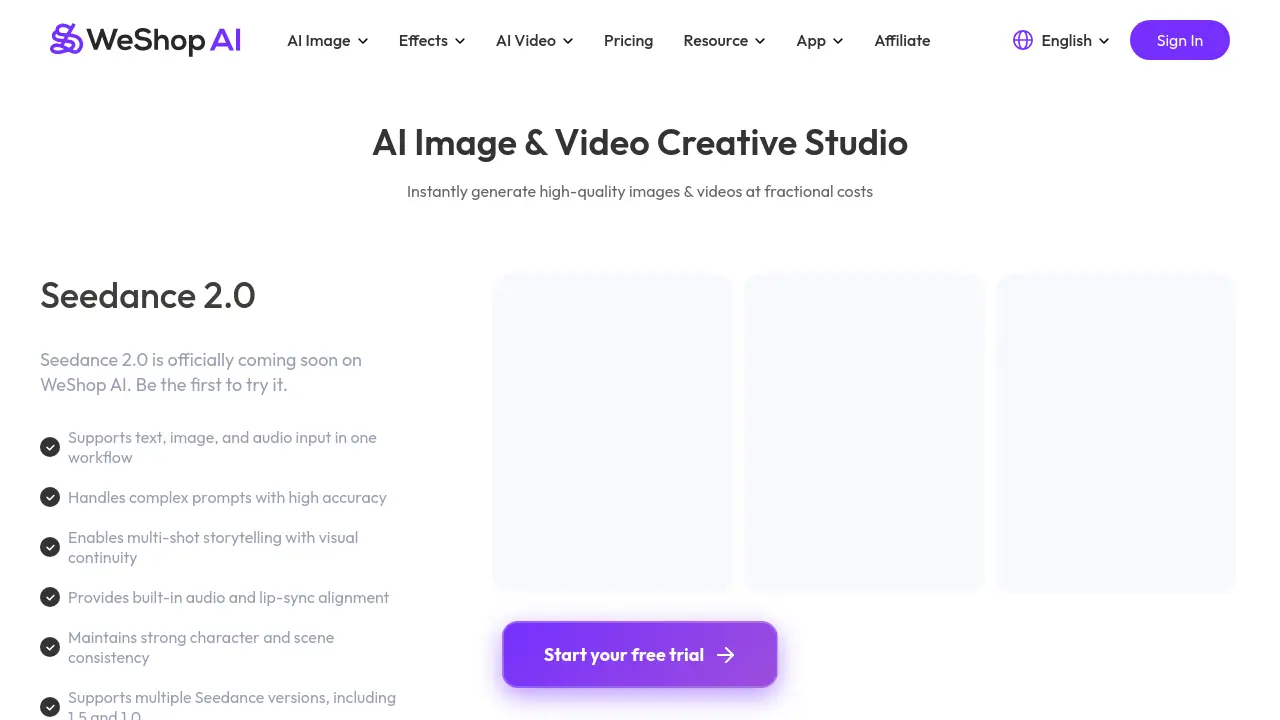
Seedance 2.0 is an upcoming AI video generation model on the WeShop AI platform. It is designed for multi-modal input, accepting text, image, and audio prompts within a single workflow. Key capabilities include maintaining character and scene consistency across shots, built-in audio synchronization, and support for various versions like Seedance 1.5 and 1.0.
Who are the primary target users for WeShop AI's tools?
The platform is designed for a broad audience including e-commerce sellers, social media managers, digital marketers, and content creators. Specific tools cater to needs like virtual try-on for fashion retailers, background generation for product photos, and trend-based effects for social media content creators.
Does WeShop AI offer a free trial or credit for new users?
Yes, the platform promotes a sign-up offer of 200 free points for new users. These points can be used to test various AI tools and generate content. Users can start a free trial through the main tools page to explore the platform's capabilities before committing to a paid plan.
How does the Virtual Try-On tool work for clothing?
The Virtual Try-On tool uses AI to simulate how clothing items would look on a model or user. Users can upload an image of a garment and a photo of a person, and the tool digitally drapes the clothing onto the person's body, adjusting for fit, shape, and lighting to create a realistic try-on effect.
What is the purpose of the AI Product tool?
The AI Product tool is designed to create professional product images with minimal input. Users can generate a high-quality, stylized photograph of a product from a simple description or a basic reference image. This is particularly useful for e-commerce sellers needing clean, consistent main product images.
Are tools for model and background swapping available?
Yes, WeShop AI offers dedicated tools for these tasks. The "Swap Model & BG" tool allows for realistic changing of the model in a photo and replacing the background. The "AI Background Generator" specifically focuses on creating new, professional backgrounds for model photos, which is useful for standardized product listings.
How can users get support or request new features?
Users can contact the WeShop AI team directly via email at hi@weshop.ai for support. Additionally, there is a dedicated feature request form linked on the website where users can submit suggestions for new tools or improvements to existing ones.
How to use WeShop AI
WeShop AI is a cloud-based creative studio providing AI-driven tools for generating and editing images and videos, primarily serving e-commerce and social media content needs. The platform integrates multiple models to produce realistic visual assets efficiently.
- Log in to WeShop AI and select a specific tool like Virtual Try-On, AI Product, or Background Remover based on your visual objective.
- Upload a reference product photo or model image, or choose a template from the library to serve as the generation input.
- Customize output parameters such as background style, model type, pose, or product color using the tool's configuration options.
- Initiate AI processing; the selected model renders a modified image or video with attention to realism and detail.
- Review the generated asset, utilizing iterative adjustments to refine elements like lighting, texture, or composition if needed.
- Download the final high-resolution file in a standard format for direct application in online stores, ads, or social posts.
