
Veo 3 Video Generator
Veo 3: AI video generation from text prompts.

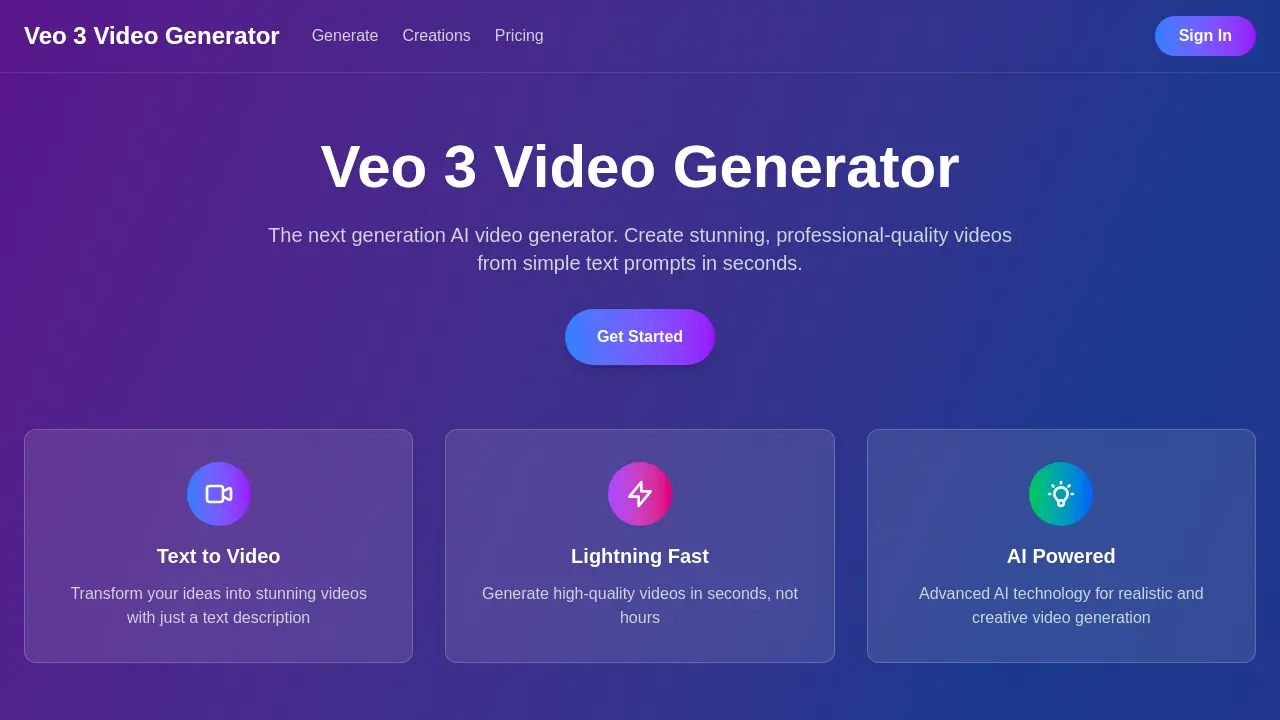
What is Veo 3 Video Generator
The Veo 3 Video Generator is presented as a next-generation AI tool capable of producing professional-quality videos from basic text prompts. This AI video generator emphasizes speed, creating high-quality videos in seconds, not hours. It leverages advanced AI for realistic and creative output, supporting text-to-video functionality. Users can explore its capabilities with free video generation credits upon signup, allowing for creation before commitment. The platform allows for commercial use of generated content, retaining full user rights. Veo 3 aims to simplify video production through intuitive AI video generation.
How does Veo 3 Video Generator work
The Veo 3 Video Generator operates as an AI-powered text-to-video platform, enabling users to create professional-quality videos from textual prompts. Users input a natural language description, and the advanced AI technology interprets the context, style, and visual elements to generate high-quality video content rapidly, often in mere seconds. This platform supports various output formats, including MP4, WebM, and MOV, with adjustable resolutions up to 4K and multiple aspect ratios. Furthermore, the Veo 3 AI video generator integrates synchronized audio, incorporating sound effects, dialogue, and ambient noise to enhance the generated content.
Benefits of Veo 3 Video Generator
The Veo 3 Video Generator offers advanced AI video generation, enabling users to create professional-quality videos from simple text prompts in seconds. This lightning-fast text-to-video capability uses sophisticated AI for realistic and creative output, supporting formats like MP4, WebM, and MOV, with resolutions up to 4K. Users can generate videos of varying lengths and utilize creations commercially, retaining full rights. New users receive free video generation credits to explore the Veo 3 AI video generator capabilities.
Pros and Cons of Veo 3 Video Generator
Pros
- Generates professional-quality videos quickly.
- Transforms text prompts into video.
- Utilizes advanced AI for realism.
- Supports various video formats and resolutions.
- Allows commercial use of generated content.
Cons
- Video length limited by subscription.
- "Free" is credit-based, not truly unlimited.
Core Features of Veo 3 Video Generator
Text-to-Video Generation
Enables users to transform textual descriptions into high-quality, professional-grade video content, leveraging advanced AI for creative output.
Rapid Video Creation
Facilitates the lightning-fast generation of videos, producing high-quality content in seconds rather than extended periods, enhancing user efficiency.
AI-Powered Realistic Video Production
Utilizes advanced artificial intelligence technology to ensure the generation of realistic, creative, and visually stunning video content from user prompts.
Audio Integration for Enhanced Videos
Provides synchronized audio elements, including sound effects, dialogue, and ambient noise, to enrich the generated AI videos, making them more immersive.
Multi-Format and Resolution Output
Supports the generation of videos in various formats such as MP4, WebM, and MOV, with options for different resolutions (HD to 4K) and aspect ratios.
Use Cases of Veo 3 Video Generator
- Content Creators: Rapidly produce diverse video content from text prompts for social media platforms using the Veo 3 Video Generator.
- Marketers: Generate professional-quality marketing videos quickly and efficiently using the Veo 3 AI video generator for campaigns.
- Businesses: Create explanatory or promotional videos with synchronized audio using Veo 3's advanced AI video generation capabilities.
- Students: Develop video presentations and projects by transforming textual ideas into visual content with the Veo 3 Google Video Generator.
FAQs of Veo 3 Video Generator
What is Veo 3?
Veo 3 is the latest generation AI video generator, utilizing advanced AI technology to create stunning, professional-quality videos. Users can transform simple text prompts into realistic video content in a matter of seconds. This powerful AI video generator enables rapid content creation.
How does Veo 3 work?
To use Veo 3, users simply describe their desired video using natural language text prompts. The AI-powered system then interprets the context, style, and visual elements to generate high-quality videos that align with the user's description, completing the process in mere seconds.
What video formats does Veo 3 support?
Veo 3 offers versatility in video output, supporting multiple common formats including MP4, WebM, and MOV. Furthermore, users can select various resolutions, from high-definition (HD) up to 4K, and choose aspect ratios such as 16:9, 9:16, and 1:1, catering to diverse platform requirements.
How long can the generated videos be?
The Veo 3 video generator can produce video content ranging from brief clips of a few seconds to more extended segments lasting several minutes. The specific duration achievable is contingent upon the user's chosen subscription plan and the complexity of the video generation request.
Is there a free trial available for Veo 3?
Yes, a free trial is available for Veo 3. New users receive complimentary video generation credits upon signing up. This provides an opportunity to explore the capabilities of the Veo 3 AI video generator and create multiple videos before committing to a paid subscription plan.
Can I use Veo 3 videos commercially?
Yes, videos produced using the Veo 3 platform are suitable for commercial deployment. Users retain full ownership and rights to their generated content, making Veo 3 an excellent tool for marketing campaigns, social media content, business presentations, and other professional applications.
Does Veo 3 include audio generation capabilities?
Yes, Veo 3 goes beyond visual generation by creating stunning AI videos with synchronized audio. This latest AI video generation tool can incorporate sound effects, dialogue, and ambient noise to enhance the overall quality and realism of the generated content.
What kind of creative outputs can be expected from Veo 3?
Veo 3 is capable of producing highly detailed and realistic video outputs, as demonstrated by community creations. Examples include hyper-realistic glass sculptures with intricate light refraction, environmental soundscapes like ocean waves, and dynamic scenes such as eagles soaring over mountains, all generated from text prompts.
How to use Veo 3 Video Generator
The Veo 3 Video Generator enables users to create professional-quality videos from simple text prompts using advanced AI technology. This powerful tool offers lightning-fast video generation, transforming textual ideas into visually stunning and realistic video content.
- Access the Veo 3 platform and initiate the video generation process by navigating to the "Generate" section.
- Input a detailed text prompt describing your desired video content, including style and visual elements.
- Specify preferred video formats, resolutions (HD to 4K), and aspect ratios (e.g., 16:9, 9:16) for your output.
- Initiate the generation; the AI video generator will process your prompt and create the video in seconds.
- Review your generated Veo 3 video; new users receive free video generation credits to explore capabilities.
- Utilize the AI-powered video for commercial applications like marketing or presentations, as full content rights are retained.