
VEO 3 Video Generator Introduction
This AI video generator powered by Google AI Studio creates high-quality, 8-second cinematic videos with native audio from text descriptions.

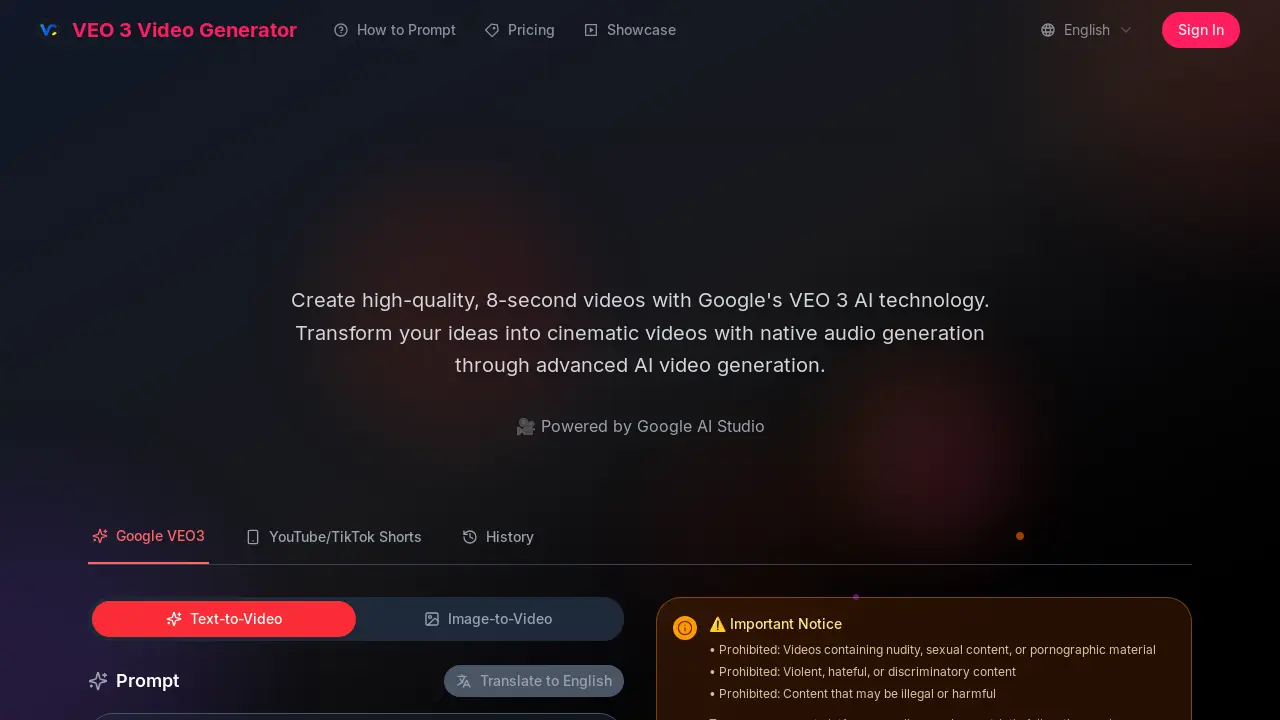
What is VEO 3 Video Generator
The VEO 3 Video Generator, powered by Google's VEO 3 AI technology, enables users to create high-quality, 8-second cinematic videos. This AI video generator offers advanced prompt understanding, translating detailed text descriptions into cohesive visual content. A key feature is its native audio generation, which integrates environmental sounds, dialogue, and atmospheric audio directly into the video, including synchronized lip-syncing. Accessible through Google AI Studio, the VEO 3 Video Generator supports text-to-video and image-to-video functionalities, producing outputs with realistic physics, professional lighting, and smooth camera movements. This tool is suitable for both personal and commercial use.
How does VEO 3 Video Generator work
The VEO 3 Video Generator operates as an AI-powered platform for creating short video clips, leveraging Google's VEO 3 technology. Users input text prompts, and the system translates these descriptions into 8-second cinematic videos, incorporating natural language processing and multimodal understanding. A key feature of this Google AI video generator is its native audio generation, which integrates synchronized sound effects, dialogue, and ambient noises directly into the output. The platform, accessible via Google AI Studio, focuses on generating high-quality visuals with realistic physics and professional lighting, making the VEO 3 video generator a comprehensive tool for rapid content creation.
Benefits of VEO 3 Video Generator
The VEO 3 Video Generator, powered by Google's advanced AI, allows users to create high-quality, 8-second cinematic videos with integrated native audio. This Google AI video generator excels in prompt understanding, translating detailed natural language descriptions into cohesive visual and audio content. Users can generate videos with realistic physics, professional lighting, and smooth camera movements, making it suitable for both personal and commercial projects. Its multimodal understanding ensures professional-quality output without requiring technical expertise.
Pros and Cons of VEO 3 Video Generator
Pros
- Utilizes advanced Google AI technology.
- Generates cinematic quality videos.
- Features native integrated audio generation.
- Supports natural language prompt understanding.
- Provides commercial usage rights.
Cons
- Video generation limited to 8 seconds.
- Prohibits specific content types.
- Requires credits for video generation.
