
URL to Video FAQs
This AI-powered video generation platform transforms product ideas, page content, and creative briefs into ad-ready videos, enabling faster testing and scaling for ecommerce teams.

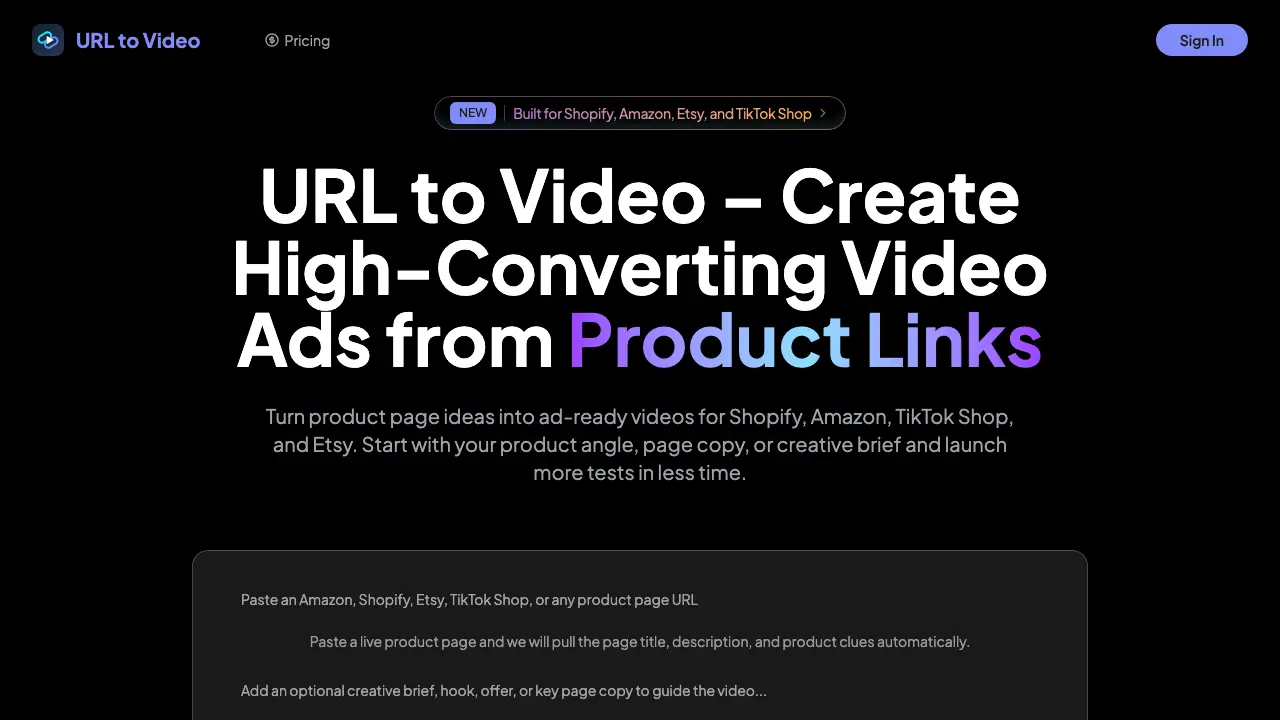
FAQs of URL to Video
What is URL to Video?
URL to Video is an AI-assisted workflow designed to transform product ideas, product page content, and creative briefs into ad-ready video concepts quickly and efficiently.
How does URL to Video benefit ecommerce teams?
URL to Video streamlines the process of converting product messaging into launch-ready creatives, enabling teams to generate more hooks, variations, and testable concepts with reduced manual production work.
What input is required to use URL to Video?
While starting with a product URL or page content is common, users can also begin with a short creative brief, product copy, images, or prompts for more control over the generated content.
What types of products are best suited for URL to Video?
URL to Video excels with ecommerce products, offer-driven landing pages, product launches, catalog items, and short-form paid social creative, providing versatile solutions for various marketing needs.
Can I generate multiple ad variations from a single product angle?
Yes, creating multiple ad variations from one product angle is a core feature, allowing teams to test different hooks, formats, and audiences efficiently.
Are the generated videos suitable for commercial use?
Yes, generated assets from URL to Video can be used in commercial workflows, provided the terms of service of the content providers and the rights to source materials are adhered to.
How does URL to Video differ from generic AI video generators?
Unlike generic AI video generators that focus on raw generation, URL to Video is tailored for marketers, emphasizing conversion structure, effective ad hooks, and repeatable testing processes.
What is the recommended export format for paid social media?
Most teams prefer short-form MP4 output in vertical format, as it is easily adaptable for use across platforms like TikTok, Meta, and YouTube Shorts.
How should teams handle privacy and data safety?
Teams should treat product inputs and creative briefs as business data, review provider terms, limit sensitive inputs, and maintain internal documentation of workflows.
Is URL to Video useful even if we have an in-house creative team?
Absolutely. URL to Video can complement existing teams by facilitating concept generation, early testing, and speeding up workflows, with successful concepts still moving to higher-touch production if needed.
How to use URL to Video
- Begin by selecting a product URL, entering product copy, or uploading a creative brief for the item you wish to promote.
- Initiate the video ad generation process; the tool will analyze your input and create multiple ad concepts.
- Review the generated video ad concepts, each tailored to different aspects of the product and target audience.
- Select your preferred video ad concept and proceed to export it in MP4 format for use on various platforms.
- Publish your video ad on platforms like TikTok, Meta, or your product page, and monitor its performance for further optimization.
