
Tube Textify
YouTube to Text: Accurate Transcripts & Timestamps
| Added on: | Jan 23, 2025 |
| Monthly Visits: | -- |
| Social & Email: | -- |

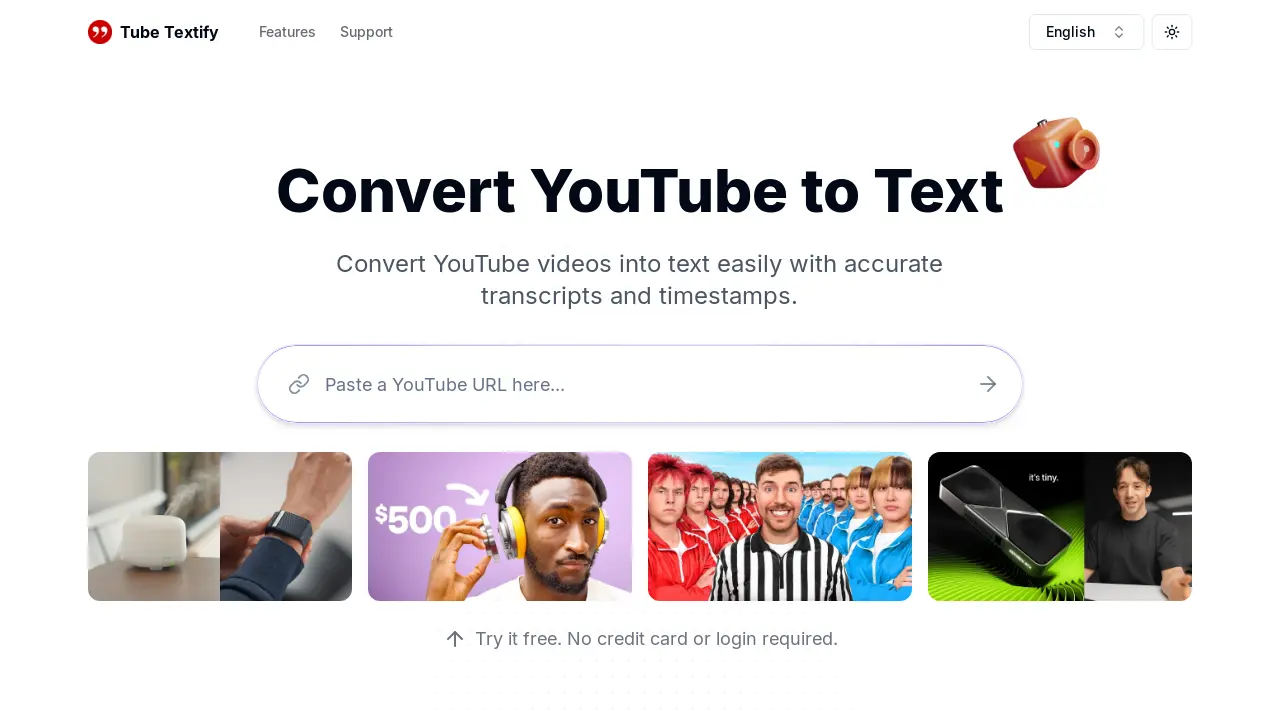
What is Tube Textify
Tube Textify is a free online tool that converts YouTube videos into text transcripts. It quickly generates accurate transcripts with timestamps, supporting multiple languages. The tool offers additional features such as smart summarization, enabling users to easily extract key information from videos. Users can download transcripts in various formats (.txt, .doc, etc.) or copy them directly. Ideal for students, researchers, content creators, and marketers, Tube Textify streamlines video analysis and content repurposing, saving time and improving workflow efficiency. The simple process involves pasting a YouTube video URL, clicking "Generate," and instantly receiving a ready-to-use transcript.
How does Tube Textify work
Tube Textify is a YouTube transcription service offering fast and accurate text conversion of YouTube videos. Users paste a video URL; the tool generates a transcript with timestamps, supporting multiple languages. Features include smart summarization, enabling quick overviews, and various export formats (.txt, .doc). This YouTube to text converter streamlines video analysis for students, researchers, content creators, and marketers, facilitating efficient repurposing of video content and enhancing accessibility. The service is currently free, excluding private or live videos, and transcript accuracy depends on the original YouTube captions.
Benefits of Tube Textify
Tube Textify offers a fast and free YouTube to text converter, generating accurate transcripts with timestamps in seconds. Its multilingual support provides accessibility for a global audience, while the smart summarization feature offers a quick overview of video content. Users can easily export transcripts in various formats and utilize timestamped navigation for precise location of specific moments. This tool streamlines video transcription, benefiting students, researchers, content creators, and marketers alike by simplifying note-taking, data analysis, scriptwriting, and content repurposing.
Pros and Cons of Tube Textify
Pros
- Fast transcription.
- Multilingual support.
- Includes timestamps.
- Easy to use interface.
- Free to use.
Cons
- Doesn't support private videos.
- Accuracy depends on YouTube captions.
- Limited features compared to paid options.
- No offline functionality.
- Website design could be improved for better SEO.
Core Features of Tube Textify
YouTube to Text Conversion
Converts YouTube video URLs into text transcripts, including timestamps, quickly and accurately.
Multilingual Transcription
Provides transcripts in multiple languages, expanding accessibility for a global audience.
Smart Summarization
Generates concise summaries of YouTube videos, offering a quick overview of key information.
Timestamped Navigation
Includes timestamps in transcripts, enabling precise navigation within the video content.
Export and Save Options
Allows users to download transcripts in various formats (.txt, .doc, etc.) or copy them for easy use.
Use Cases of Tube Textify
- Educators: Quickly generate accurate transcripts of educational YouTube videos for student accessibility.
- Researchers: Analyze YouTube video data efficiently using Tube Textify's multilingual transcription and timestamp features.
- Content Creators: Streamline scriptwriting and repurpose video content using Tube Textify's YouTube to text conversion.
- Journalists: Create articles and reports from YouTube video transcripts with accurate timestamps for sourcing.
- Students: Simplify note-taking from online lectures by generating text from YouTube videos.
FAQs of Tube Textify
How do I use the Tube Textify YouTube to text converter?
To use Tube Textify, simply copy the URL of the YouTube video you wish to transcribe. Paste this URL into the designated field on the Tube Textify website and click the "Generate" button. The converter will then process the video and provide you with an accurate transcript including timestamps, which you can then download or copy.
What languages does the Tube Textify converter support?
Tube Textify supports transcription in over 125 languages, making it accessible to a global audience. This multilingual support allows users to easily obtain transcripts of YouTube videos in their preferred language, enhancing accessibility and comprehension.
Can I create summaries of YouTube videos using Tube Textify?
Yes, Tube Textify offers a smart summarization feature. After generating a transcript, the tool utilizes AI to create concise summaries of the video's main points, providing users with a quick overview of the content. This feature saves time by allowing users to quickly grasp the key takeaways without having to read the entire transcript.
Is there a cost associated with using Tube Textify to transcribe YouTube videos?
Currently, Tube Textify's YouTube to text conversion service is free for all users. There is no charge to extract and download transcripts, regardless of video length or the number of transcriptions performed. This free access allows for widespread use and makes the tool readily available to a broad range of users.
What types of YouTube videos are supported by the Tube Textify converter?
Tube Textify currently supports only public YouTube videos. The converter does not support private, live, or restricted videos due to accessibility limitations. Users should ensure the YouTube video they wish to transcribe is publicly accessible before attempting to use the tool.
How to use Tube Textify
- Copy the YouTube video URL from your browser's address bar.
- Paste the copied URL into the designated input field on the Tube Textify website.
- Click the "Generate" button to initiate the YouTube to text conversion process.
- Review the generated text transcript, noting the inclusion of timestamps for navigation.
- Download the transcript in your preferred format (.txt, .doc, etc.) or copy it directly.
Tube Textify Alternatives
Free AI caption and subtitle generator that transcribes speech in 100+ languages, styles every word and exports MP4, SRT, VTT or TXT files in the browser.
Translate Now is a browser-based AI voice translator for real-time speech translation, live transcription, and replayable bilingual audio transcripts.

OpenSubs is a free in-browser AI subtitle generator that transcribes speech with Whisper, translates into 20 languages and burns captions into video.
talat transcribes meetings, dictation and recordings locally on your Mac or Windows PC, with private AI notes, summaries and speaker identification.
Memo Card turns live or recorded lectures into AI lecture notes with transcription, real-time translation, bilingual captions, quizzes, and replay.
Viblo AI YouTube MP3 Downloader inspects public videos and lists available M4A or WebM audio formats with size, duration, and temporary direct links.
Turn public Instagram Reels and videos into clean transcripts with NanoPhoto.AI. Copy, read, and download spoken text with one credit.
VoiceScriber turns speech into text in 100+ languages using on-device AI on your iPhone. Works completely offline with no uploads for total privacy.
Free to start · Search any podcast, read full transcripts with timestamps, get AI summaries, key takeaways, mind maps and chat every episode.
LectMate is a web SaaS that captures live or recorded lectures, delivering real-time transcription, translation and bilingual notes for overseas students.
Mumble AI is a Mac voice‑first app that captures meeting recordings, voice notes and dictation, offering on‑device privacy or cloud AI for fast transcription, live speaker‑labeled transcripts and automatic summaries.
This AI transcription tool converts video and audio files into text with speaker labels, timestamps, and support for 99 languages, ideal for subtitles, meetings, and content creation.