
Transcriptly FAQs
This free online platform converts audio and video files, including YouTube videos and local media, to text in over 98 languages, supporting content creators and professionals.

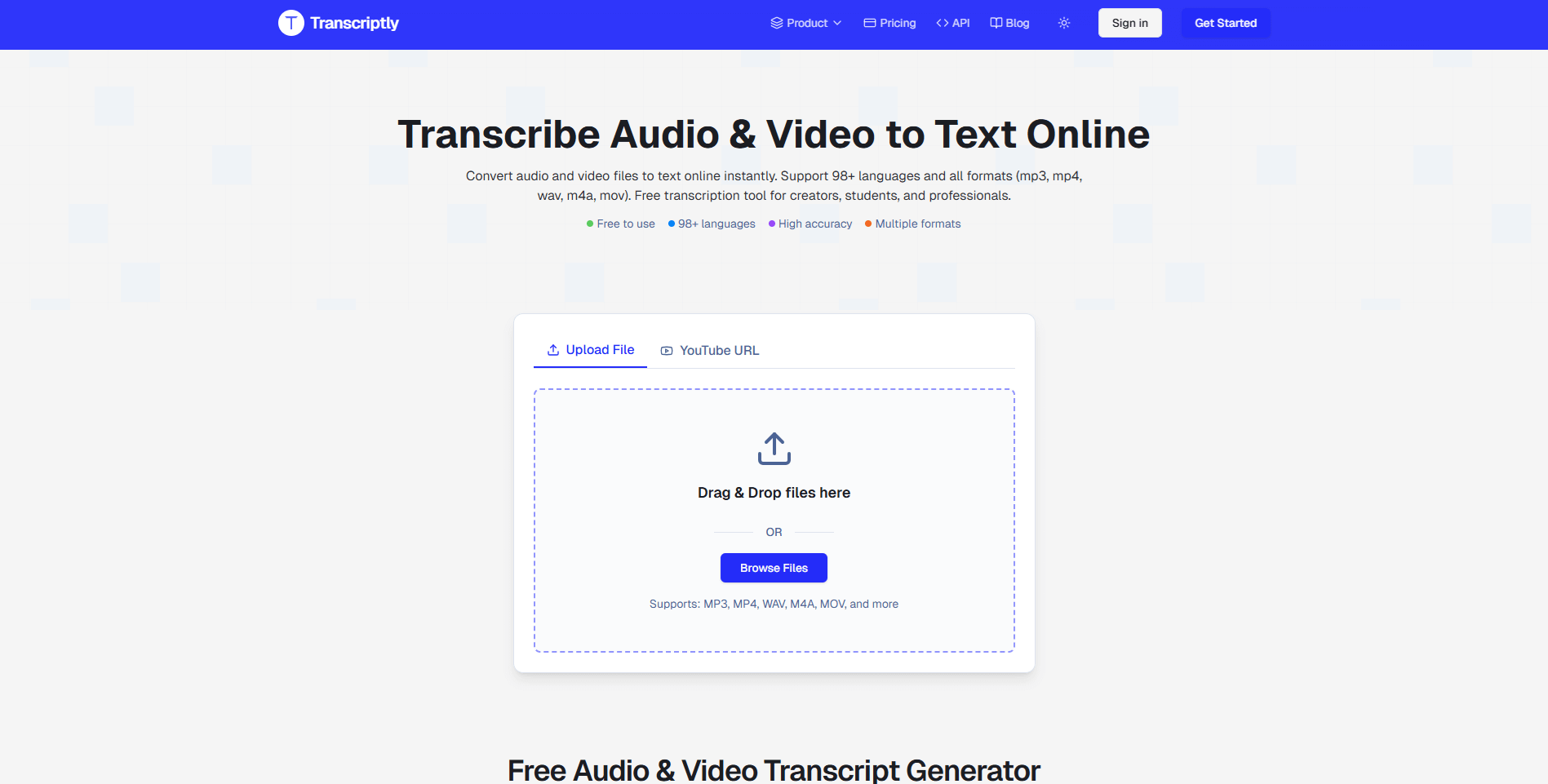
FAQs of Transcriptly
How does the Transcriptly YouTube transcription service work?
Transcriptly utilizes YouTube's public API to extract and process video subtitles. Users simply paste the YouTube video URL, select the desired language, and accurate transcriptions are generated within seconds. Both auto-generated captions and manually uploaded subtitles are supported by the platform.
What languages are supported by Transcriptly for YouTube and local file transcription?
Transcriptly supports over 98 languages for both YouTube videos and local files. This extensive support includes major global languages such as English, Spanish, Chinese, Japanese, French, and German. The platform's AI can automatically detect the language, or users can manually specify it for precise transcription.
Is there a limit on video length for YouTube text extraction or local file size?
For YouTube videos, there is no imposed limit on video length, allowing users to transcribe videos of any duration. For local files, Transcriptly supports files up to 2 GB in size and up to 10 hours in duration for both audio and video content. However, for optimal performance, splitting large local files into smaller segments (under 500MB or 2 hours) is recommended.
What file formats are supported for local transcription by Transcriptly?
Transcriptly supports a broad range of audio and video formats for local transcription. Supported audio formats include AAC, AIFF, FLAC, MP3, M4A, OGG, OPUS, WAV, and WebM Audio. Supported video formats include MP4, MOV, AVI, MKV, WMV, FLV, WebM Video, MPEG, and 3GP. High-quality audio files are recommended for optimal transcription accuracy.
How accurate are Transcriptly's transcriptions, and what factors influence accuracy?
Transcriptly's AI-powered transcription system achieves up to 99% accuracy for clear audio. For YouTube videos, accuracy is dependent on the quality of the source subtitles provided. For local files, accuracy can vary based on factors such as audio clarity, speaker distinctness, background noise levels, and the original audio format. Utilizing high-quality audio files generally yields the best results.
Can Transcriptly transcribe content with multiple speakers?
Yes, Transcriptly's system is designed to handle audio and video files containing multiple speakers. For enhanced accuracy, it is beneficial for each speaker's voice to be clear and distinct. Speaker diarization, which involves labeling different speakers, is available for select languages and is often included in premium user plans.
What are the commercial usage rights for transcriptions generated by Transcriptly?
For YouTube content, the commercial usage rights for transcriptions are dependent on the original video's license. Users are advised to review the specific licensing terms of the YouTube content. For files uploaded by the user, full rights to the generated transcriptions are retained by the user, allowing for commercial use as desired.
How to use Transcriptly
Transcriptly facilitates the conversion of audio and video content into text, supporting over 98 languages and various file formats for enhanced accessibility and content repurposing. This tool provides accurate transcriptions for YouTube videos and local files.
- Navigate to the Transcriptly website to begin the transcription process.
- For YouTube content, paste the video's URL into the designated input field on the platform.
- To transcribe local files, select the "Browse Files" option and upload your audio or video content directly.
- Choose your preferred output language from the available options to ensure an accurate transcript.
- Initiate the transcription; the AI-powered engine will process the media and generate the text.
- Review the generated transcript for accuracy, utilizing features like punctuation and timestamps.
- Export the transcript in a desired format, such as SRT, VTT, TXT, CSV, PDF, or DOCX, for diverse applications.
- Utilize the interactive AI analysis feature to summarize content, extract key points, or gain insights from the transcript.
