
Relight AI FAQs
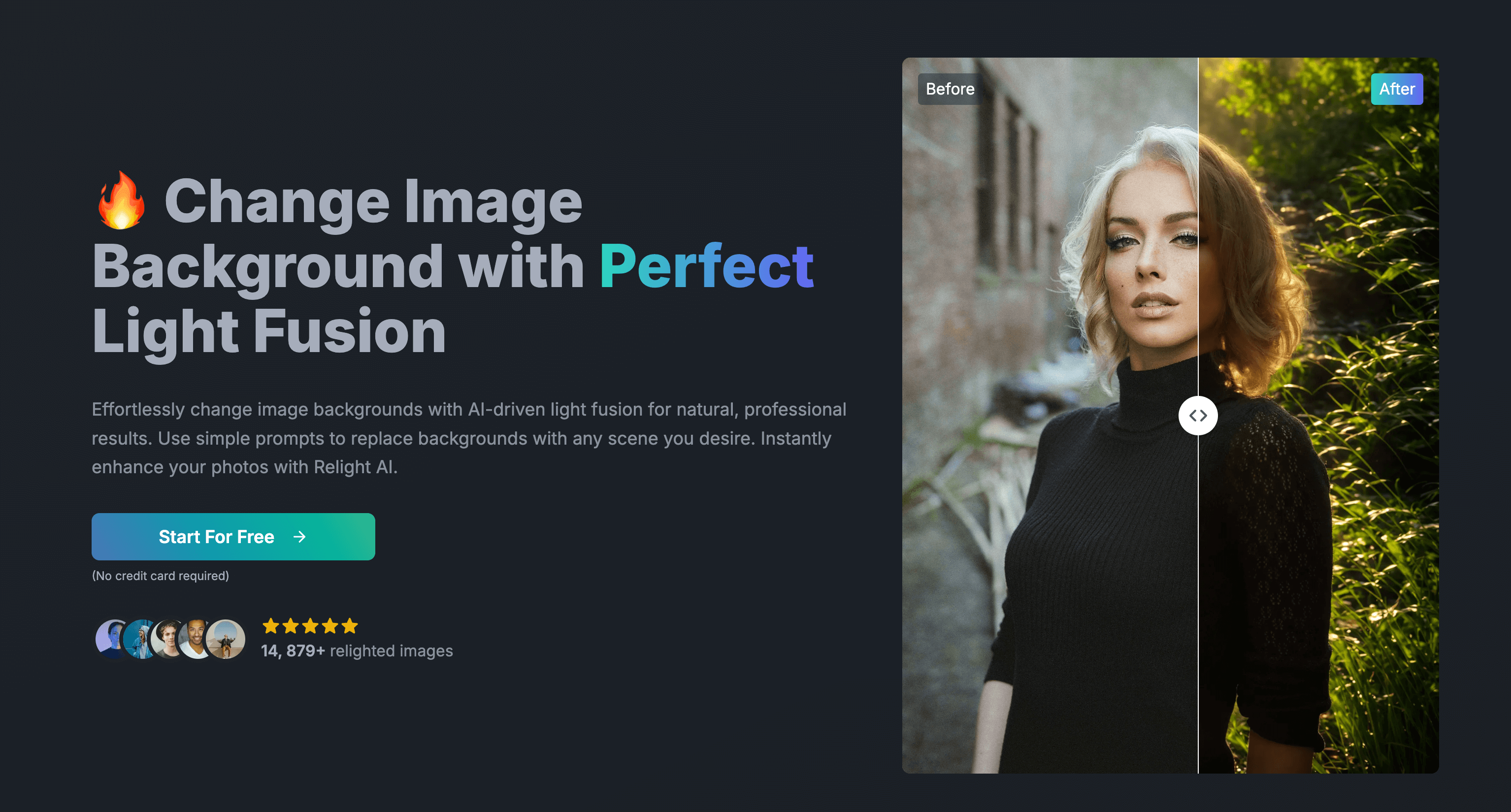
Relight AI is an AI-powered tool that lets you effortlessly change photo backgrounds with perfect lighting. Upload your image, enter a prompt for your desired background, and watch Relight AI work its magic.

FAQs of Relight AI
What types of images work best with Relight AI?
Relight AI works best with high-quality images of people, products, or scenes. For optimal results, use clear, well-lit images with a resolution of at least 1024x1024 pixels. While it can handle various image types, portraits and product photos typically yield the most impressive transformations.
How does the AI-powered relighting process work?
Relight AI uses advanced machine learning algorithms to analyze your image and understand its lighting conditions. Based on your prompt and chosen light source, it then generates a new version of the image with modified lighting. This process involves:
- Detecting the subject and background
- Analyzing existing light sources and shadows
- Applying new lighting effects based on your input
- Adjusting colors and contrasts for a natural look
The result is a seamlessly relit image that matches your desired atmosphere.
Can I use Relight AI for commercial projects?
Yes, Relight AI can be used for commercial projects, depending on your subscription plan. Our commercial license allows you to use the relit images in various professional contexts, including:
- Marketing materials
- E-commerce product photos
- Websites and social media content
- Presentations and reports
However, please ensure you have the necessary rights to the original images you're relighting. For specific licensing details, refer to our Terms of Service or contact our support team.
How to use Relight AI
- Begin by uploading your image file (PNG, JPEG, or WEBP, maximum 5MB) using the provided upload button on the Relight AI platform. The image should be of suitable quality for optimal results.
- In the designated field, input a detailed description of your desired background. Specificity regarding elements and lighting is crucial for achieving the intended effect with the AI.
- Click the "Relight" button to initiate the AI-powered background replacement process. This typically takes 10-15 seconds for image processing and relighting.
- Once processing is complete, review the relit image. The Relight AI model will have replaced the background while attempting to maintain natural lighting and subject appearance.
- Download your enhanced image, which will be available in high resolution depending on your chosen plan. Explore further editing options or utilize the image for your intended purpose.
