
Professional AI Image Editor with Background Removal and Upscaling

What is ImgEditor
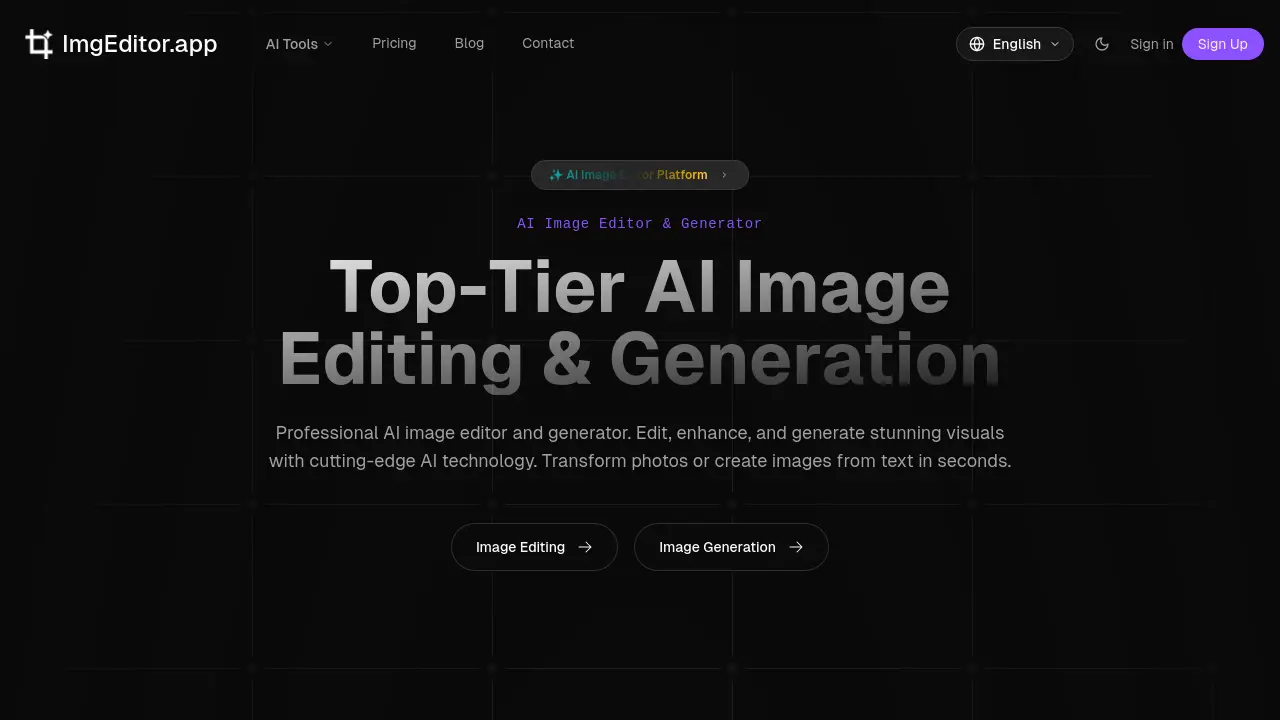
ImgEditor is a web-based AI image editor and generator that provides professional-grade tools for both editing and creating visuals. Core functionalities include background removal, image upscaling, enhancement, and creative style transfers such as Ghibli and Pixar effects. The platform leverages AI for automatic object detection and real-time previews, enabling precise edits without requiring manual expertise. Processing is optimized for speed, with global servers ensuring quick turnaround. User privacy is maintained through encryption and automatic deletion of uploads, while all outputs grant full commercial rights. A free trial of 30 credits allows new users to evaluate the service. This solution targets creators, marketers, and professionals seeking efficient, secure, and accessible image manipulation without traditional software complexity.
How does ImgEditor work
ImgEditor operates as a cloud-based AI image editor, deploying deep learning models to automate complex editing tasks. Users upload images and select tools—such as background remover, upscaler, or style transfer—or issue natural language commands. The platform's AI performs real-time object detection and context-aware adjustments, enabling precise manipulations like background replacement, resolution enhancement, or artistic transformation (e.g., Ghibli or Pixar styles). Processing is instantaneous, with previews allowing parameter fine-tuning. All operations leverage optimized models for speed, while bank-level encryption and automatic file deletion secure user data, supporting both amateur and professional workflows.
Benefits of ImgEditor
ImgEditor is an AI-powered image editor and generator offering professional results through accessible automation. Its toolkit includes background removal, upscaling, enhancement, and creative effects such as Ghibli and Pixar style transfers, plus object removal and hairstyle changers. Smart object detection and real-time processing enable edits in seconds, bypassing the need for Photoshop skills. Privacy is secured with encryption and no image retention for training; all outputs are commercially licensed. New users get 30 credits (2 free edits) to test the platform's speed, reliability, and global 24/7 support.
Pros and Cons of ImgEditor
Pros
- Fast AI-powered editing (seconds per task).
- No prior image editing experience needed.
- Free trial with 30 credits (2 image edits).
- Bank-level encryption ensures image privacy.
- Edited images can be used commercially.
Cons
- Limited free trial (only 2 image edits total).
- Smaller toolset than traditional editors (8 tools).
- Processing speed varies with image complexity.
- Requires constant internet connection.
- AI outputs may require manual refinement.
Core Features of ImgEditor
Image Enhancement and Upscaling
Automatically improves image quality and resolution using AI upscaling, restoring details and sharpness for clearer, professional-grade visuals in seconds.
Background Removal and Replacement
Removes or replaces image backgrounds with AI precision, enabling clean product photography, graphic design, and versatile visual compositions without manual effort.
AI Image Generation from Text
Generates original images from textual descriptions or creates professional headshots, facilitating rapid content creation for marketing, social media, and business profiles.
Artistic Style Transfer
Applies creative AI filters like Studio Ghibli or Pixar animations to transform photos, offering unique artistic effects and stylistic enhancements for imaginative projects.
Precision Editing with AI
Combines automated object detection and fine-grained controls for selective adjustments, allowing detailed edits while leveraging AI accuracy for professional results.
Real-Time Processing and Preview
Delivers instant image transformations and live previews through optimized AI models, ensuring efficient workflow and immediate feedback during editing sessions.
Use Cases of ImgEditor
- E-commerce sellers: Remove backgrounds and enhance product photos for online listings using AI tools.
- Social media managers: Transform everyday photos into stylized anime or 3D animated visuals for campaigns.
- Students: Upscale low-resolution images for presentations and academic projects with AI enhancement.
- Graphic designers: Remove unwanted objects and apply precise edits using AI-driven selection tools.
- Photographers: Restore vintage photographs and improve detail quality through AI upscaling techniques.
FAQs of ImgEditor
How does the free trial credit system work on ImgEditor?
New users receive 30 credits upon registration without needing a credit card. These credits can be applied across any AI editing or generation tool. The 30 credits typically enable approximately two standard professional edits, though the exact number may vary slightly depending on the specific tool's processing requirements. Once the initial credits are depleted, users must purchase additional credits through a subscription plan to continue using the platform.
Which ImgEditor tool should I use for creating professional headshots?
The dedicated Headshot Generator tool is optimized for creating professional headshots. It uses AI to transform everyday portraits into polished, business-appropriate images suitable for LinkedIn, resumes, and corporate profiles. The tool automatically enhances lighting, refines facial details, and often suggests neutral backgrounds, delivering a studio-quality result in seconds without requiring manual editing skills.
What distinguishes the Ghibli AI Generator from the Pixar AI Generator?
The Ghibli AI Generator applies the distinctive visual style of Studio Ghibli animations, producing images with soft, detailed lines, whimsical charm, and a painterly, anime-inspired aesthetic. The Pixar AI Generator, in contrast, transforms portraits into 3D animated characters reminiscent of Pixar films, emphasizing vibrant colors, expressive features, and a three-dimensional, CGI-like texture. Both are style-transfer tools but cater to different artistic genres and visual preferences.
Can ImgEditor be used for academic or research purposes?
Yes, ImgEditor can be utilized for both commercial and non-commercial applications, including academic projects, research posters, thesis materials, and educational presentations. The platform's terms grant users full rights to all edited images, meaning there are no restrictions on using outputs in scholarly publications, classroom demonstrations, or student assignments. This makes it a versatile tool for enhancing academic visual content.
Are there any limitations on the number of edits during the free trial?
The free trial provides a fixed allocation of 30 credits for new users. Based on the platform's indication that this equals roughly two professional edits, there is an implicit limit on the volume of processing available without payment. The number of individual edits you can perform depends on the credit cost per operation, which may vary slightly between tools. After consuming the 30 credits, further use requires purchasing a subscription.
How to use ImgEditor
ImgEditor is an AI-powered platform for image editing and generation. It provides tools for background removal, upscaling, enhancement, and style transfer effects, enabling users to transform or create visuals without traditional editing expertise.
- Access ImgEditor.app and review the homepage layout, which categorizes AI tools for editing and generation by function like enhancement or creative effects.
- Select the specific AI tool matching your goal, such as the Background Remover for product photos or the Image Upscaler for resolution improvement.
- Upload your image file in a supported format like JPEG or PNG. Ensure the file meets size guidelines for optimal processing speed and quality.
- For tools requiring customization, adjust parameters or provide a descriptive text prompt, especially for style transfer effects like the Pixar AI Generator.
- Initiate processing by clicking the appropriate button. The AI analyzes the image and applies the selected operation, typically completing within seconds.
- Examine the output in the preview window. Utilize fine-tuning sliders, if available, to adjust results such as effect intensity or edge smoothness.
- Download the final image in your chosen resolution. Processed files are automatically deleted from servers, maintaining privacy for commercial or personal use.
- To generate new imagery, use the text-to-image feature. Enter a detailed prompt describing your desired visual, then generate and iterate as needed.
After processing, evaluate the output against your project requirements. If the result does not meet expectations, reprocess with adjusted parameters or a different tool. The edited or generated images can be directly applied to marketing materials, social media content, professional profiles, or other creative projects, with full rights for commercial use as stated in the terms. The platform's AI ensures results maintain natural quality and context, suitable for professional presentation.
ImgEditor Website Traffic Analysis
Latest traffic information
- Monthly Visits673
- Bounce Rate37.95%
- Pages Per Visit1.11
- Visit Duration00:00:00
- Global Rank3.71M
- Country/Region Ranking--
Top Keywords
| Keyword | Traffic | Volume | Cost Per Click |
|---|---|---|---|
| gpt image 2免费套餐 | 40 | 100 | -- |
| gpt image 2 free | 10 | 2.32K | $1.81 |
| free ai image editor with gpt image 2 | 10 | 40 | -- |
| img2 修图 | 10 | 20 | -- |
| gpt-image-2 online | 10 | -- | -- |
Top Regions
| Region | Percentage |
|---|---|
| Indonesia | 71.81% |
| United States | 17.56% |
| India | 10.63% |
ImgEditor Alternatives
AI co-director that turns an idea or script into shot-by-shot storyboard panels for indie filmmakers, with real film shot references and PDF board export.
Kinovi is a REST API that runs published video, image, and audio AI models from one endpoint. Send a model ID to createTask, poll recordInfo, and pay per use from one shared credit balance.
An online AI photo editor that removes image backgrounds, erases people, objects and text, and upscales photos 4x. Preview every photo free before paying per image.
Coralflavor offers uncensored AI chats without safety filters, plus burn-mode retention, web search, image generation, and an OpenAI-compatible API for U.S. adults.
SpriteGen is an AI sprite creator that turns character descriptions into transparent pixel-art sprite sheets, ready to drop into your game engine.
Meta Image: browser AI studio powered by Muse Image. Edit photos with prompts, remove backgrounds, restore old photos, generate new images.
Create and edit images with Image 2.5 by GPT. Sunburst for precision, Flare for speed, up to 4K, 6 quality modes, and transparent PNG/WebP output.
Generate and edit AI images with Nano Banana Pro. Blend up to 14 images, render crisp text, and create 4K visuals online with studio controls.
Remove image backgrounds, video watermarks, burned-in subtitles and video backgrounds with Rmark AI. Upload a file, preview, then download a clean copy.

Koozee turns a single clothing image into AI product photos, model try-on images, and marketing videos for apparel sellers, cutting costs by up to 99%.
OmniEnhancer is an AI image enhancer and photo editor that improves photo quality, clarity, color, and resolution online, with free daily credits.
SeiSei AI is a free, no-sign-up AI image generator turning text prompts into AI illustrations and realistic photos with no watermark, 5 free images daily.