
Receipt Generator FAQs
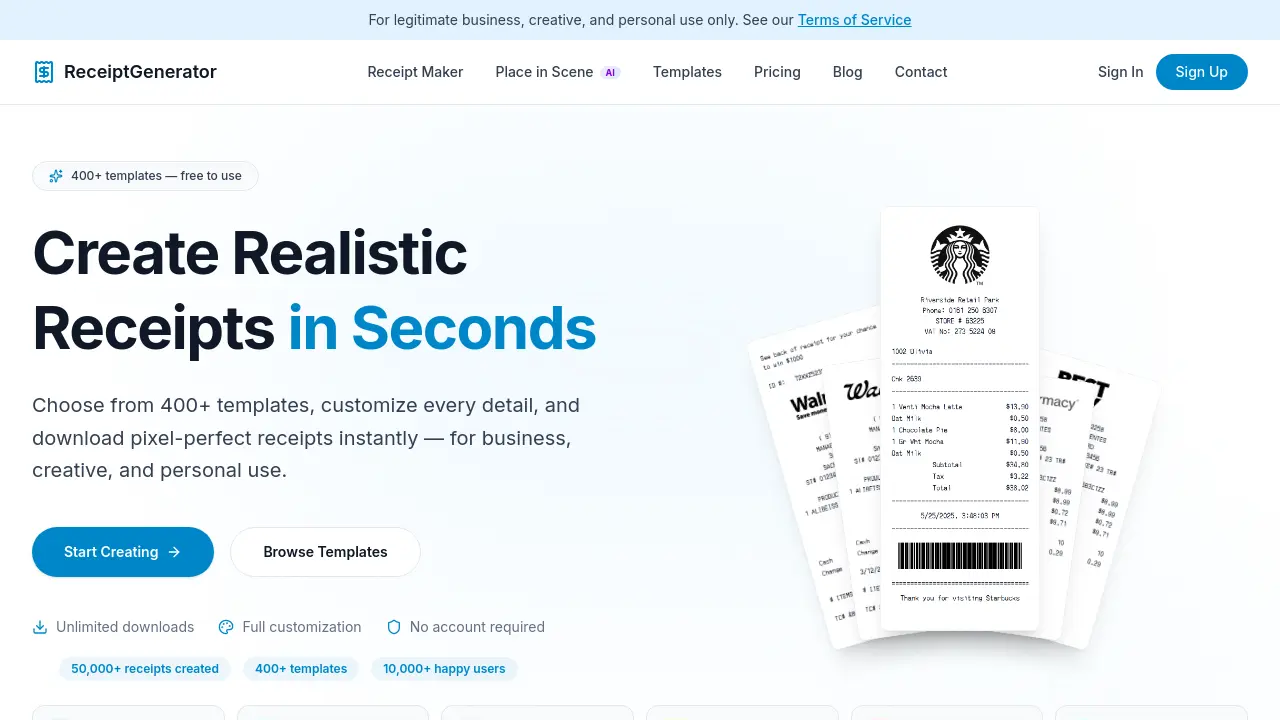
Generate realistic store receipts online with 400+ templates including Walmart, Target, and CVS, featuring a free drag-and-drop editor and instant download.

FAQs of Receipt Generator
What is Receipt Generator?
Receipt Generator is an online tool that allows users to create realistic-looking store receipts. It offers a wide selection of over 400 pre-built templates from various retailers, restaurants, and pharmacies, enabling users to customize every detail such as items, prices, taxes, and store information before downloading the finished receipt as a high-resolution PNG file.
Is Receipt Generator free to use?
Yes, Receipt Generator is free to use. Users can generate and download unlimited receipts at no cost. However, free downloads include a watermark overlay. To remove the watermark and unlock additional features like saving custom templates, users can subscribe to any of the paid plans.
How does the watermark feature work?
Free receipts generated using Receipt Generator include a subtle "receiptgenerator.co" watermark overlay on the downloaded image. This watermark is rendered server-side and shifts position with every edit, making it tamper-proof. Subscribing to any paid plan instantly removes the watermark from all generated receipts.
How many receipt templates are available?
Receipt Generator offers over 400 templates covering a wide range of categories including major retailers like Walmart and Target, restaurants such as Starbucks and Chick-fil-A, pharmacies like CVS and Walgreens, grocery stores including Kroger and Whole Foods, and many more. New templates are regularly added based on user requests.
What file formats can I download my receipts in?
Receipts created with Receipt Generator are exported as high-resolution PNG images. These images are print-ready and optimized for clarity at any size, making them suitable for various uses such as expense tracking, accounting, design mockups, budgeting, or record keeping.
Can I save and edit my receipts later?
Yes, logged-in users can save their customized receipts as templates. By visiting the Dashboard, users can access all their saved templates and continue editing them at any time. The platform also tracks download history, allowing users to re-edit past receipts easily.
How can I cancel my subscription?
Users can cancel their subscription at any time. This can be done through the Dashboard under Account Settings or via the Stripe customer portal. Paid features remain active until the end of the current billing period after cancellation.
Is my data safe and private when using Receipt Generator?
Yes, Receipt Generator prioritizes user data safety and privacy. The platform does not store receipt content beyond what is necessary for image rendering. Account data is protected by Supabase with row-level security, and all payments are processed securely through Stripe. User information is never shared with third parties.
What are receipts typically used for?
Receipt Generator is designed for legitimate business, creative, and personal use only. Common uses include expense tracking, accounting, design mockups, budgeting, and record keeping. It is important to note that using generated receipts for fraud or deception is strictly prohibited under the platform's Terms of Service.
What is the refund policy for Receipt Generator?
Receipt Generator does not offer refunds on any purchases. Since users gain instant access to all features upon subscribing, all sales are considered final. However, users have the flexibility to cancel their subscription at any time to prevent future charges.
How to use Receipt Generator
- Navigate to the Receipt Generator homepage and click on the "Start Creating" button to access the receipt generator tool.
- Browse the available templates and select one that suits your needs, such as Walmart, Target, or Starbucks.
- Customize the receipt by editing store information, line items, prices, taxes, and payment methods using the intuitive drag-and-drop editor.
- Adjust fonts, spacing, colors, and paper texture to achieve the desired look and feel for your receipt.
- Preview the receipt to ensure all details are accurate and visually appealing before proceeding.
- Choose to download the receipt as a high-resolution PNG or PDF file, or use the AI Place in Scene feature to generate a photo of the receipt on a chosen surface.
- If you have a paid subscription, your receipt will be downloaded without a watermark; otherwise, a subtle watermark will be included.
- Save your customized receipt as a template if you have an account, allowing for easy editing and reuse in the future.
